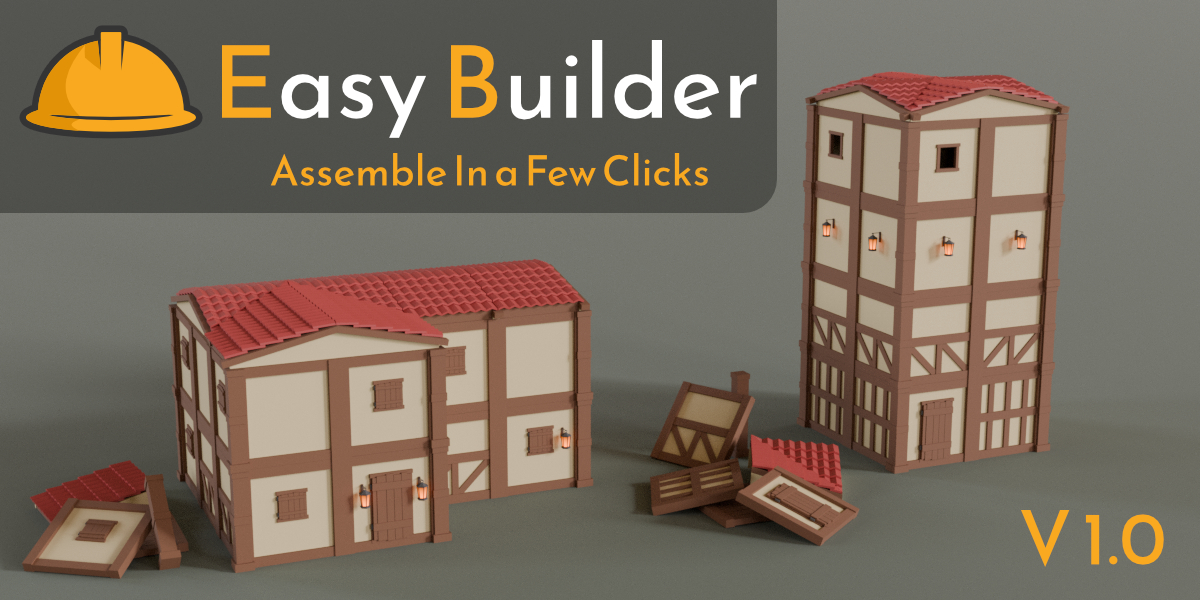
Easy Builder is a Blender add-on for assembling modular assets into buildings and interiors. Its adjustable grid helps align pieces. For interior pieces such as a table or chair, the free placement mode places assets on the selected floor without snapping.
Arrange rooms and floors
Set the grid to suit the assets you are placing, or use free placement for pieces such as a table or chair. When you add a ceiling, Easy Builder can detect its height; you can also adjust that height manually. The ceiling height and the height of assets used in the ceiling help determine where the next floor goes.
New floors are placed above the previous floor, and you can duplicate a floor in one click. X-Ray mode lets you see through walls when editing a previous floor or placing assets inside an enclosed room.
Included packs and custom assets
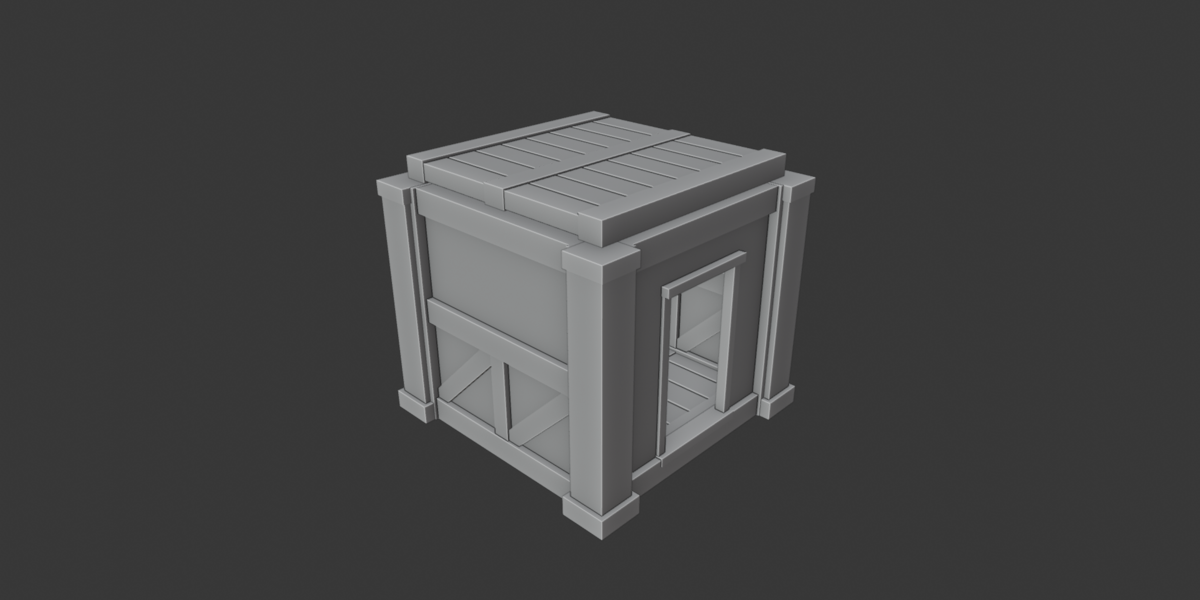
The add-on includes a Sci-Fi pack with 20 modular assets and a Medieval pack with 19. The first is intended for environments such as corridors and spaceship interiors; the second can be used to build a stylized village. You can also create your own packs. The custom pack documentation covers preparing assets and rendering a preview for each one.
Compatibility, price and licensing
The Superhive listing shows Blender 4.2–5.0 compatibility and marks Easy Builder as Blender Extension compatible. Check the listing for current compatibility before installing. Any Plugins still lists the add-on as free (facts last verified in July 2026); Superhive displayed $35 beside its Seats selector on November 24, 2026. Check the marketplace listing for current pricing. Superhive lists the add-on under GPL and separately states that the included assets may be used commercially but cannot be resold as a separate product. Review the current terms if you plan to redistribute or package those assets.