Build rulers with generated labels
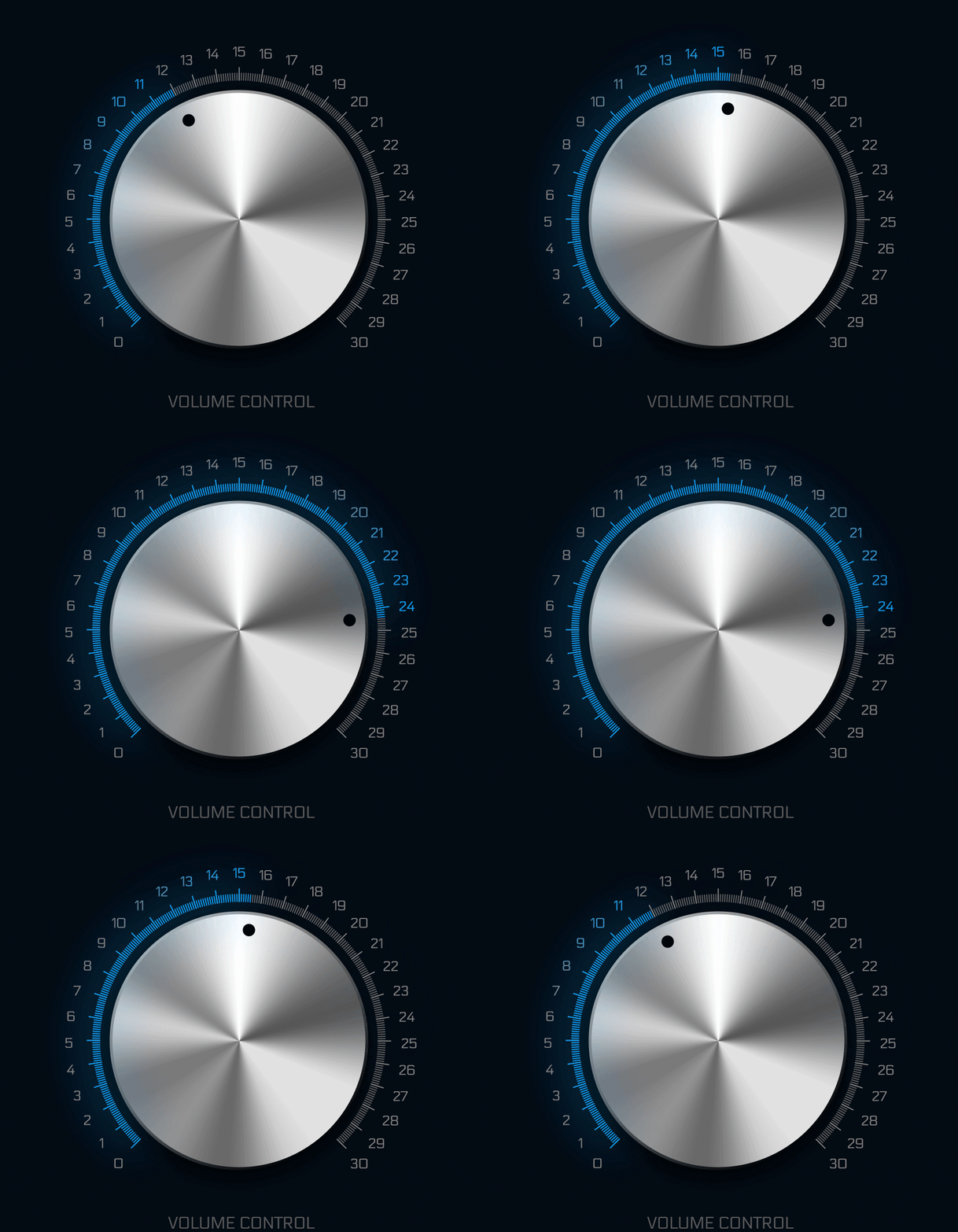
easyRulers 2 is an After Effects script and plug-in for artists creating graphical rulers, circular dials, linear sliders, gauges, dashboards, audio interfaces, or infographic elements. It creates and aligns the needed shape and text layers, so you can build these graphics without positioning each layer by hand.
Set the numbering start and step, then adjust label size, alignment, and color. You can add a prefix, suffix, or both, with separate controls for their size, position offset, and tracking. The Create Ruler control shows the number range and updates it when you change a setting.
Use pointer-driven label effects
For dial or gauge designs, set the pointer effect to change nearby text layers' position, scale, color, or opacity, then adjust its range and falloff type. Pointer lock and blink controls are also available, along with completion-percentage Wiggle settings for speed, from, to, and seed.
Create date and calendar labels
The Date function creates date labels and can cycle through full or abbreviated weekday and month names. This suits timelines, instrument panels, and other graphics where labels follow a calendar sequence.
Compatibility and licensing
easyRulers 2 supports After Effects CS6, CC, CC 2014, CC 2015, CC 2015.3, CC 2017 through CC 2019, and versions 2020 through 2027 on Windows and macOS with Intel or Apple Silicon.
The license allows one copy on one computer at a time and one archival copy, stored on a medium other than a hard drive and used only to reinstall the software. Use across multiple users or computers requires an appropriate license for each user and copy.