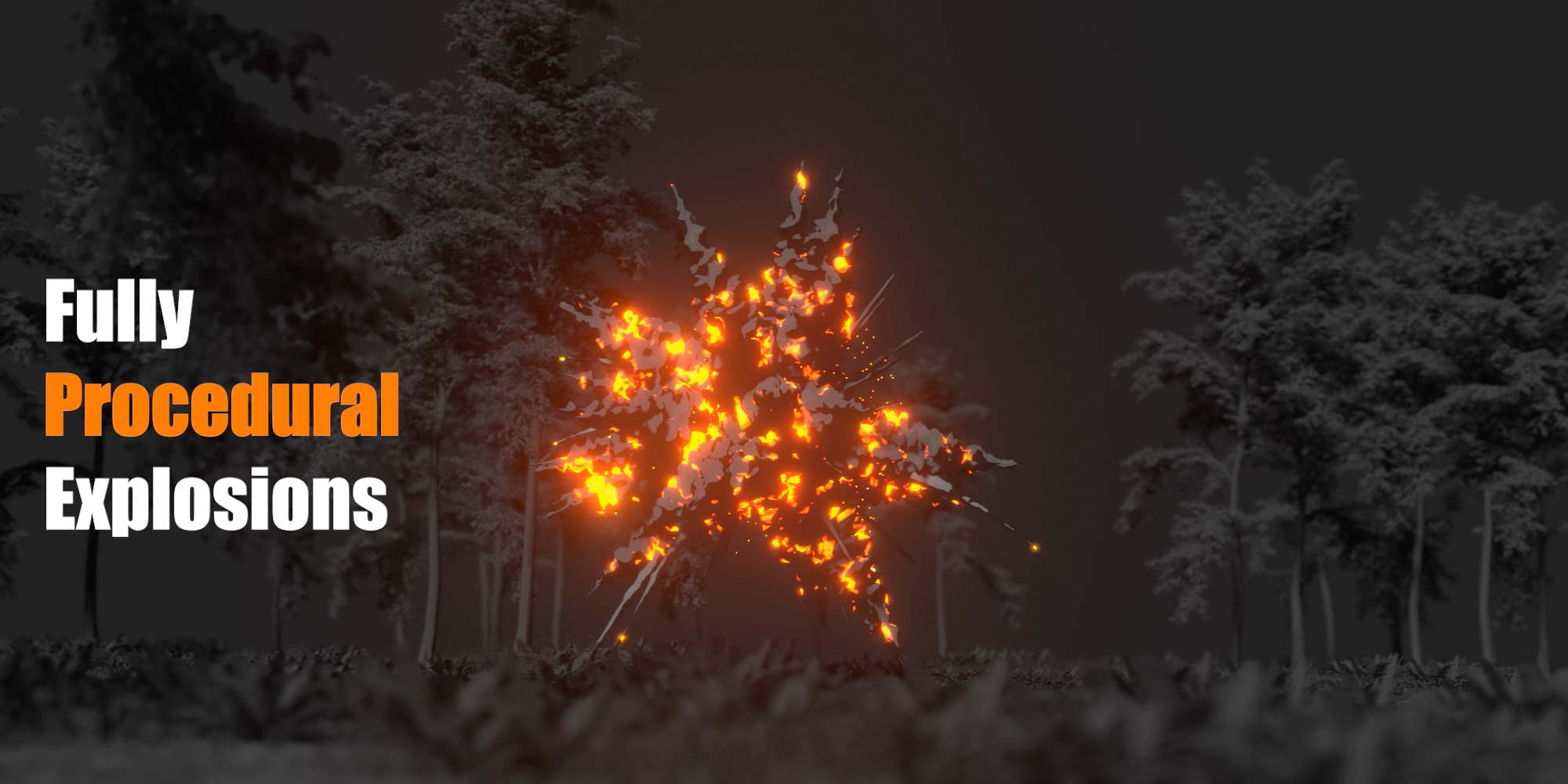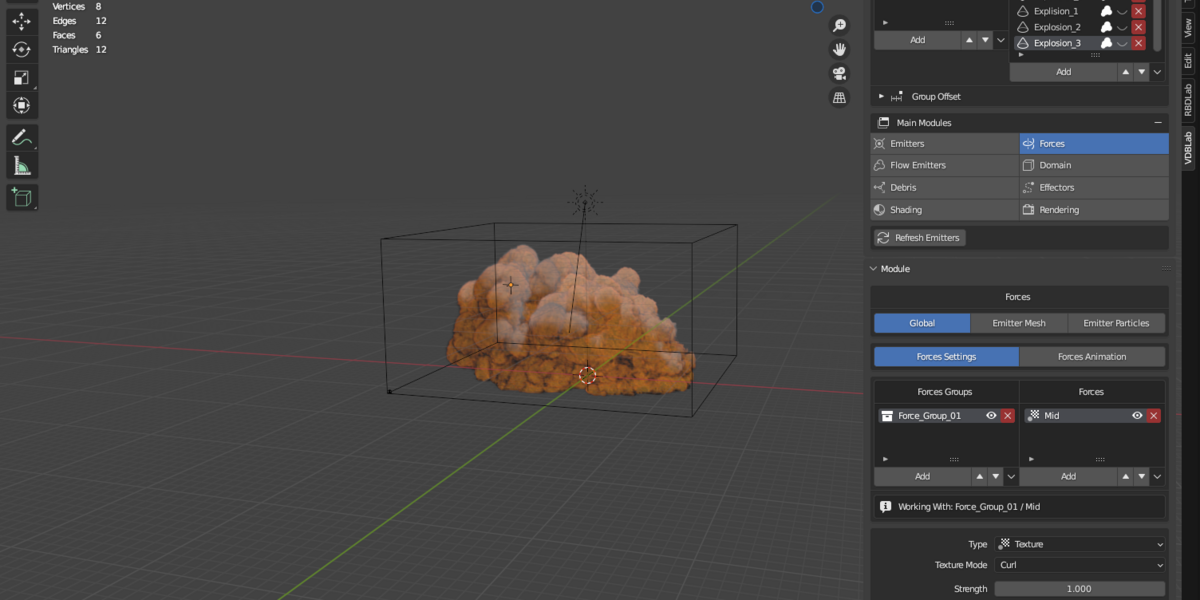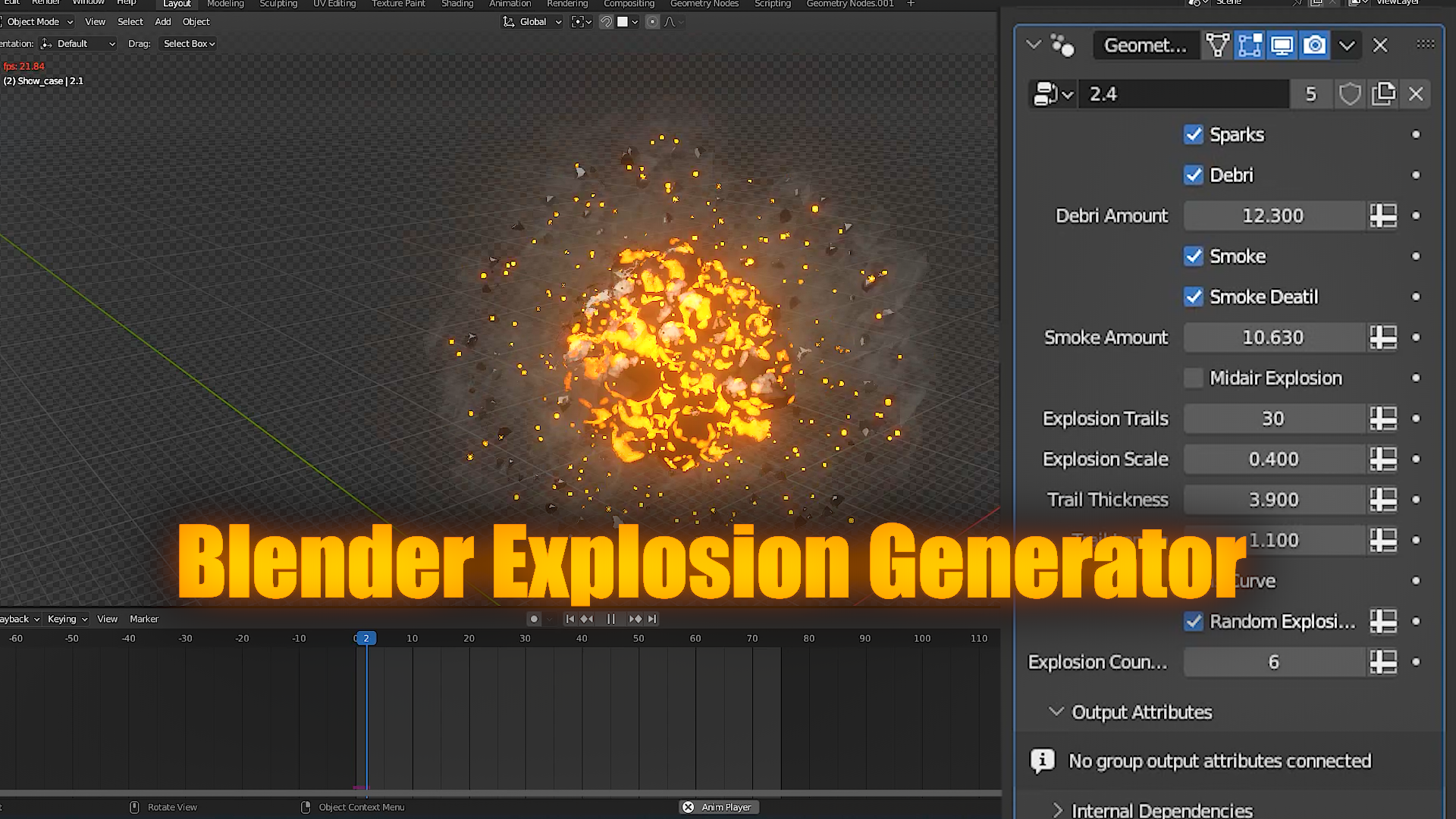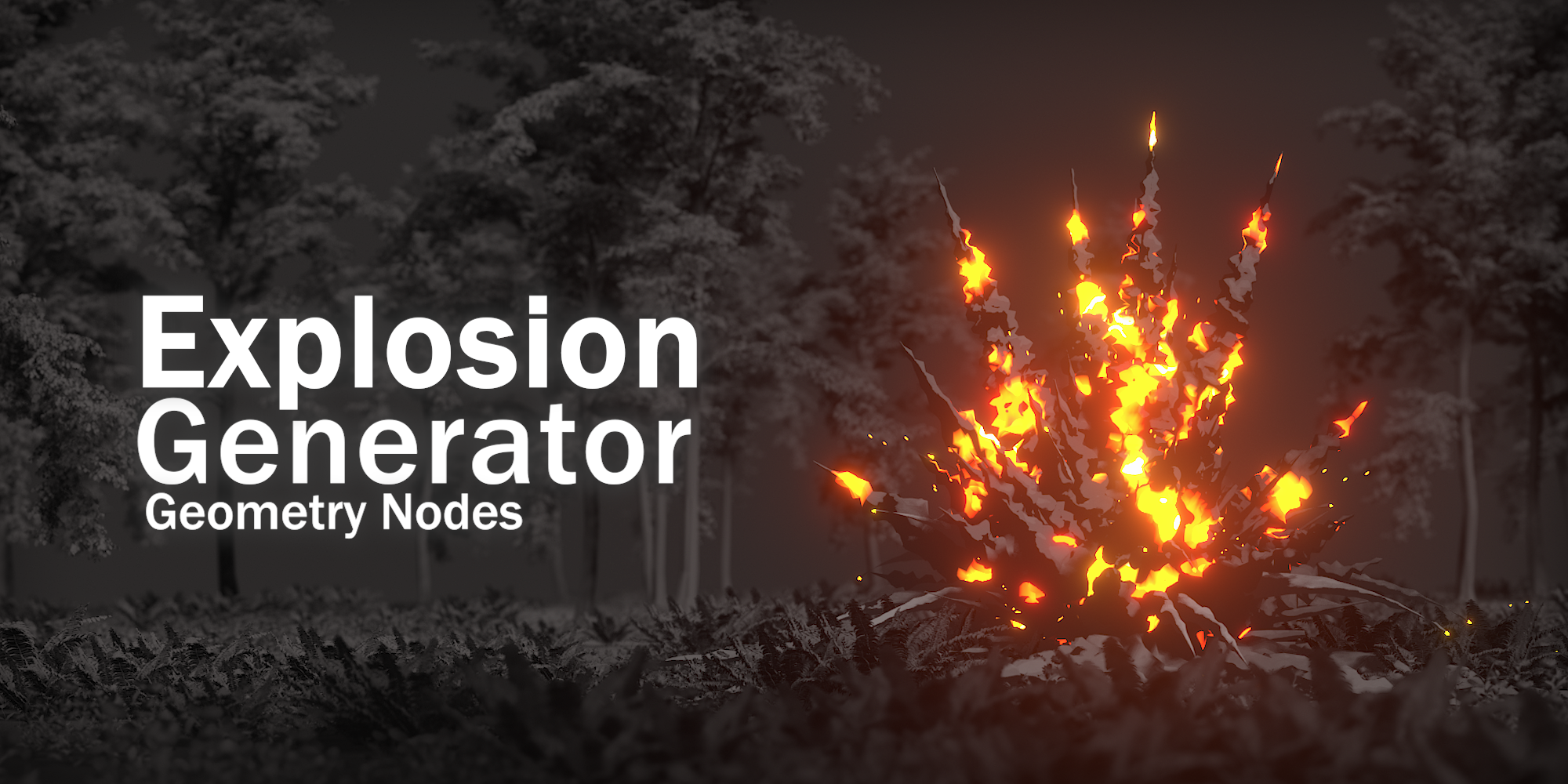
Explosion Generator is a Blender add-on by Jonathan Wübbe for creating procedural explosion effects in a scene. Its controls cover blast intensity, debris dispersion, speed, and duration. Curve objects control the explosion's shape and trajectory.
Adjust the explosion in your scene
Because the effects are procedural, they adapt to scene changes instead of remaining static, pre-rendered explosions.
- Change blast intensity and debris dispersion.
- Adjust the speed and duration of the effect.
- Use curve objects to control its shape and trajectory.
Preview and render engine details
The product listing names Blender-Internal, Cycles, and Eevee as render engines. Eevee is the engine identified for real-time previews as you adjust the effect.
Setup and version notes
The product's FAQ says to install the dataset included in the product files and reload the blend file if the system does not work after download. The product page separately recommends installing the included preset add-on to address some cases where explosions do not appear. The documentation describes a Version 5_1 fix for problems caused by Blender 4.4 GeoNodes changes, particularly differing iterations across multiple explosions; it says the generator can now function completely within 4.4.
Superhive lists Blender 3.0 through 5.0 as the supported range.
Who it may suit
Explosion Generator may suit Blender artists who need to adjust the shape, debris, intensity, or timing of an explosive effect within a scene. Its documented controls focus on procedural variation and curve-based direction; the supplied sources do not specify additional simulation or compositing features.