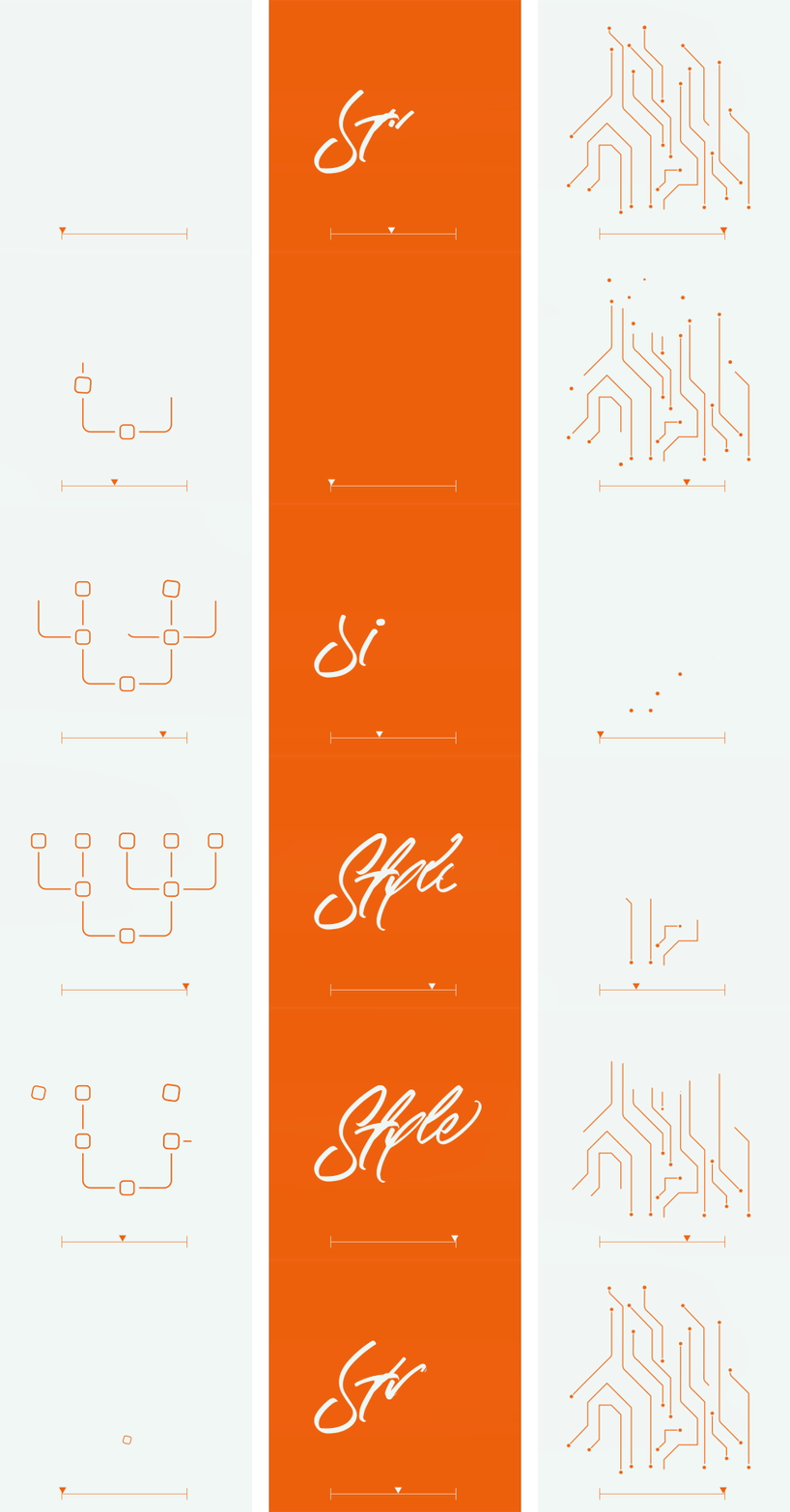
Exte is an After Effects script for users who work with shape paths and need to extend, bend, or animate them. Select two points on a path to create a new shape layer containing the extension. The Extend control detects the angle automatically; directional controls create extensions up, down, left, or right.
Extend and animate paths
Use Stretch and Shrink to adjust an extended path's length. You can select several extended path layers for these operations. The Animation option has two modes. An animated extension contains separate paths for its appearance and disappearance, whose keyframes you can adjust.
Keep Edge retains the edge shape, but may not work well when the selected shape area is wider than its stroke, such as with some serif details.
Bend an extension
Convert an extended path with Bend, then adjust the bend by editing its line path. Exte adds ExteStrokeStt and ExteStrokeEnd effects, which let you animate the path in a way similar to path trimming.
Bend conversion resets the shape-group structure and removes properties added to the extended path after it was created. Using fewer keyframes than were present when the extended path was created may prevent Bend conversion from working. During Bend conversion, part of the extended path becomes a line path, which cannot be contoured. If the ExteStrokeEnd value exceeds the ExteStrokeStt value, the edge is not retained.
Control points with nulls
Select multiple path points and add a control null to move them together. The points follow the null's position, scale, and rotation. Null creation requires the shape-group transforms to be at their defaults. If they are not, use Fix GpTfm to restore those defaults while preserving the path shape. Keyframes on group transforms can make the result move differently from the original animation.
Null controls work with paths that already have keyframes, and preserve those keyframes. Once a null controls a point, you can no longer edit that point individually. Exte cannot create null controls on a path that already has an expression.
Compatibility, setup, and licensing
The Exte listing specifies After Effects 2020 through 2026. To activate the script, enable After Effects' permission for scripts to write files and access the network. Set the project expression engine to JavaScript; Exte temporarily uses expressions during processing.
The trial is limited to creating one extended path. The listing offers Single User and Floating licenses. aescripts says a Single User license may be installed on up to two of your computers if they are not used at the same time. Floating licenses can be installed on computers on the same network, allow one user per license at a time, and require the aescripts Floating License Server. Remote use requires VPN access to that network.