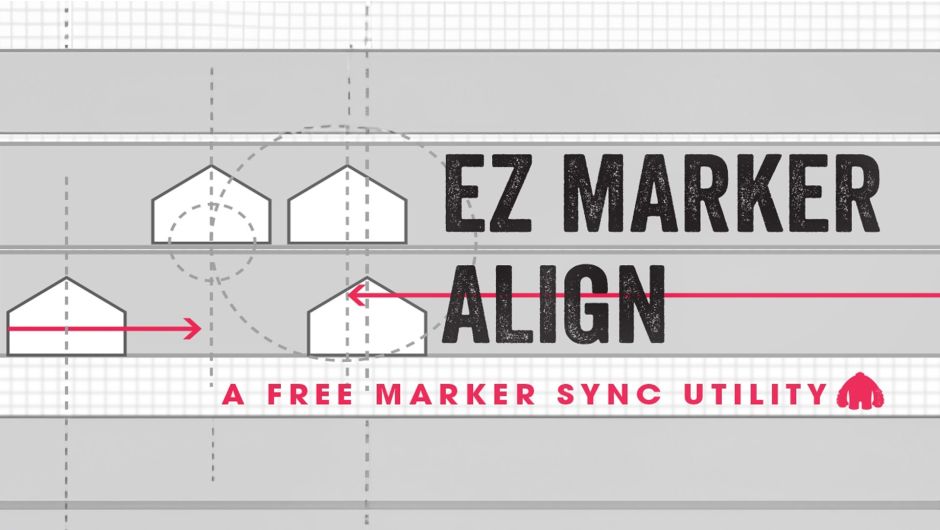
EZ Marker Align is a free After Effects utility that aligns markers on one layer with markers on a reference layer. The aescripts listing cites syncing text layers in EditMonkey and MonkeyWords pages as one use.
Using EZ Marker Align
- Select the layer whose markers you want to adjust.
- Select the reference layer with the marker positions to use.
- Click
Align.
The two layers should have the same number of markers. The listing does not explain how the tool handles a mismatch, so check the counts before running it.
Compatibility and license
The product listing states compatibility with After Effects 2025, 2024, 2023, 2022, 2021, 2020, CC 2019, CC 2018, CC 2017 and CC 2015.3.
The listing shows a price of $0.00. The EULA permits one copy and one archival copy on storage media other than a hard drive. It does not permit shared use or installation on multiple computers at once; additional users or copies require an appropriate license for each. Transfer or redistribution requires the author's express written consent, and modification is prohibited.