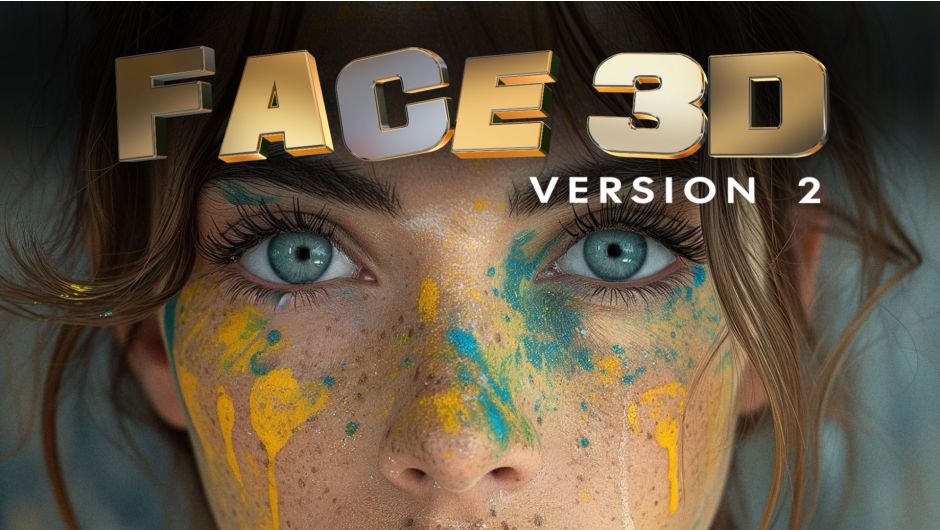
Face 3D V2 turns a still image into a 3D model for animation in After Effects. It fits After Effects users who want to animate a portrait or build a 3D image workflow around depth maps, subject isolation and image cleanup.
Build a 3D image from a photo
Select an image in the Project or Composition panel to generate a depth map. If distant parts of the image appear flat, use a mask in the Composition panel to generate a separate map for the selected area. You can also import a depth map from a local folder or create one with a depth-map plugin. In V2, those controls are in the main window.
After preparing the depth map, create a 3D model and adjust its settings, then animate it in After Effects. The product page does not detail each model setting, so check the controls in the trial or walkthrough if a particular adjustment matters to your project.
Prepare and edit the image
V2 adds one-click background removal and can isolate an object in a selected area. The Prompt Assistant is designed mainly to remove foreground objects and can also edit image content, such as changing the pictured subject.
Requirements and compatibility
Face 3D uses Blender for background processing, so install Blender for your operating system. The technical requirement is After Effects v24.2 or later with the Advanced 3D Renderer. The current compatibility table specifically lists After Effects 2025, 2026 and 2027, so confirm support before relying on an earlier version.
License scope
The EULA permits one installed copy for one user on one computer, plus one archival copy stored on a medium other than a hard drive for reinstallation only. Use on additional computers or by additional users requires appropriate licensing for each user and copy.