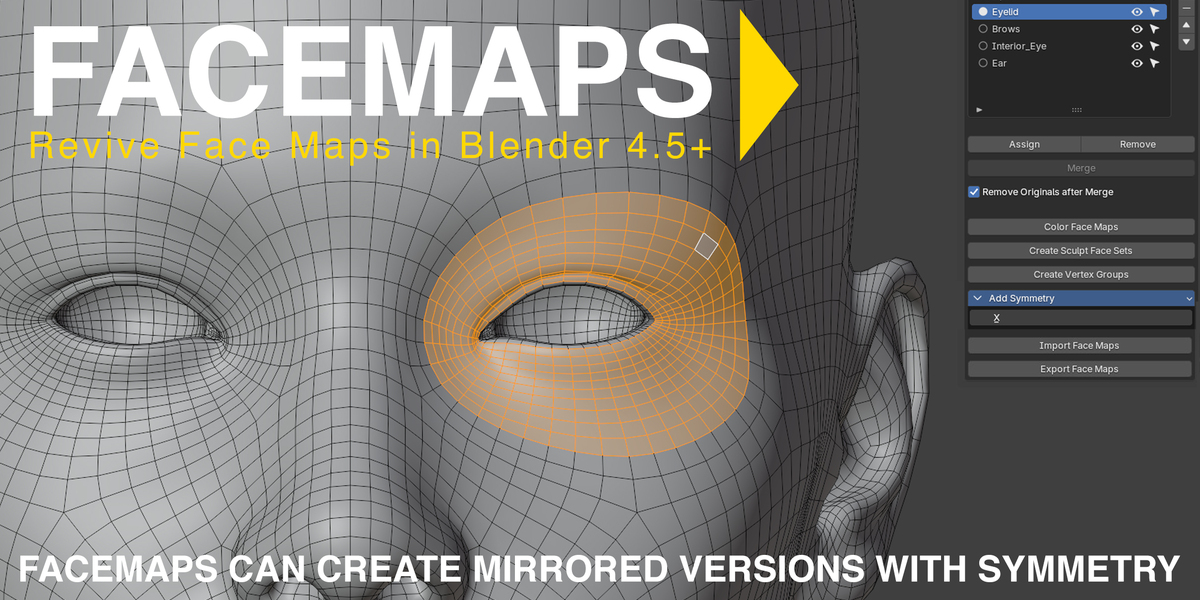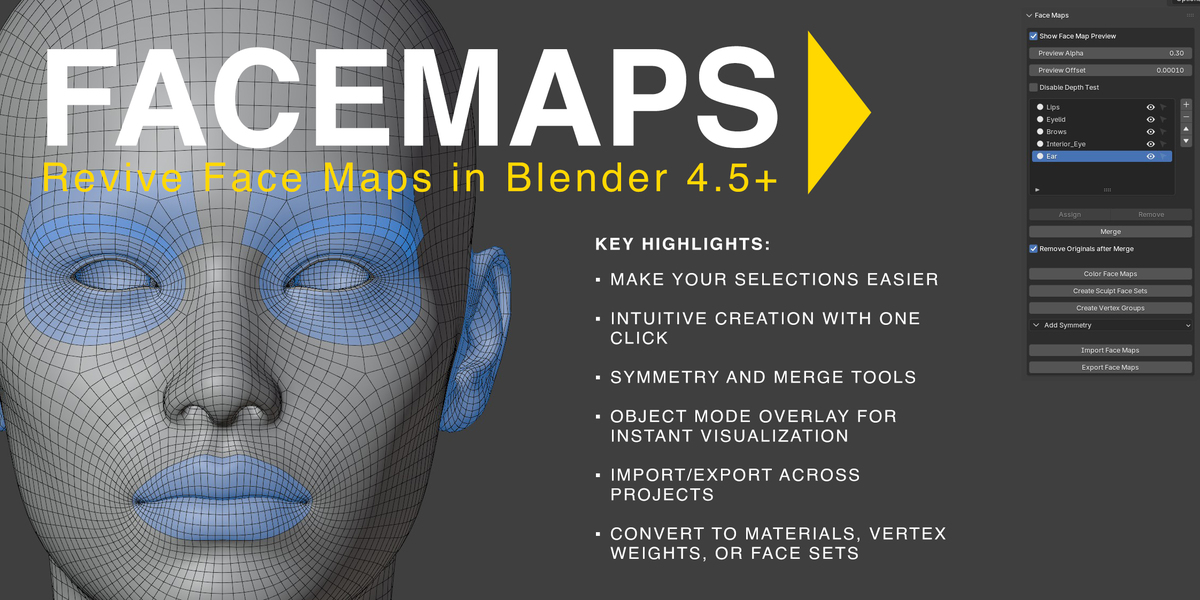
Facemaps by Easy Team is a Blender add-on for creating and managing named face selections. It helps organize complex meshes and quickly reselect areas while working in Edit Mode. The product listing identifies Blender 4.5 to 5.0 as its version range.
Create and organize face maps
To make a map, select faces on a mesh and click the plus button in the add-on panel. Maps can share faces, so a face may belong to overlapping selections. You can mirror a selection from one side of a mesh to the other, merge multiple maps, and import or export maps for sharing or backup.
A customizable overlay lets you view and manage face maps in Object Mode. This gives you a way to inspect them without switching back to Edit Mode.
Use selections across Blender tasks
Facemaps can convert face maps into Materials, Vertex Weights, or Face Sets. These options connect saved face selections to other parts of a Blender workflow, including sculpting. The product listing describes uses in character rigging, UV optimization, and preparing assets for games or animation.
Version 1.1 adds Selective Texture Paint: face maps can be used as masks for painting selected areas. This gives a saved face selection another use in the same project.
Compatibility and product details
Easy Team's current product listing marks Facemaps as Blender Extension compatible and gives Blender 4.5 to 5.0 as the supported range. It lists the add-on under the GPL license. Check the product page for current availability and compatibility details. The documentation describes the face-map tools and their workflow.