Fastcycles is a Blender add-on for switching between three Cycles render presets from a panel in the 3D Viewport. Draft is intended for quick previews, Medium balances quality and performance, and High targets final renders. Choosing a preset applies a group of settings rather than requiring you to adjust them individually.
How the presets differ
- Draft: Optimized for speed, with Simplify enabled.
- Medium: A quality and performance balance, with Simplify and Motion Blur enabled.
- High: Intended for final renders, with Simplify disabled and Motion Blur enabled. Denoising stays enabled across presets; High uses OpenImageDenoise when available.
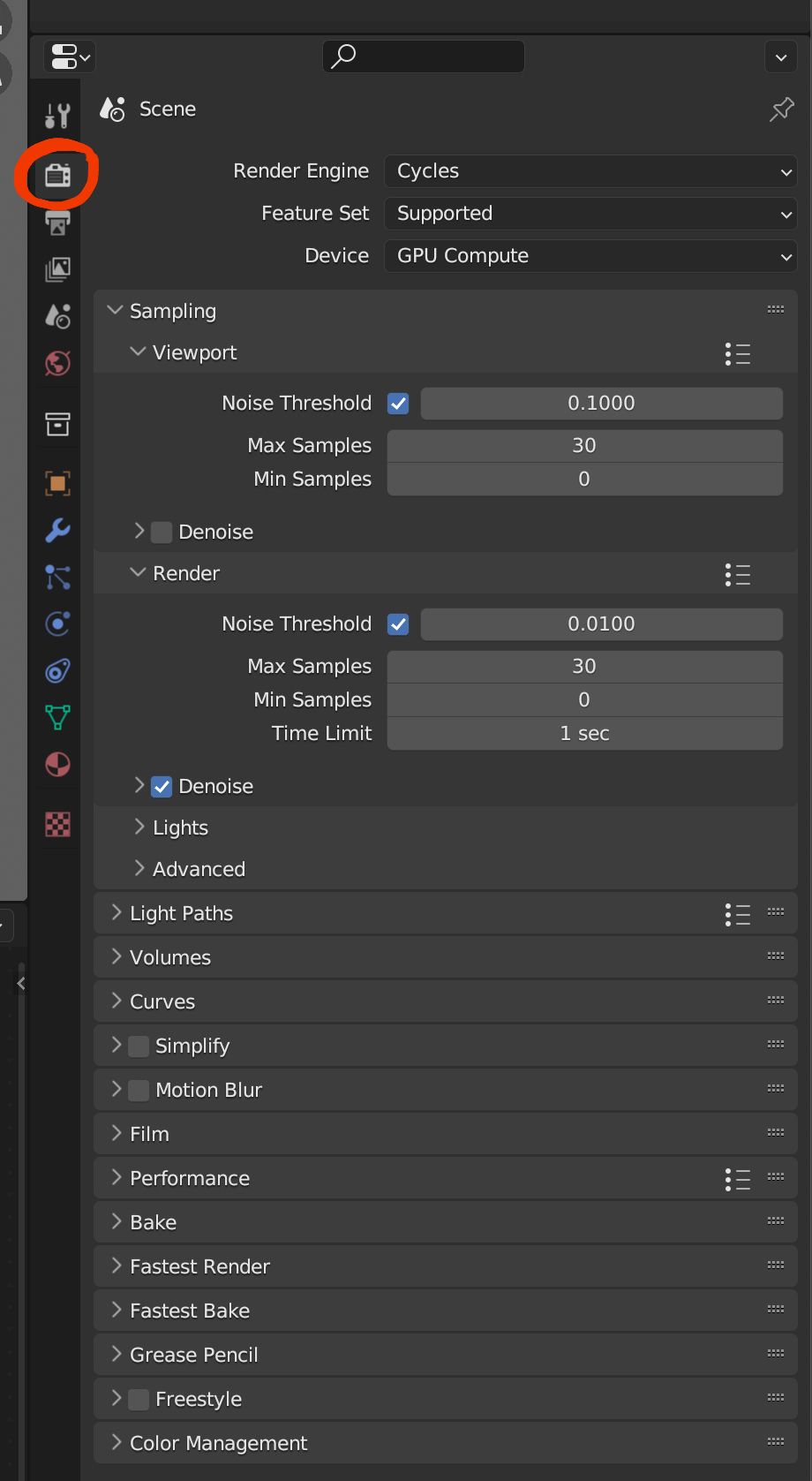
The documentation also lists clamping, caustics, samples, bounces, and device settings among the parameters adjusted by the presets. To open the controls, use the N key in the 3D Viewport and select the FastCycles tab in the sidebar. Clicking a preset applies its Cycles and Simplify settings.
Compatibility and listing details
The product listing identifies Blender 4.3 and an MIT license. Its documentation says Fastcycles is compatible with Blender 3.x and 4.x, so check the Fastcycles documentation and current product listing for details about the Blender release you use.