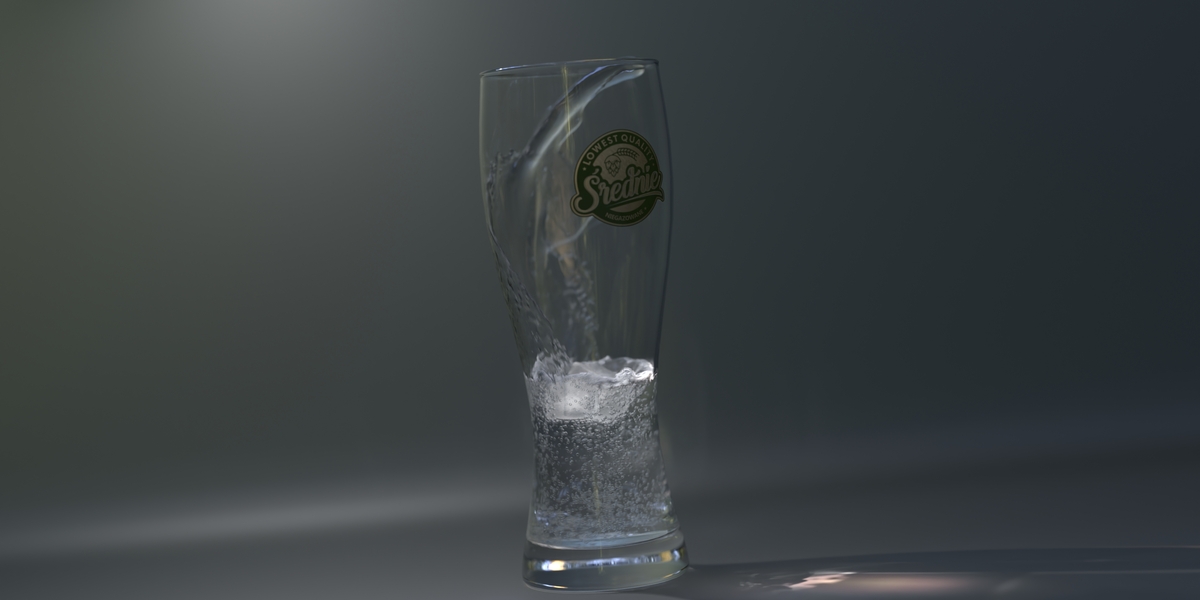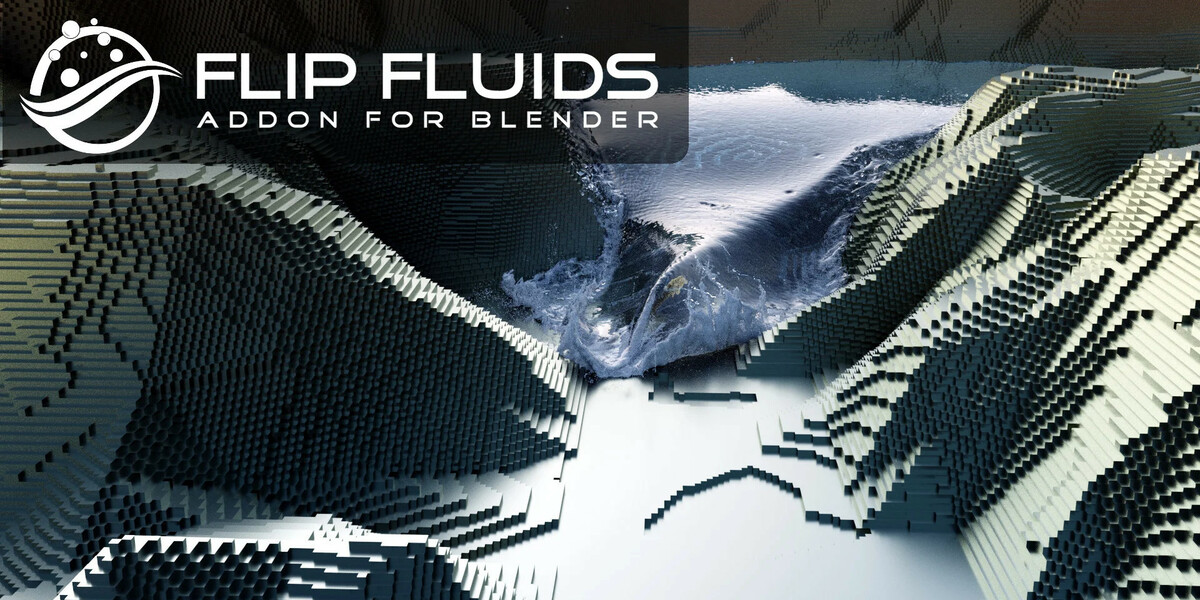
FLIP Fluids is a Blender add-on for setting up, running, and rendering liquid simulations. Its custom engine uses the FLIP simulation technique. A Domain contains the simulation and controls liquid properties; Fluid and Inflow objects generate liquid, Outflows remove it, and Obstacles handle interactions with solid objects. The Superhive product listing describes workflows for effects ranging from large bodies of water to small splashes and viscous pours.
Build a liquid simulation
Start with a Domain, then add the objects that produce or affect the liquid. Fluid and Inflow objects create it, while Outflows remove it from the simulation. Obstacles define solid surfaces for collisions and containment. The obstacle-inverse workflow is intended for keeping liquid inside a closed object. Force fields can shape the flow with volume, surface, or curve forces.
The add-on includes both FLIP and APIC simulation methods. Its documentation describes FLIP as suited to turbulent, splashy effects and APIC as suited to smoother, swirly motion and viscous simulations. You can also adjust time scale, keyframe many settings, and use preview display options when a detailed simulation slows viewport playback.
Whitewater, viscosity, and surface detail
For larger water effects, the whitewater simulator generates foam, bubbles, spray, and dust particles. These particles can be customized and rendered using Blender's point cloud features. For thicker liquids, the viscosity solver covers a range from thin flows to fluids that buckle and coil. Surface tension and sheeting tools address smaller splashes and help preserve thin sheets of liquid.
Color mixing uses the Mixbox plugin developed by Secret Weapons. The add-on also exposes simulation attributes such as velocity, vorticity, color, age, and ID for use in geometry nodes or shader effects. These features let artists adjust the appearance of a simulation within Blender's scene workflow.
Workflow and project fit
FLIP Fluids focuses on liquid effects. Blender's built-in Mantaflow also handles smoke and fire, so projects that need those effects may still use Blender's built-in tools. For liquid work, FLIP Fluids adds its own setup controls, debugging visualizations, simulation statistics, and command-line baking tools. Baked results are stored in an external cache directory, and the add-on includes options to pause and resume baking.
Before choosing it for a production scene, review the developer's documented limitations and confirm that its workflow fits the effect you need. The first-simulation guide, documentation wiki, example scenes, and preset scenes provide starting points. A free demo add-on is also linked from the developer's demo page.
Blender compatibility and system requirements
The Superhive listing names Blender versions 4.5 through 5.3 and Windows, macOS, and Linux support. It lists a minimum of a 4-core CPU, 8 GB RAM, and 4 GB VRAM, with 16 CPU cores, 32 GB or more of RAM, and 8 GB or more of VRAM recommended. The listing says the GPU is used for display and rendering. Check the current listing before installing, since supported Blender versions and requirements can change.