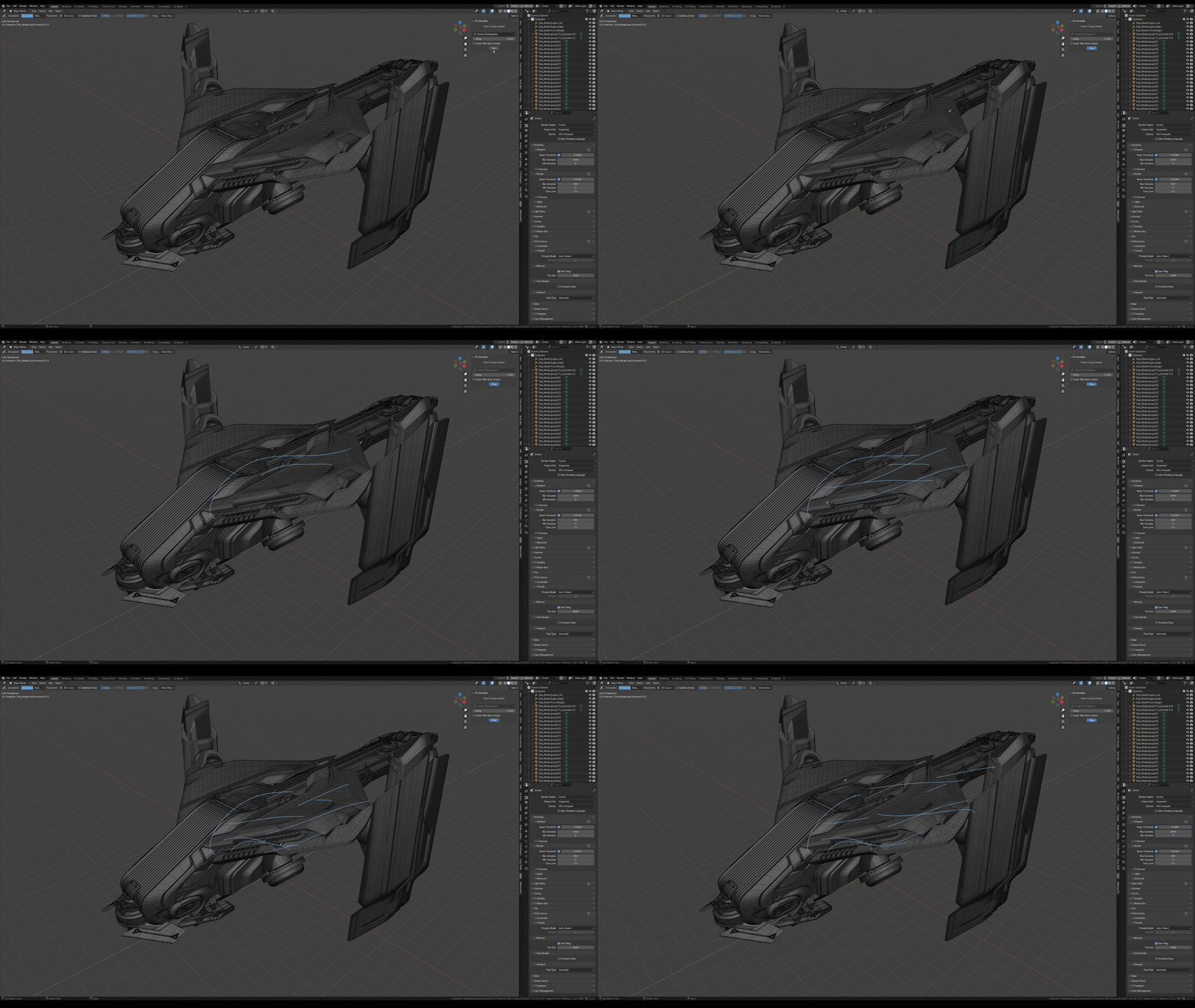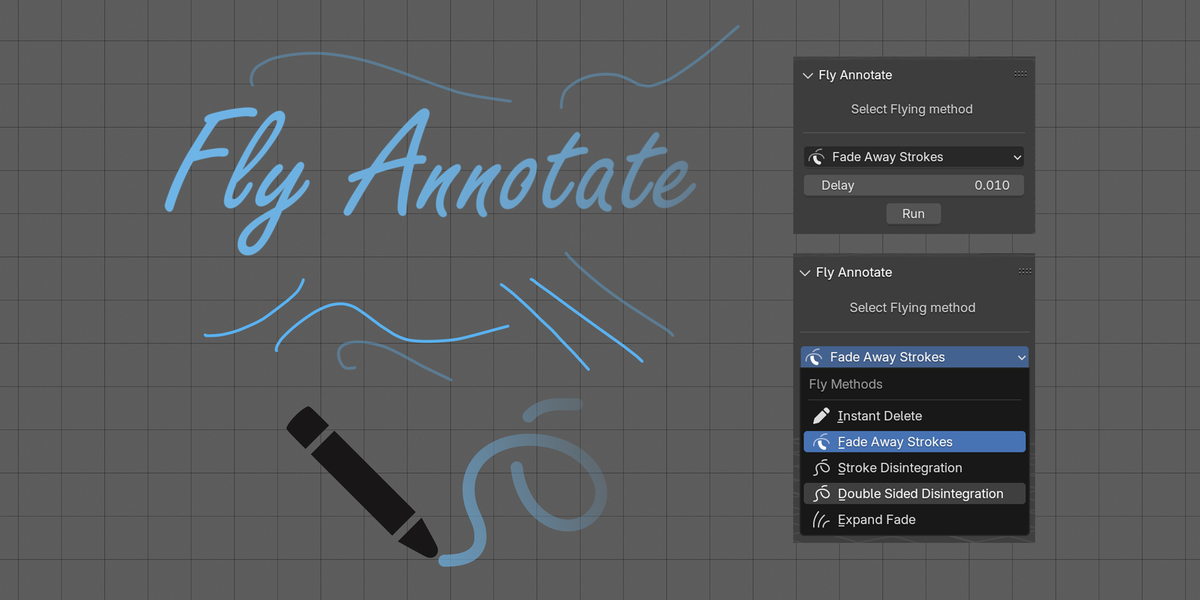
Fly Annotates is a Blender add-on by Alaa CG that removes annotation strokes or animates them away. Open it from the N panel and run a deletion or flying method; the method deletes or animates strokes you draw until you stop the operation. It is suited to Blender users who want temporary annotations cleaned up without erasing each stroke by hand.
Choose how strokes disappear
Instant Delete removes a stroke as soon as you finish drawing it. Fade away fades strokes over time, controlled by a delay value. Expand Fade makes strokes expand as they fade, with the effect also controlled by an expanding factor. Stroke Disintegration erases strokes from end to start, and Double-Sided Disintegration erases strokes from both ends. The Superhive changelog says version 1.3 brought both disintegration methods back for Blender 5.2+; an earlier version 1.1 note says they were deprecated but still worked below Blender 4.2. The listing does not state whether they work from Blender 4.2 through 5.1.Blender version and installation notes
Superhive lists compatibility from Blender 2.8 through 5.3 and describes Fly Annotates as both an Extension and an Add-on. Its instructions say to drag and drop the file in Blender 4.2 or later; for earlier versions, install it as an add-on. The changelog says version 1.2 added Blender 5.0+ support. Check the Superhive product listing and its documentation for instructions that match your Blender build.
Who may find it useful
Users who want strokes removed as soon as drawing ends can choose Instant Delete; those who prefer a delayed disappearance can choose Fade away, while Expand Fade also makes strokes expand as they fade. The listing identifies the license as GPL. A demo video is available on the Superhive product listing.