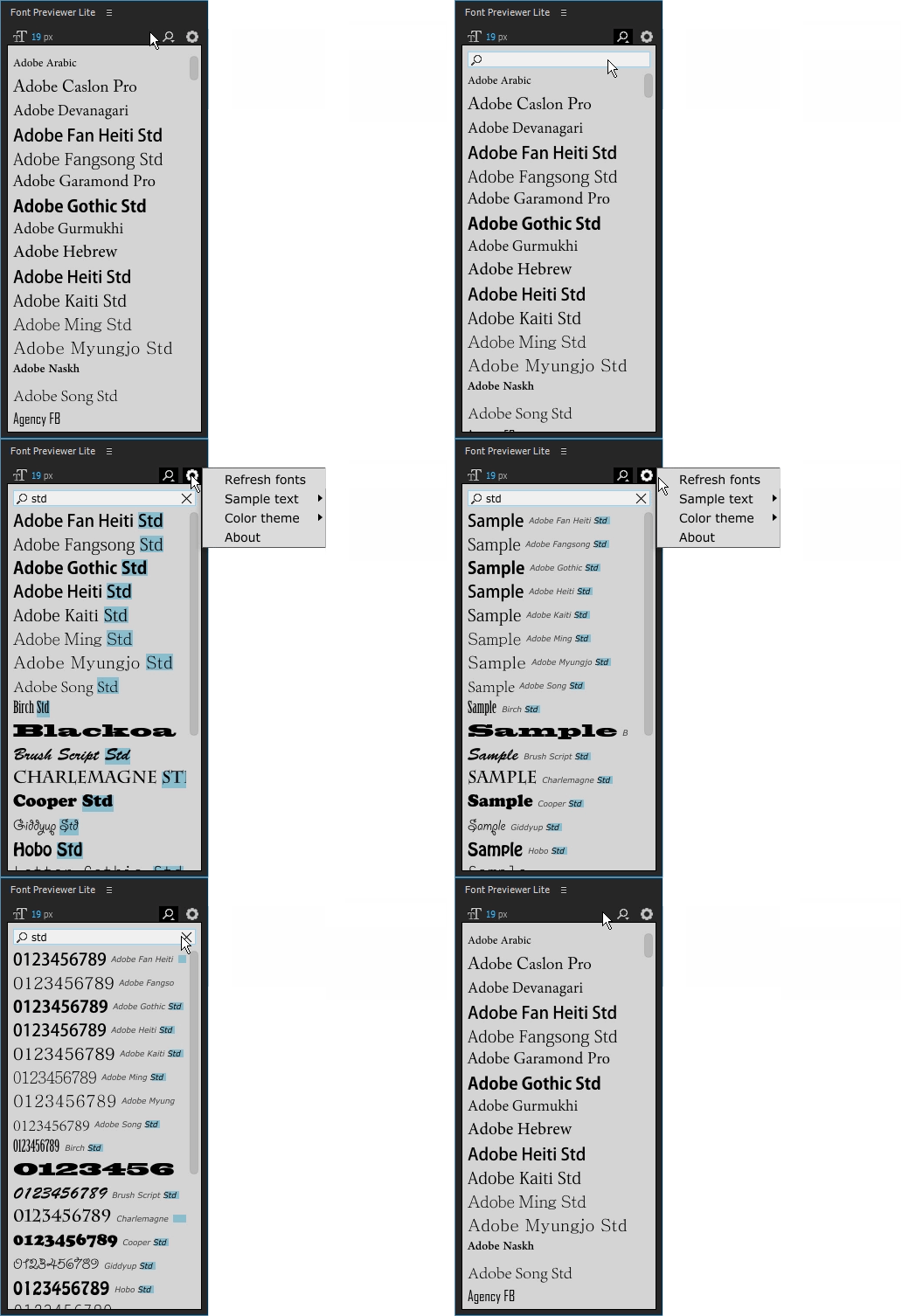
Font Previewer is a panel for browsing system fonts while working in After Effects. It suits users who want to compare fonts with their own text, organize candidates, and apply a selection from the panel.
Preview fonts with your own text
Search the Fonts list or move through it with the arrow keys. Select a font to show it in the preview pane, then enter sample text. The preview controls let you change font style, size, tracking, width, and height. You can save and load sample text from the text field's context menu.
Organize and apply a selection
Right-click a font to add it to Favorites. In the Favorites list, you can create and rename folders, then open or close them to manage candidate fonts. Double-click a font or select it and press Enter to apply it to After Effects.