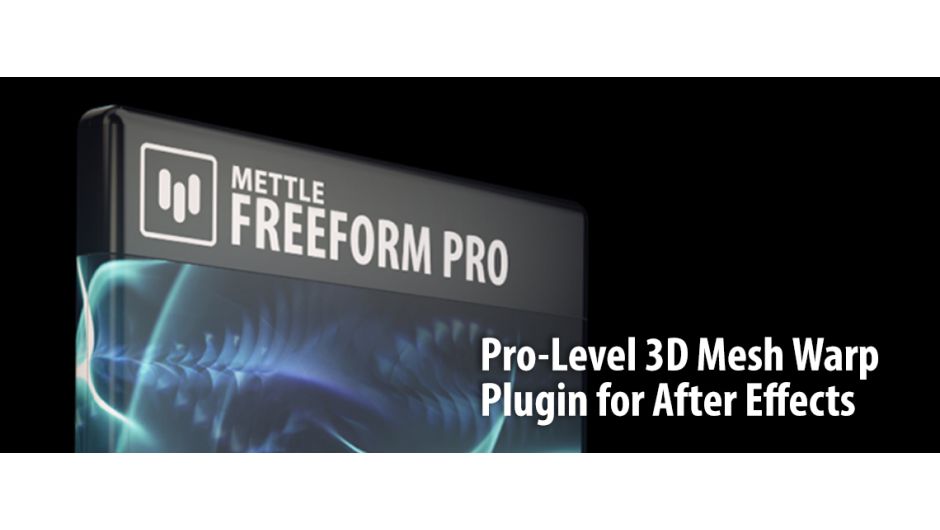
FreeForm Pro is an After Effects plug-in for deforming layers into 3D surfaces. Its three main tool sets are Mesh Warp, Displacement Mapping and Render Primitives. It fits motion design and compositing work that needs controlled layer warping, animated shape changes or repeated 3D forms inside After Effects.
Shape a layer with mesh controls
Mesh Warp lets you move and animate vertices in X, Y and Z, with up to 400 control points and corresponding tangent handles. Choose a single axis for a more constrained adjustment, or move freely on all three. Tangent Alignment can keep handles aligned for smooth curves or break them for sharper corners. This approach suits deliberate deformations and morphs where you want to shape specific parts of a layer.
Drive deformation with a map
Displacement Mapping uses image values to define the surface height. A grayscale map can create broad forms such as terrain or more organic contours. Animate the map to change the surface over time, for example for rippling water, flowing curtains or flags. Mesh Warp and displacement can also be combined: the map adds deformation to the mesh edits rather than replacing them.
Generate repeated forms and control the finish
Render Primitives turns a layer into an array of cubes, tetrahedrons, octahedrons, icosahedrons, rods or planes; the separate Generator duplicates a 3D object on one layer so you can manipulate its copies. Surface controls include diffuse, specular and roughness adjustments. A separate image can be mapped to the back of a layer, which is useful for a sign or map that folds, rolls or crumples. For terrain made from real data, the product listing describes using FreeForm Pro with GEOlayers.
Preview quality and check compatibility
To keep interactive work responsive, choose Full, Shade or Wireframe rendering and adjust mesh subdivision and anti-aliasing. You can use lower settings while working and raise them for a final preview or render. The user guide describes the basic mesh as a 3D surface with no extrusion or thickness, though it notes that techniques can create objects with volume. It also says the After Effects layer carrying the effect must remain 2D and the mesh does not normally interact with other 3D layers in the composition.
The aescripts listing names After Effects 2026, 2025, 2024, 2023, 2022, 2021, 2020, CC 2019, CC 2018, CC 2017 and CC 2015.3. Mettle lists an AMD or NVIDIA graphics card with at least 2 GB of VRAM as the minimum system requirement. A free trial is available; Mettle says demo output includes a watermark until you purchase and register a license.