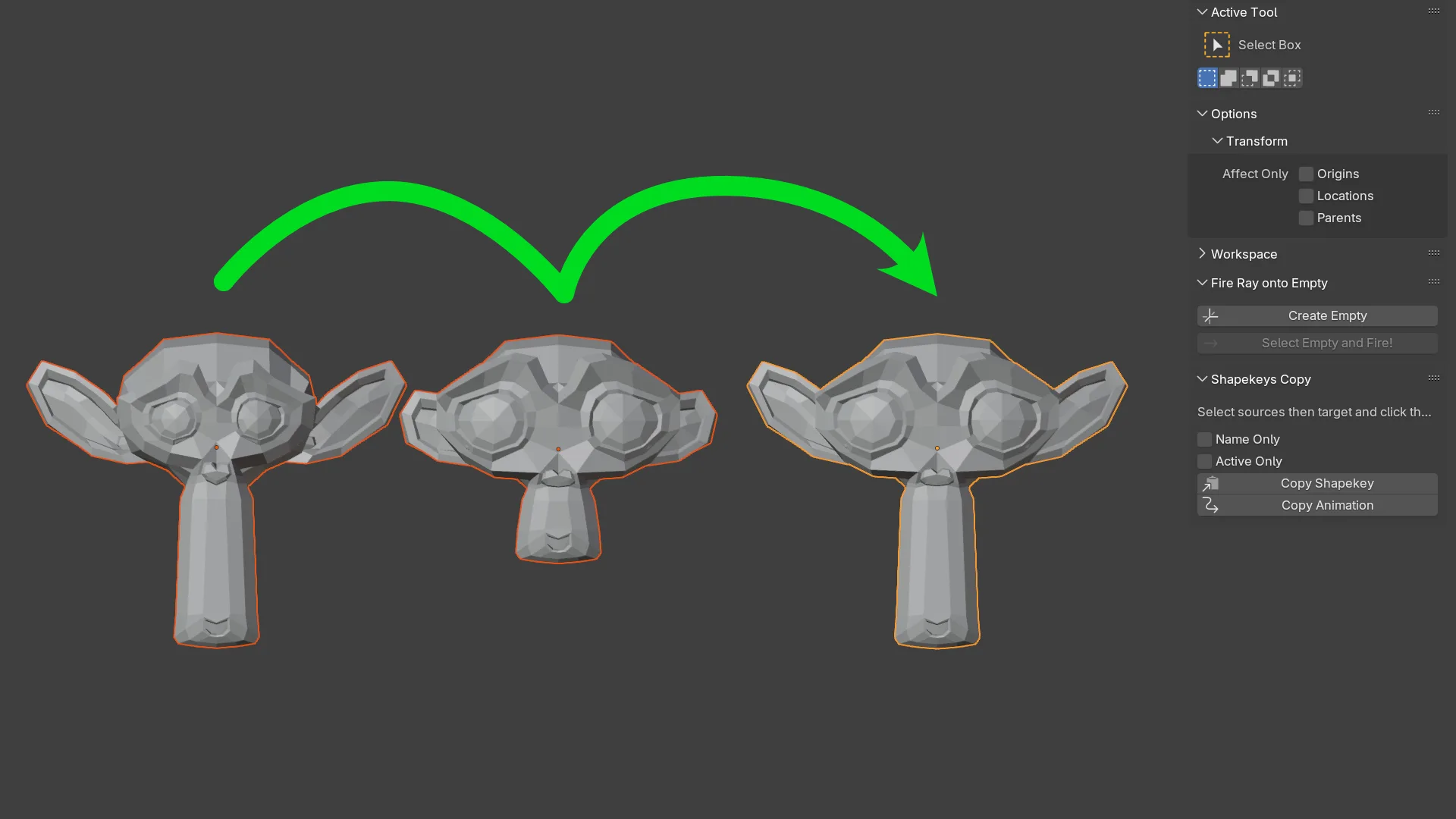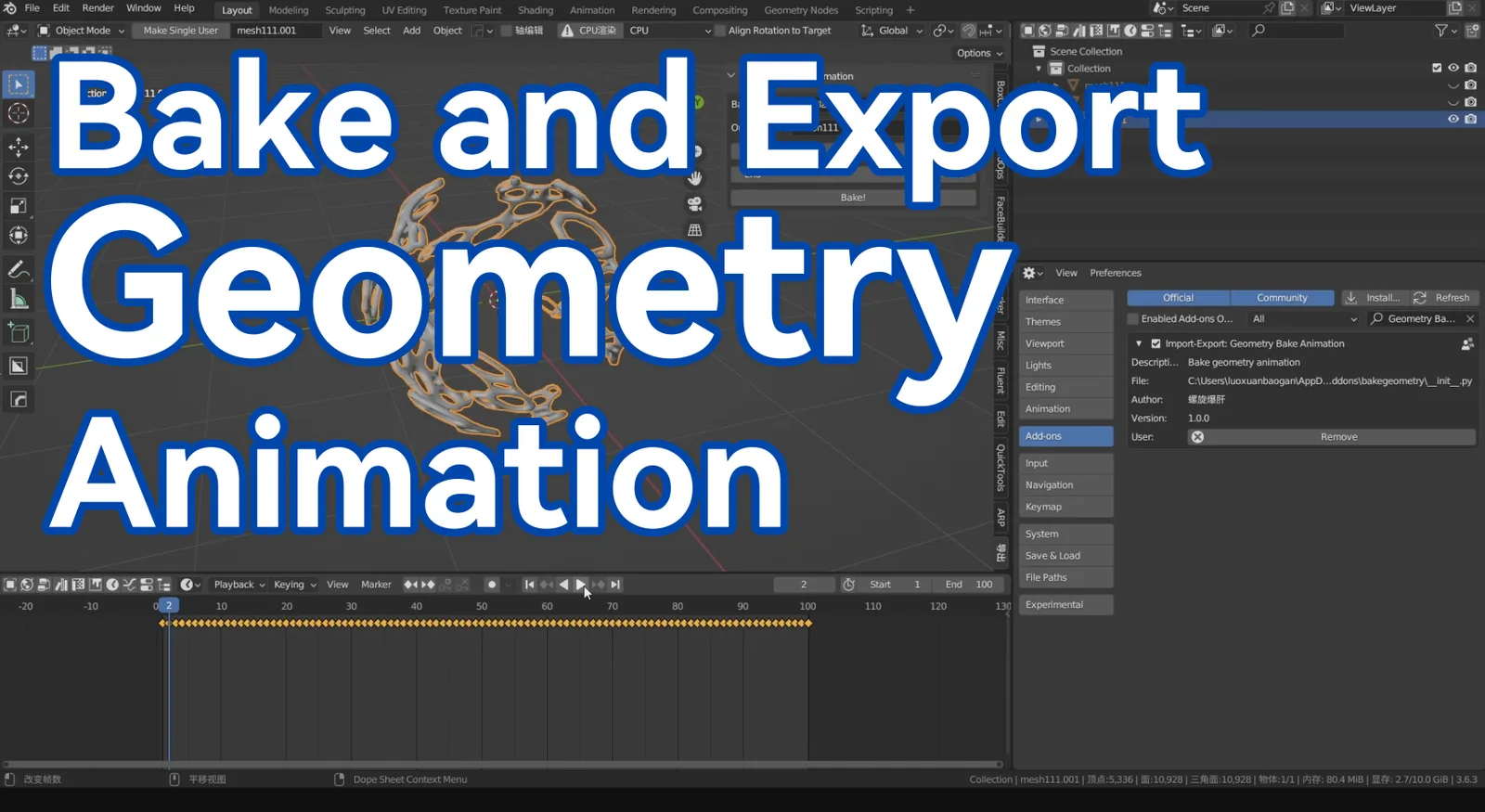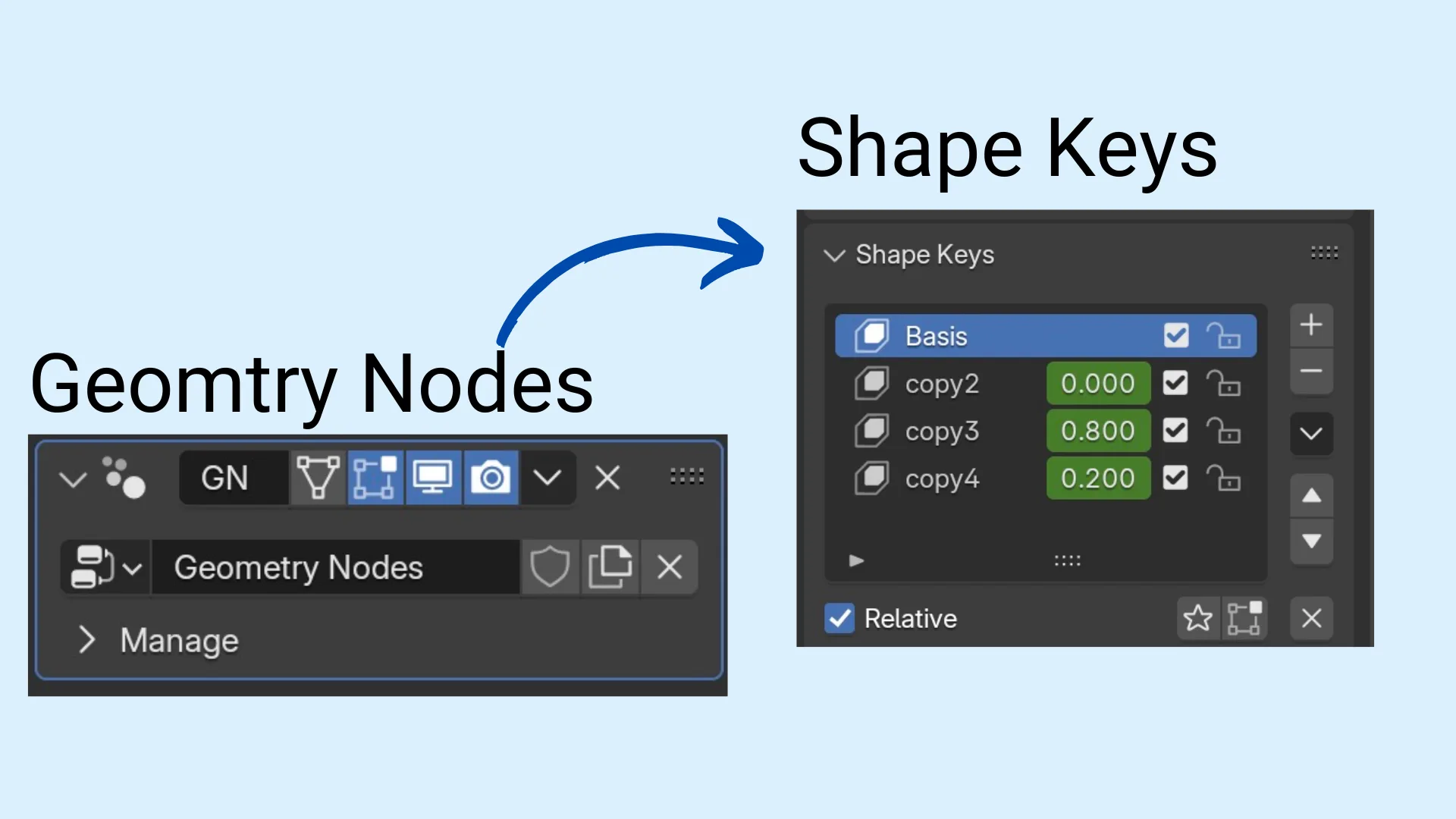
Geonode To Shapekey converts an animated Geometry Nodes setup into shape-key animation. The Blender Extensions listing describes it as useful for glTF export, where shape keys are supported but Geometry Nodes are not. The add-on samples the evaluated object and combines those samples as shape keys.
How the conversion works
In the GeoNodes panel in Blender’s 3D Viewport, select an object with a Geometry Nodes modifier and set the number of time samples. Prep Copies creates an evaluated copy at each sample. Merge to Shape Keys combines those copies into one shape-key sequence. The panel also includes a Rename and Delete action.
You can choose relative or absolute shape keys. Relative mode animates individual shape-key values; absolute mode animates the shape-key evaluation time. The developer’s source code for version 1.2.1 shows that Rename and Delete searches all scene objects named copy followed by digits, renames the lowest-numbered match to shapekey_object, and deletes the rest; pre-existing matches are included.
Sampling uses a fixed 10-frame interval
The add-on samples from frame 0 at 10-frame intervals: 0, 10, 20, and so on. You can set how many samples to create, but the interval is fixed. A review of version 1.2.0 calls out this behavior, which is also reflected in the developer’s code. Motion between samples is not captured as a separate shape key, so preview the result and check its timing before export.
Keep the mesh topology stable
Each sample needs matching vertices so Blender can combine the meshes as shape keys. The extension listing warns that the Geometry Nodes setup cannot add or delete vertices during the conversion. Blender’s shape-key documentation explains that shape keys store positions for the object’s existing vertices. A setup that changes mesh topology across samples does not fit this workflow.
Check Blender compatibility
The extension listing gives Blender 5.1 as the minimum version and lists version 1.2.0 as supporting Blender 5.1. Geonode To Shapekey is a fit when your animation can be represented by samples 10 frames apart, its mesh topology stays stable, and your export workflow uses shape keys.