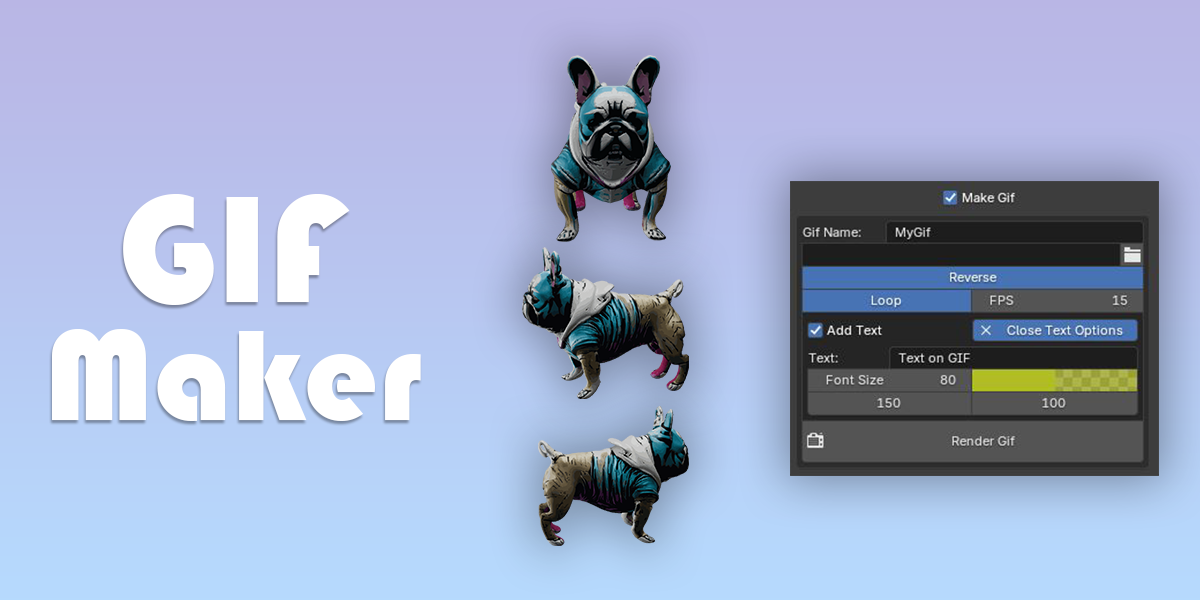
GifGun 2 turns After Effects compositions into GIFs and video files from a dockable panel. Select one or more comps in the Project panel, choose an output preset, and render without sending the job through Media Encoder. Batch rendering and reusable presets suit motion designers who export the same project for several destinations or file-size limits.
Choose a format for the destination
| Format | Useful for | Transparency |
|---|---|---|
| GIF | Email, chat, and places where broad playback support matters. GIF files are typically the largest of these options. | On or off per pixel; the product includes alpha matte handling. |
| WEBP | Websites and banners. The developer describes WEBP files as typically 25-50% smaller than GIF. | Full alpha. |
| WEBM | Web video, backgrounds, and overlays. | Full alpha. |
| MP4 | Social media and presentations, where a smaller video file is useful. | No alpha channel. |
Control size and repeat exports
GifGun includes GIF compression controls and a target-size option that adjusts render settings toward a requested file size. The aescripts listing describes target sizing as experimental; for GIF, it creates five versions aimed at the target. Check the rendered file when a platform has a strict upload limit. You can save custom render settings as JSON presets and share them with a team.
For transparent edges, choose a preset that includes Alpha. GIF transparency is limited, so edges can look rough; WEBP and WEBM support full alpha, while MP4 does not.
Use it with or without After Effects
The same GifGun 2 license code activates the After Effects panel, desktop app, and browser app. The desktop app accepts one or more dropped video files for conversion without After Effects. The developer says the web app runs locally in a browser and files do not leave the computer; the aescripts listing identifies that app as beta.
Compatibility and licensing
The aescripts compatibility table lists After Effects 2020-2026, while its product overview says After Effects 2021+. Check compatibility if you use AE 2020. The current desktop app requires macOS 15 or newer on Apple Silicon, or 64-bit Windows 10/11. The developer's help page says the latest plugin version for Intel Macs is 2.0.20.
Aescripts lists a $39.99 lifetime license and a free trial. The purchase covers all three app versions, but the product page's attached EULA limits use to one user and one computer at a time; additional copies or users require the corresponding licenses.