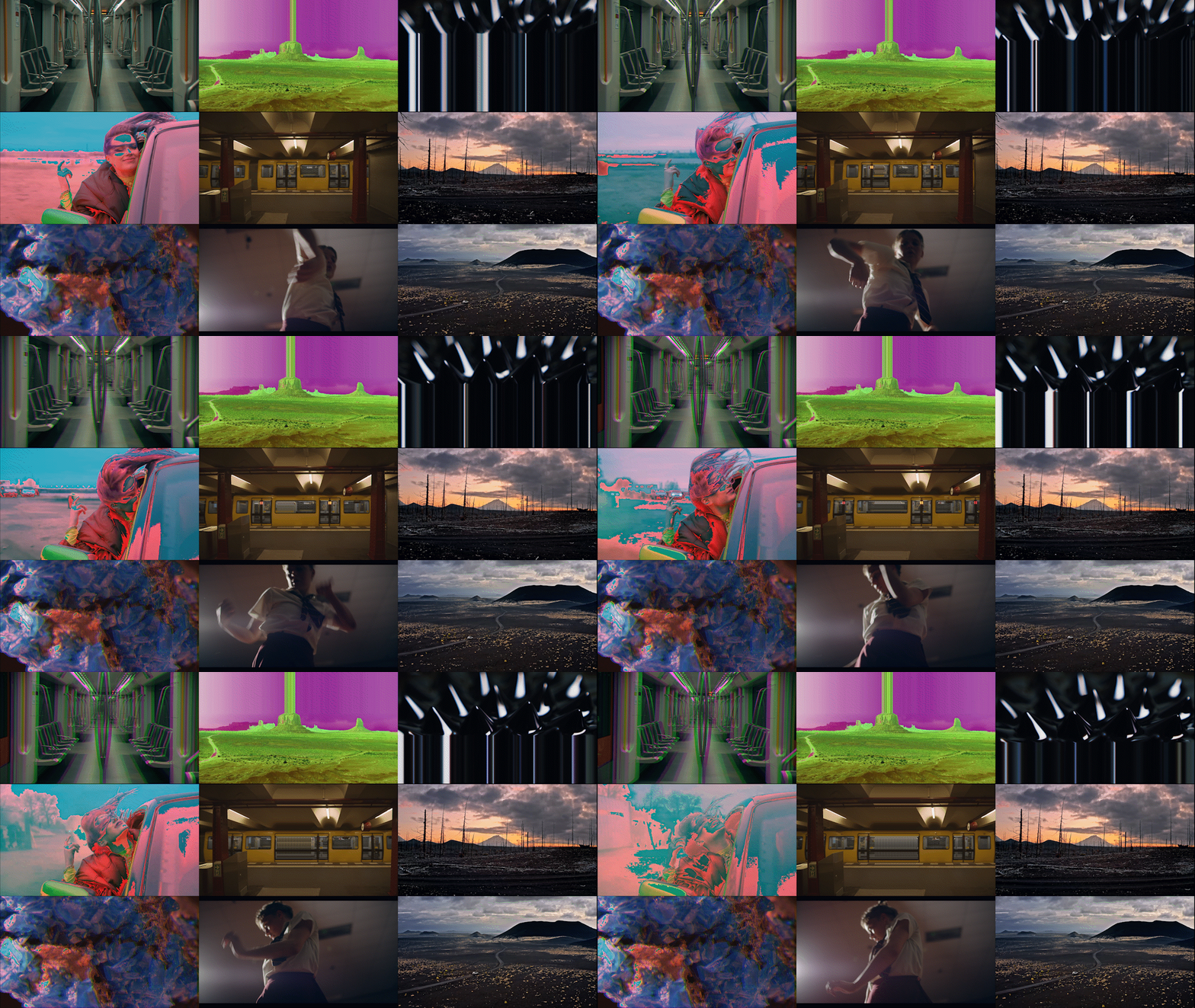
Glitch Control is a modular effect plugin for Adobe After Effects and Premiere Pro. Apply it to footage in a timeline, then use its four modules to create different glitch treatments or combine them into one look.
Four modules for different effects
RGB Controls shifts color channels to create an RGB split. In version 1.1.2, its Clip, Wrap, and Mirror edge modes control how shifted channels behave at frame edges. Displacement creates choppy animated glitches, and the module can be used repeatedly. Stretch pulls pixels across the frame and can be used on its own as a clip transition. Color Cycle creates changing, psychedelic color sequences from footage.
Combine and adjust the effects
Each module can be enabled independently, so you can use a single treatment or combine several. Turning off an unused module reduces the processing used. Version 1.1.2 adds a Mix slider to each module, letting you adjust its contribution to the result. The controls for a disabled module are greyed out. The update also uses the same render code in After Effects and Premiere Pro, and existing projects open with their original settings.
Check host compatibility and licensing
The compatibility table lists After Effects and Premiere Pro releases through 2022, including older CC versions and CS6. The version history lists version 1.1.2, dated October 3, 2026, and says it was rebuilt on After Effects SDK 25.6. The table does not establish support for newer host releases, so check the trial with your installed version before relying on compatibility.
The November 5, 2026 License Type FAQ says Single User licenses generally cover up to two computers if they are not used at the same time, unless a product specifies otherwise; they do not require the Floating License Server. Glitch Control's EULA, updated October 21, 2025, permits one installed copy and one archival copy stored off a hard drive for reinstallation. It bars installing or using multiple copies or installing on more than one computer at a time; additional copies or users require an appropriate license for each user and copy. Floating and Render Only licenses require the server. Floating licenses can be installed on multiple computers on the same network, with one user per license at a time; remote users need VPN access to that network. Render Only licenses are for the command-line renderer, not the host application's main GUI, also require at least one Single User or Floating license, and need one license per render node. Confirm which license types are offered for Glitch Control and how its EULA applies before planning team or render-node use.