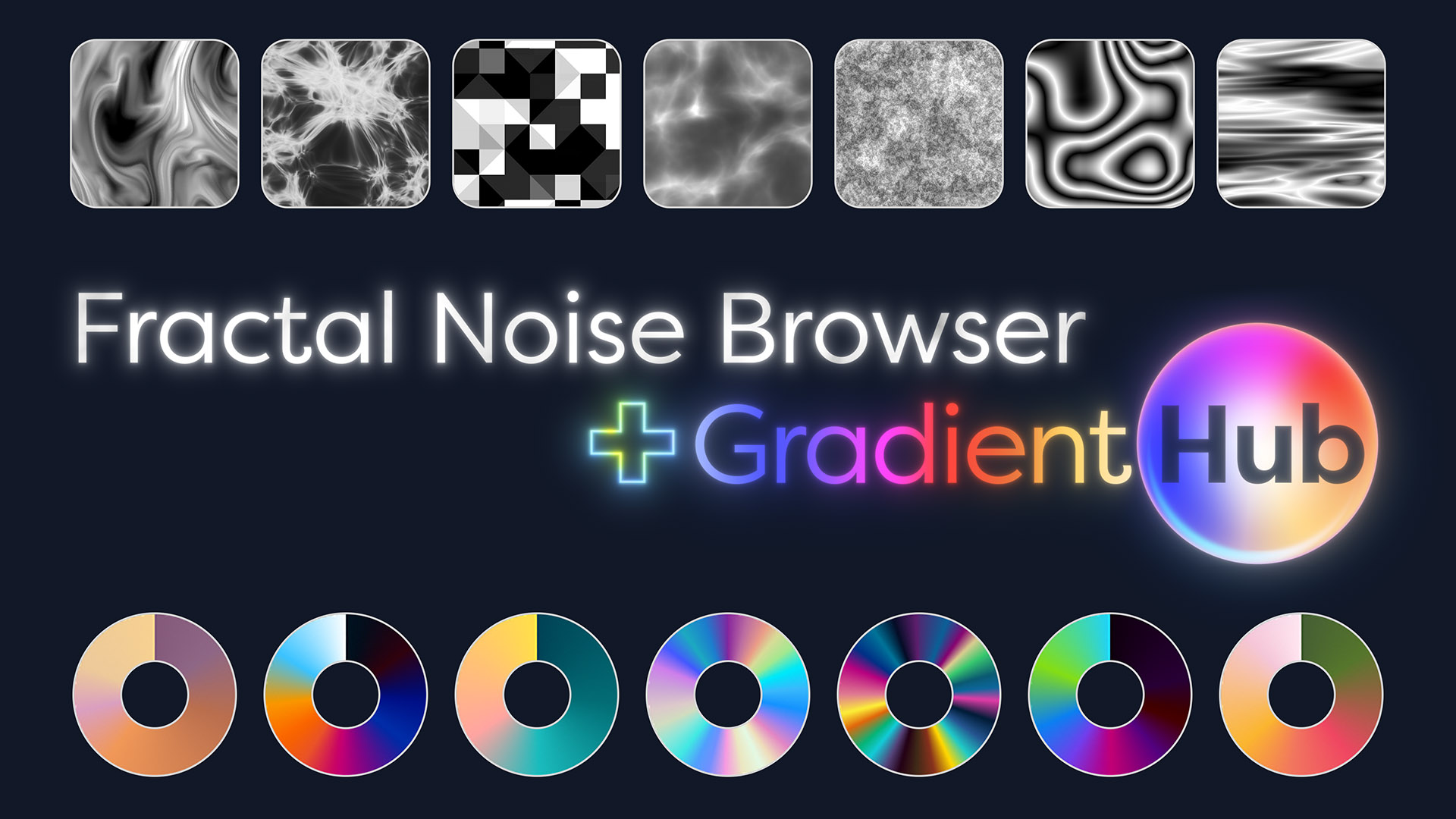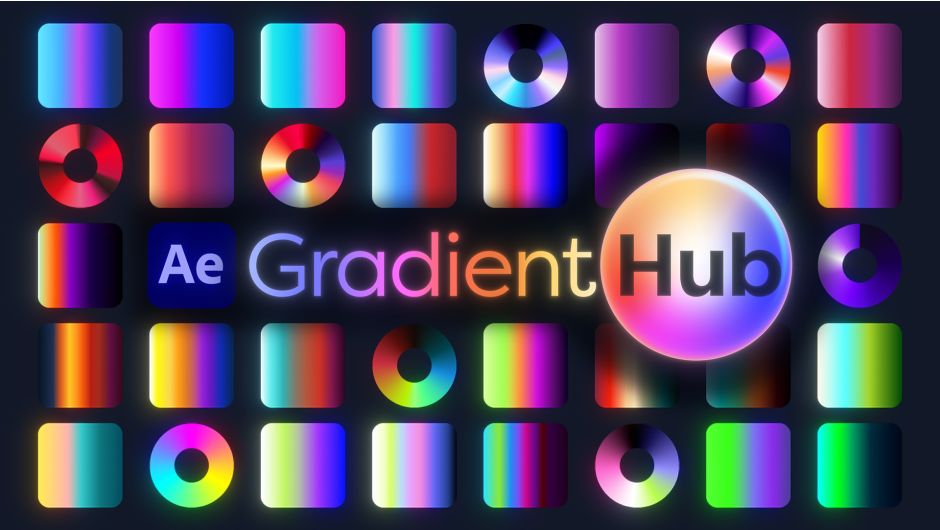
GradientHub is an After Effects panel for finding, editing, importing and applying gradients. It includes more than 650 built-in presets and works with native targets such as Colorama, Shape Layers and Layer Styles, as well as the third-party effects proGradient, Thicc Pro and Color Shift. It suits motion designers who reuse gradients across effects, need to match colors from existing files or want to build and organize their own preset library.
Browse and apply gradients
Browse presets by thumbnail, mark favorites and filter by color. Choose a target in the panel, then double-click a preset or select it and click Apply. GradientHub can target Colorama, Shape Layers, Layer Styles, proGradient, Thicc Pro and Color Shift.
Application behavior depends on the target. For Colorama, proGradient and Color Shift, Apply to existing updates the gradient while keeping the effect's other adjusted parameters. The Add new unless selected option creates another instance of that effect type unless you first select the existing effect that should receive the gradient. For Layer Styles, Gradient Overlay, Outer Glow and Inner Glow are supported; if the layer already has the selected style, applying a preset replaces its gradient colors and leaves the other parameters intact.
On Shape Layers, GradientHub updates existing Gradient Fills or Strokes, changing only the topmost one per shape. If a shape has visible solid fills or strokes but no gradient, it hides those solids and adds a gradient across the shape's bounding box. A shape with no gradient and no visible solid fill or stroke is skipped. The separate Add new gradient mode inserts a group into the layer's Contents, which may need to be dragged into a shape group to appear. Thicc Pro always updates its existing effect rather than adding another instance.
Mix and edit in Studio
Studio lets you bring up to 10 built-in or saved presets into a Pool, then send them to the Mixer or Editor. In the Mixer, assign one gradient to slot A and optionally another to B. Outputs include consecutive blending, luminance or hue sorting, random ordering, metallic ordering and morphing between A and B. You can make an output cyclic, adjust its blend or offset, and tile it three times to check the loop.
The Editor creates or refines gradients with separate color and alpha ramps. Add and move stops, enter colors as HSV values or hex codes, and set alpha values. Use the panel's Undo and Redo buttons; After Effects reserves Command-Z and Control-Z for its own undo history. Apply a result directly or save it as a user preset. Studio changes do not alter the source presets.
Import and organize presets
Place .grd, .css or .svg files in the User Presets/GradientHub folder, then click Reload in the User Presets tab. Imported gradients receive generated thumbnails. CSS import reads linear-gradient() definitions, but CSS variables are unsupported, so a stop that uses one is skipped. SVG import reads linear and radial gradients, not freeform gradients. Photoshop GRD import supports HSB and RGB stops; it skips stops in CMYK, grayscale or Lab, omits a gradient if fewer than two supported stops remain, and skips procedural noise gradients.
Save gradients as standard After Effects .ffx presets and arrange them in folders. Up to two subfolder levels appear as categories; deeper levels are ignored. GradientHub reads only the gradient from an .ffx file, so other saved effect parameters, keyframes and expressions are ignored. A preset saved in a newer After Effects version cannot be opened in an older version. User presets with 65 or more color stops cannot be applied to Colorama. For user presets above 100 stops, Color Shift applies only the first 100; very large user presets may also apply slowly to Shape Layers, Layer Styles, proGradient and Thicc Pro.
Compatibility, trial and file access
GradientHub is compatible with After Effects 2024, 2025, 2026 and 2027. The trial is limited to Colorama's built-in presets and the first seven presets in each of the other categories. The GradientHub documentation identifies an After Effects 26.0 bug that may prevent alpha stops in Shape Layers and Layer Styles from applying independently; it says earlier versions work correctly.
After Effects needs permission to write to the Documents folder for saving and loading user presets. If access is blocked, built-in presets can still apply through a system temporary folder, but user presets need Documents access. On Windows, this is usually Controlled folder access for AfterFX.exe; on macOS, check After Effects' Documents access in Privacy & Security. The posted EULA grants one copy for use on one computer at a time. Multiple users or computers require appropriate licensing for each user and copy.