Greenscreen Within Eevee Pro is a Blender add-on that performs chroma keying inside material nodes. It lets you place greenscreen video directly in a 3D scene without rendering a PNG sequence first. The Superhive product listing says it works with both Eevee and Cycles and supports green, blue, red and other screen colors.
Key footage inside a 3D scene
Keeping the keyed footage in the scene gives it a role alongside the 3D elements. The listing says live-action subjects can cast shadows, receive shadows and appear in reflections. This makes the add-on relevant to shots where actors need to sit within a 3D environment, rather than being supplied only as a pre-rendered image sequence.
Pair a still-camera plate with CGI camera movement
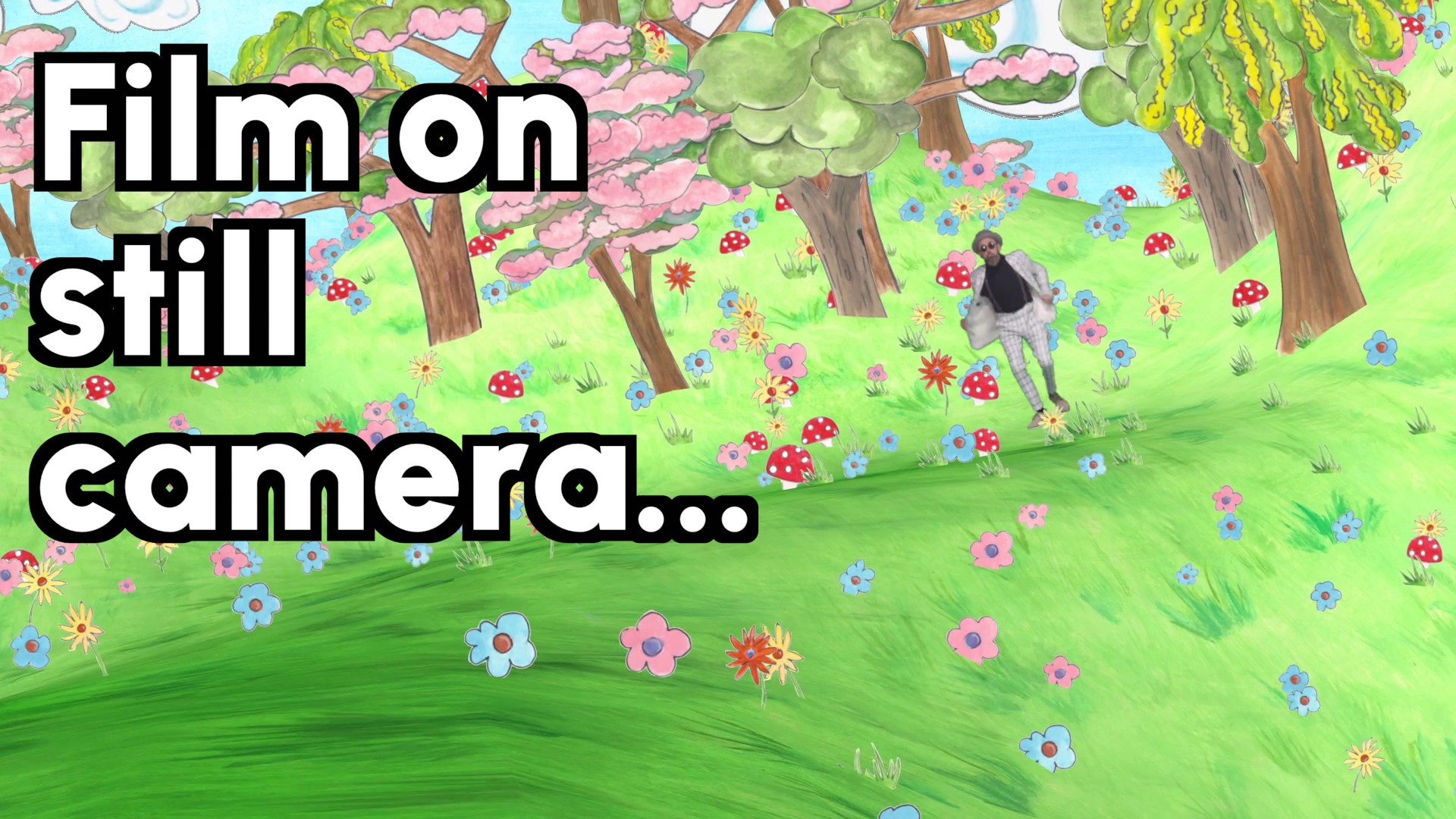
The described workflow uses actors filmed with a still camera, then creates smooth CGI camera moves in the Blender scene. It suits a shot where the source footage stays fixed while the virtual camera moves through the 3D composition. The listing describes the workflow, but does not specify an automatic camera-tracking feature.
Compatibility and license
Superhive lists Blender versions 2.8, 2.81, 2.82, 2.83, 2.9, 2.91, 2.92, 2.93 and 3.0 through 3.4; it identifies the license as GPL. That list does not establish compatibility with newer Blender releases, so check with the developer before relying on a newer build.