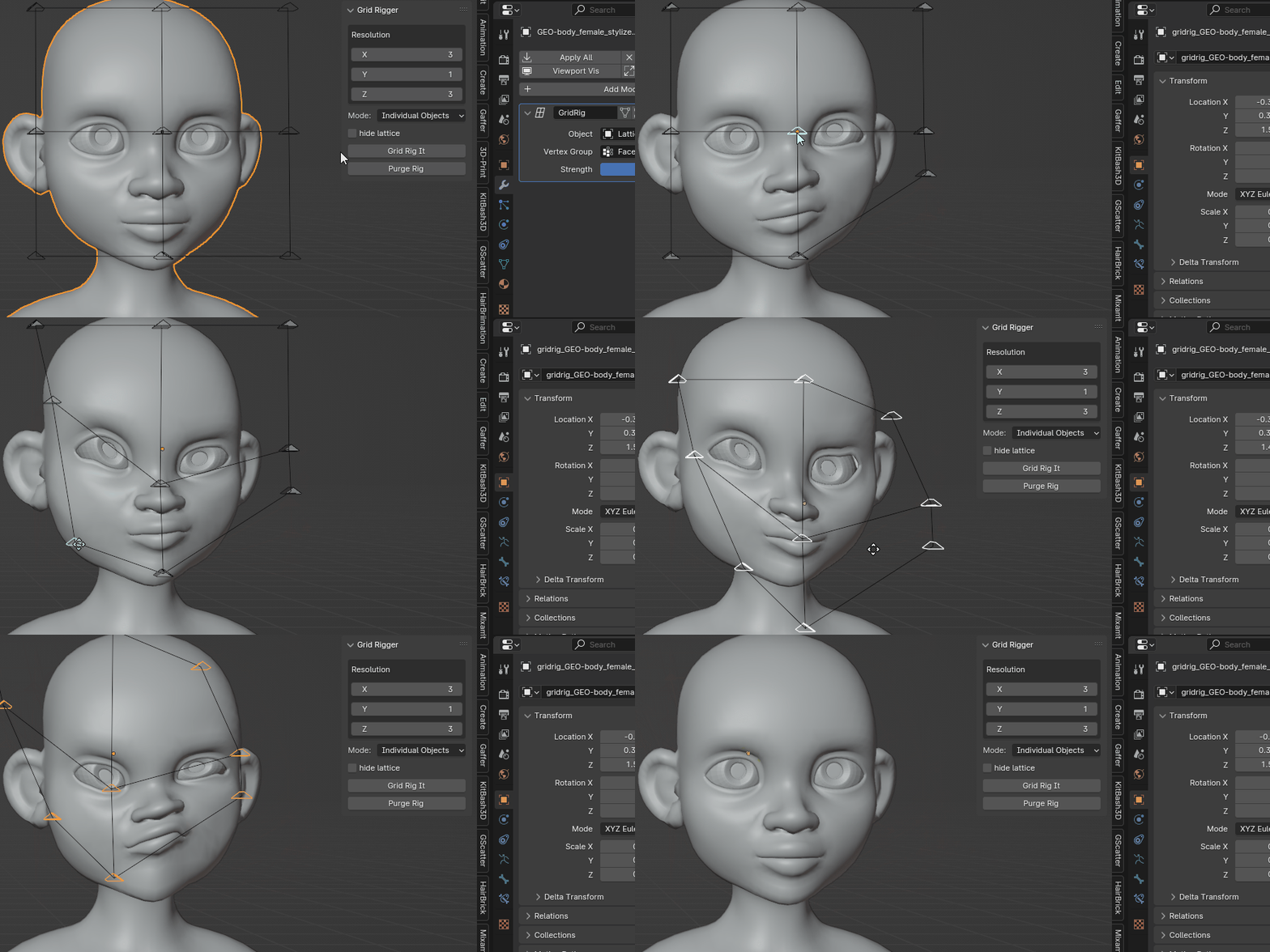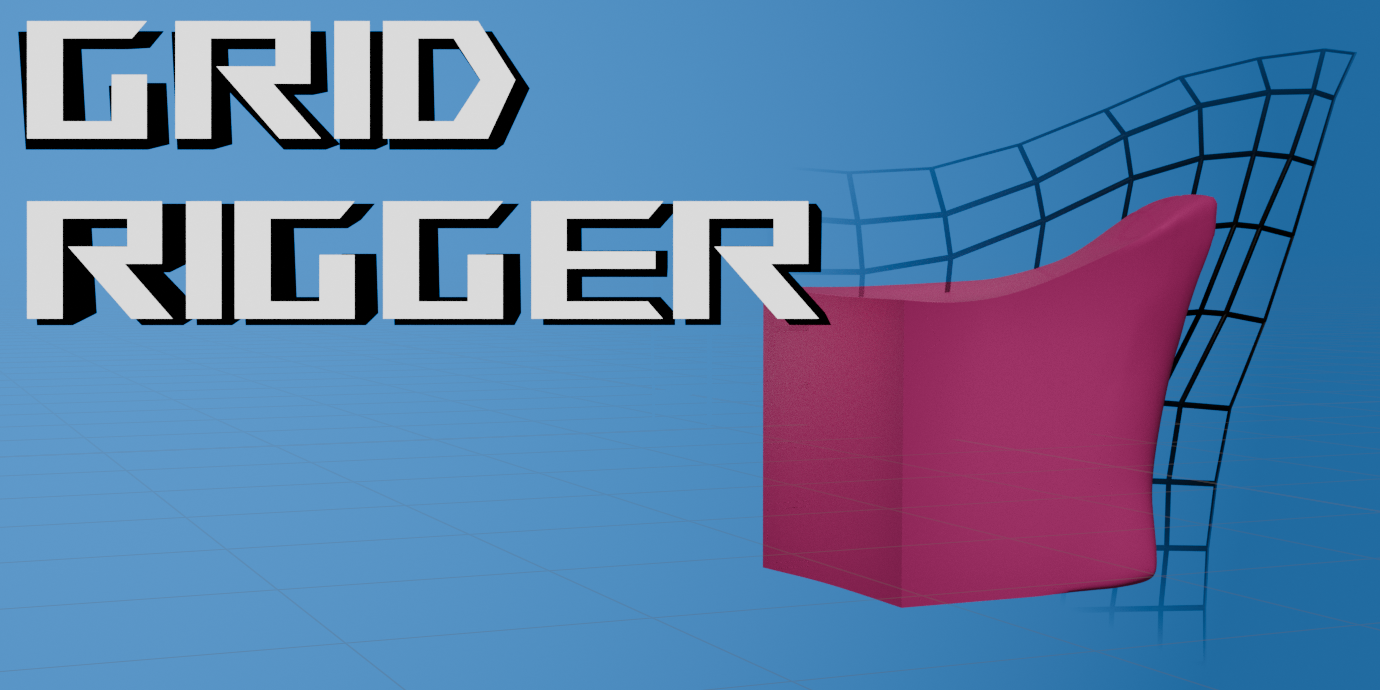
Grid Rigger is a Blender add-on for creating poseable lattice rigs around selected objects. It generates bones you can move in Pose Mode and animate with Blender's standard tools. The workflow is suited to squash and stretch, bending props, and adding expressive movement to objects.
How the lattice controls work
Set the number of points along each axis before generating the rig. A simpler grid gives you broad control; adding points allows more local adjustments when reshaping an object. You can set the resolution separately for each axis to suit the deformation you need.
The lattice modifier handles the deformation, so the original mesh remains editable. In Object Mode, you can adjust the grid's position, rotation, and scale.
Create and animate a rig
- Select the objects you want to deform.
- In the 3D Viewport, press N and find Grid Rigger under the Tool tab, or use Shift+A to add the grid rig.
- Set the number of points along each axis, then generate the rig.
- Enter Pose Mode, move the generated bones, and keyframe them with Blender's standard animation tools.
The grid is fitted around the selected objects, giving you a starting point for posing.
Where Grid Rigger fits
Grid Rigger is for lattice-based deformation of objects such as props and stylized forms.
For articulated characters, the creator describes Grid Rigger as an extra layer of deformation control that can complement an existing rig.
Version and license details
The Superhive listing identifies the license as GPL and says future Grid Rigger updates are included with purchase. It displays Blender Version 5.2, but the supplied listing details do not establish a full compatibility range. Check the current Superhive listing for details before installing it with another Blender release.