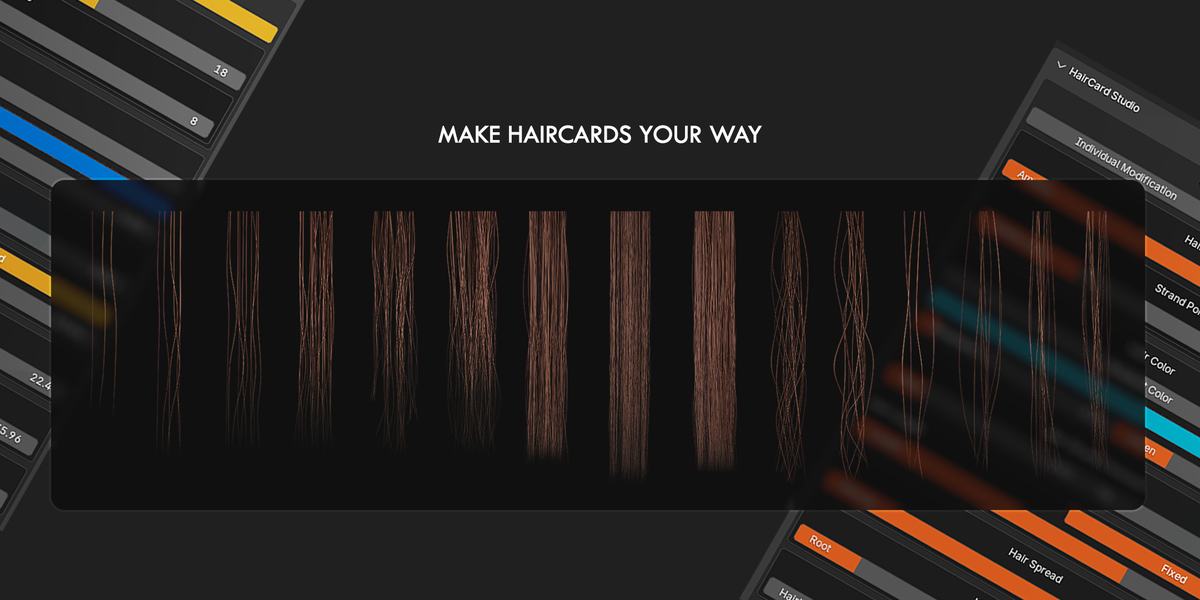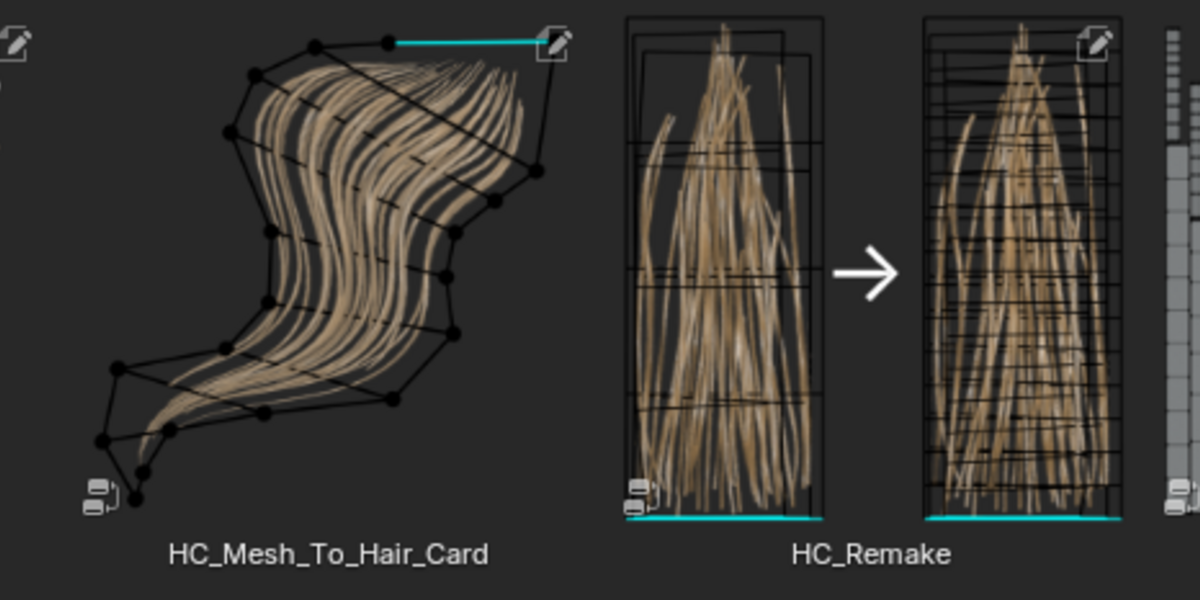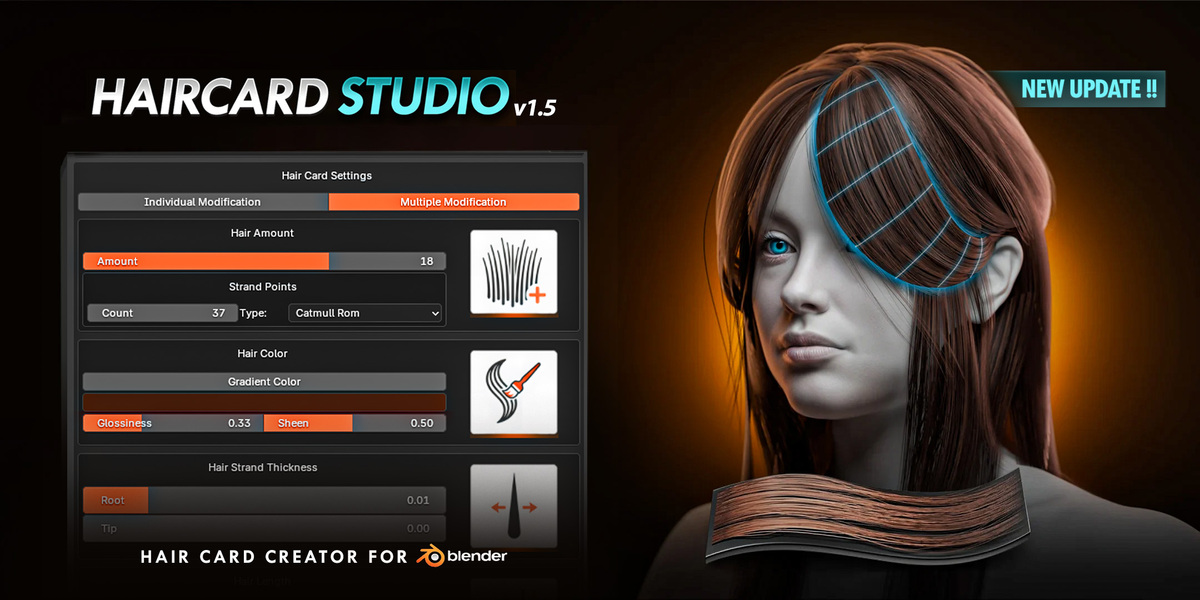
Hair Card Studio is a Blender add-on by PixelicaCG for shaping and rendering hair cards. Its menu brings strand, material, lighting, and render controls together for character artists creating hair variations in Blender. See the Superhive product listing and installation documentation.
Shape hair strands and cards
Adjust the number of strands and their points, which control card resolution and curvature. Set root and tip thickness independently, choose a fixed hair length or vary it, and change spread to control volume and distribution. Clumping at the roots or tips, hairline shape, frizz scale and curve, curl, and roughness provide more ways to change the look.
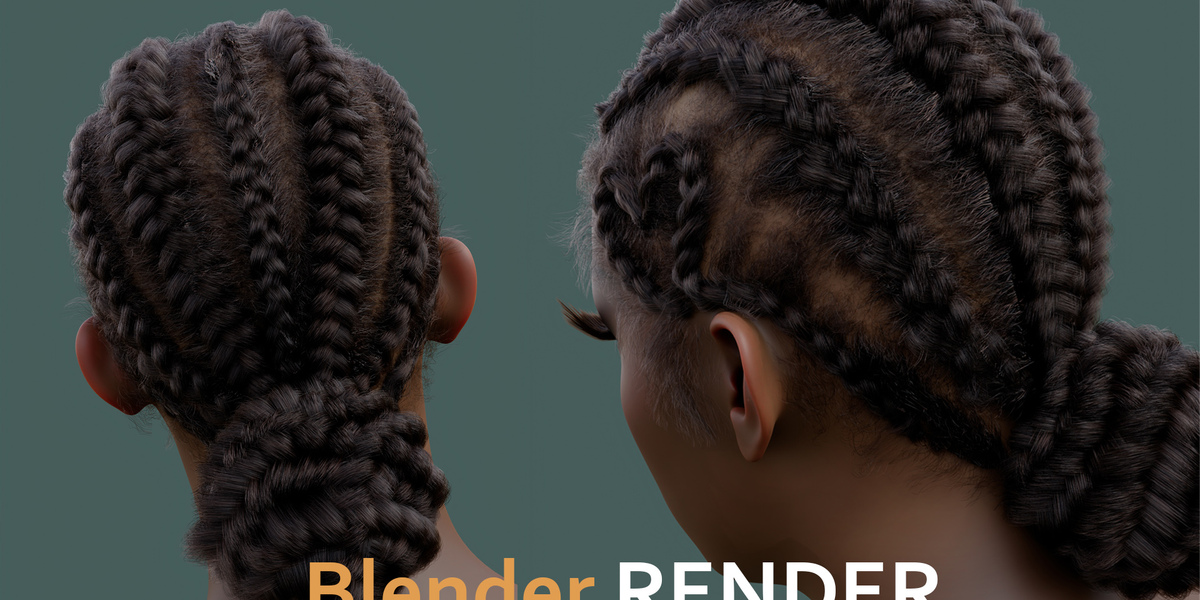
The Superhive listing highlights version 1.6's Braid Hair feature for creating afro hair. Version 1.5 introduced an overhauled interface and added Normal Map, Specular, Ambient Occlusion, and Alpha outputs.
Set color, lighting, and render output
Hair Card Studio can change all hair colors at once or create a root-to-tip gradient. Glossiness and sheen controls adjust the material's appearance. For previews and renders, choose Low, Mid, High, or UltraHigh resolution, enable a transparent background, and adjust the light source's size, location, and intensity. Presets can be saved for reuse.
Check compatibility and install the add-on
Superhive lists Blender versions 3.6 to 5.2. The installation documentation recommends Blender 4.0 or later and warns that Blender 3.6 may have bugs. It gives these installation steps:
- Open Edit > Preferences > Add-ons.
- Use the menu in the upper-right corner to choose Install from Disk, then select the add-on ZIP file.
- Enable the add-on. In the viewport, press N and choose Haircard Studio from the sidebar.
Understand the baking limitation
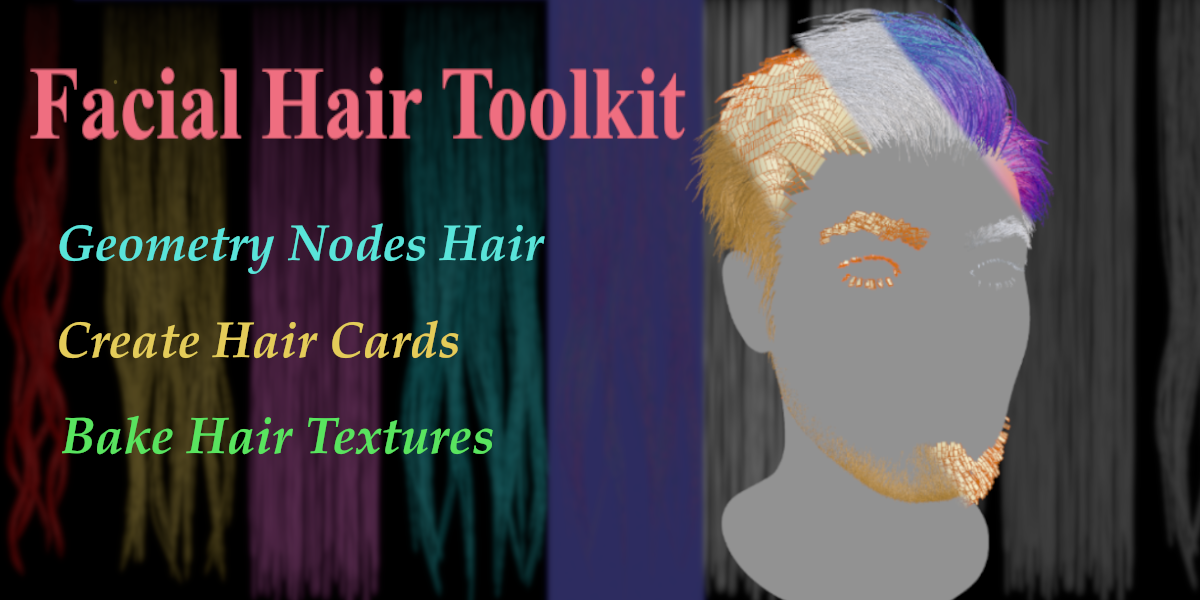
The add-on can generate map outputs, but its creator's FAQ says it does not include a baking option. If your game or animation pipeline needs baked maps, plan to bake them separately after creating the hair cards.