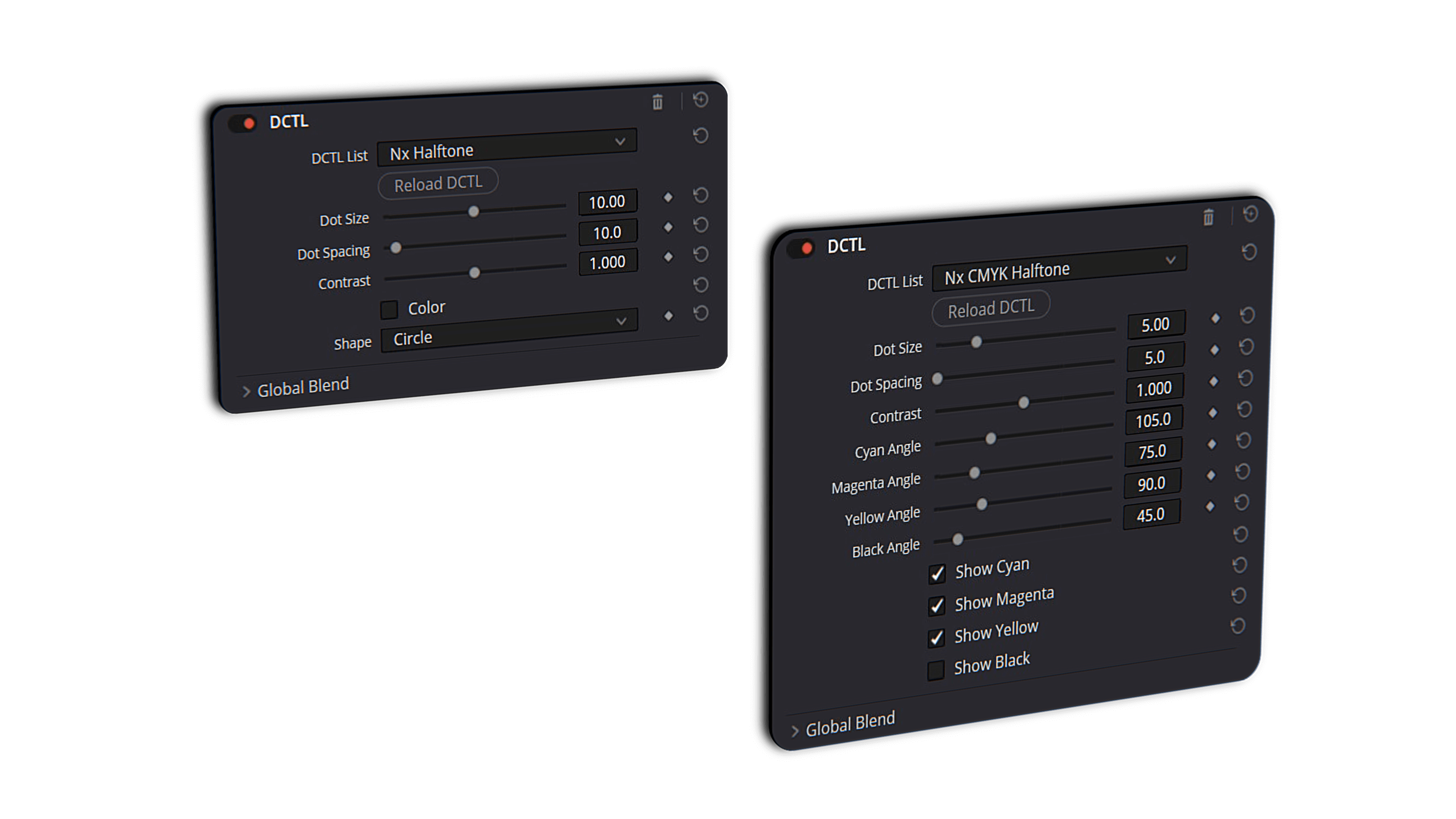
Halftone for DaVinci Resolve is a pair of DCTL effects for turning images into dot-based print styles. The monochrome version varies dot size and spacing for a black-and-white look. The CMYK version creates separate cyan, magenta, yellow, and black dot patterns, with controls for channel angles and dot sizes.
Choose a halftone style
Use the monochrome DCTL for a single-color treatment with tonal variation, such as a newspaper or comic-book look. Choose the CMYK DCTL when you want the layered color-dot pattern of process printing. Its separate channel controls let you adjust the angles and dot sizes for each part of the pattern.
Where it fits
The effects can be applied to still images, video footage, illustrations, title sequences, and motion graphics in DaVinci Resolve. They suit projects that call for a print-inspired texture or a deliberate shift from continuous-tone imagery to visible dots.
Requirements and licensing
Halftone requires DaVinci Resolve Studio. The requirements specify Studio 18 and newer, while the compatibility panel lists Resolve 18 and 19. The product page lists Windows, macOS, and Linux, with Metal, OpenCL, or CUDA support.
The product listing describes a perpetual, one-time license. Its current checkout notice also says a Floating License Server is required. aescripts' license guidance says the server is needed for floating licenses, while single-user licenses do not require it. Check the license type shown at checkout before purchasing.