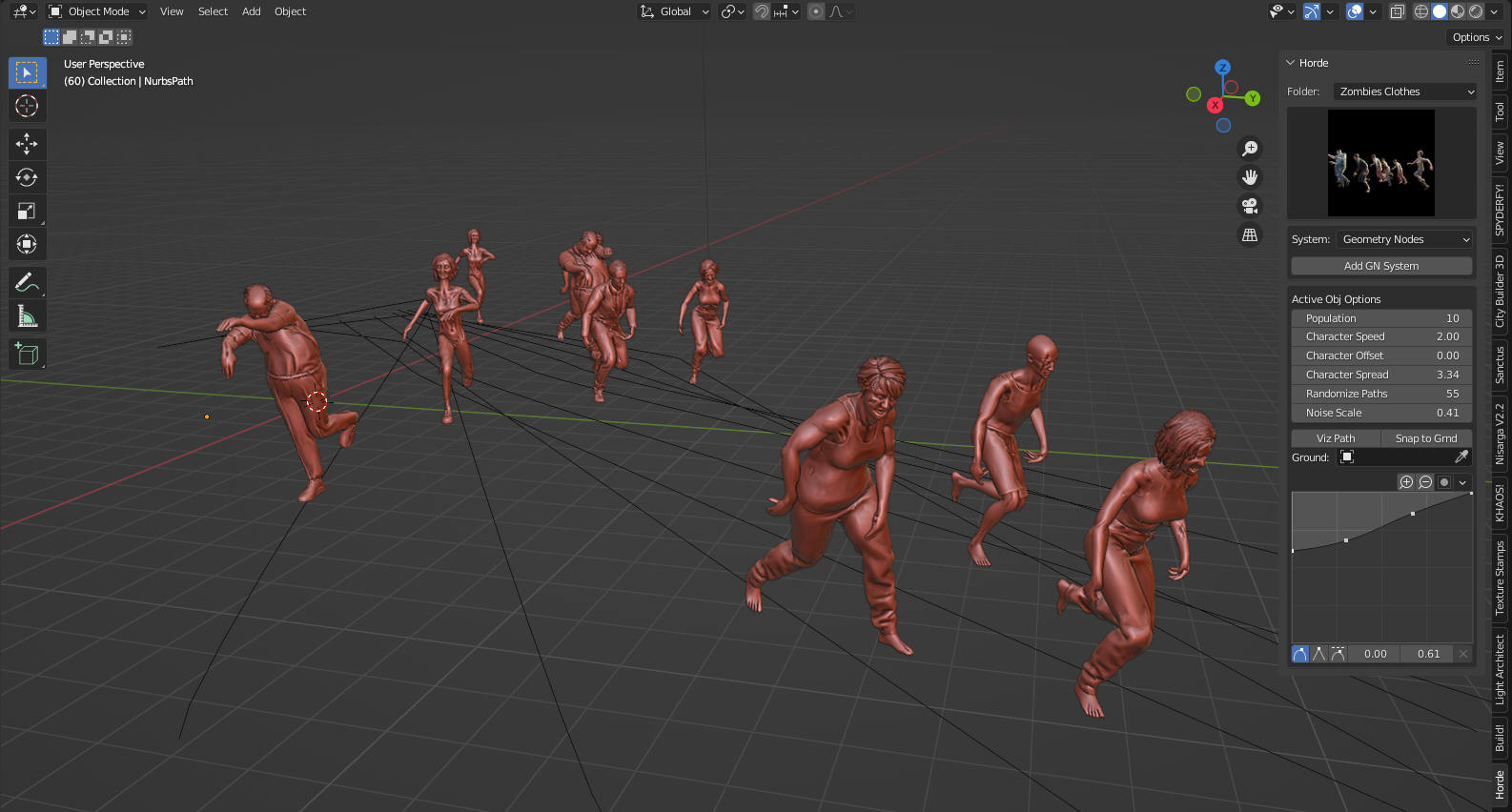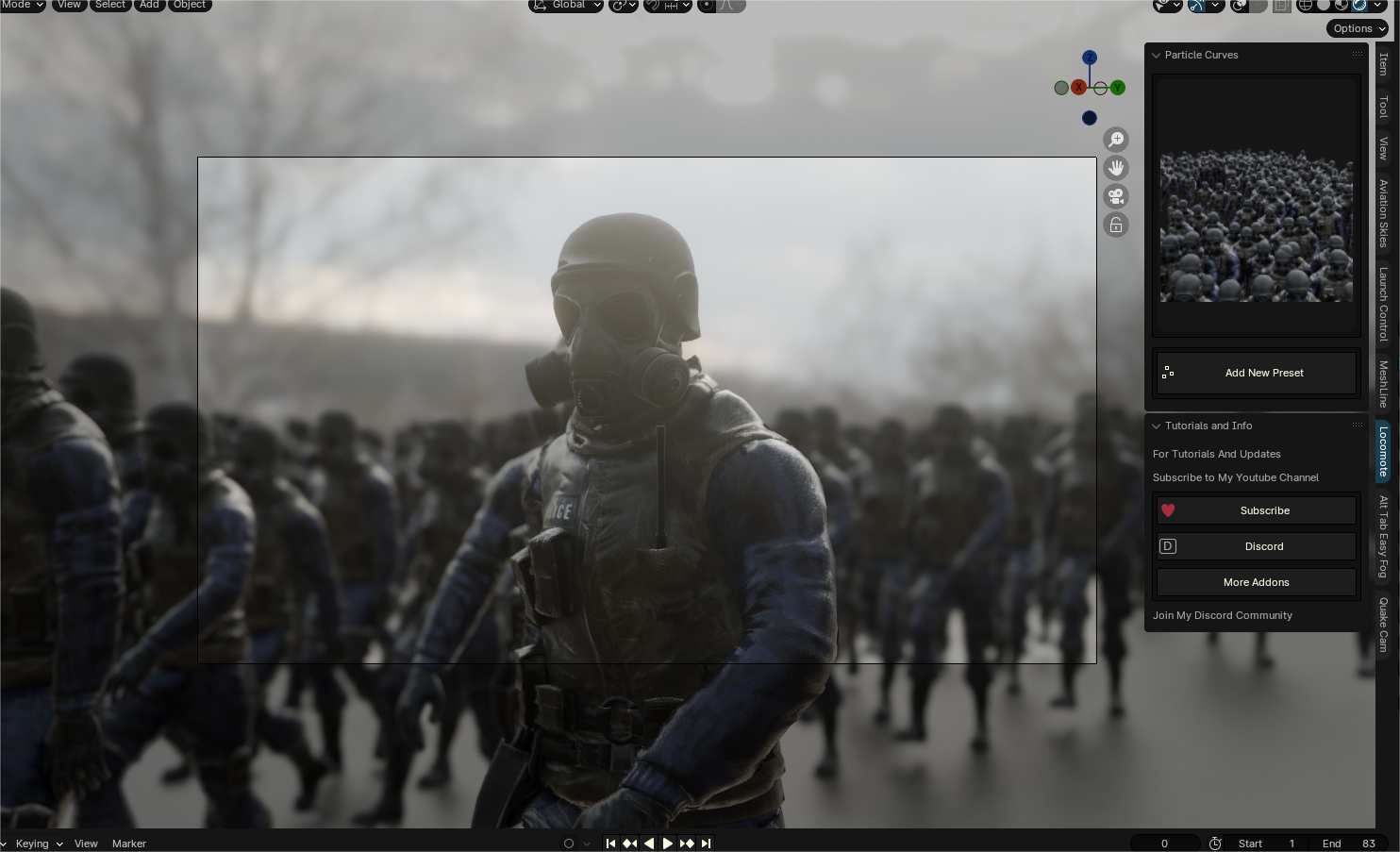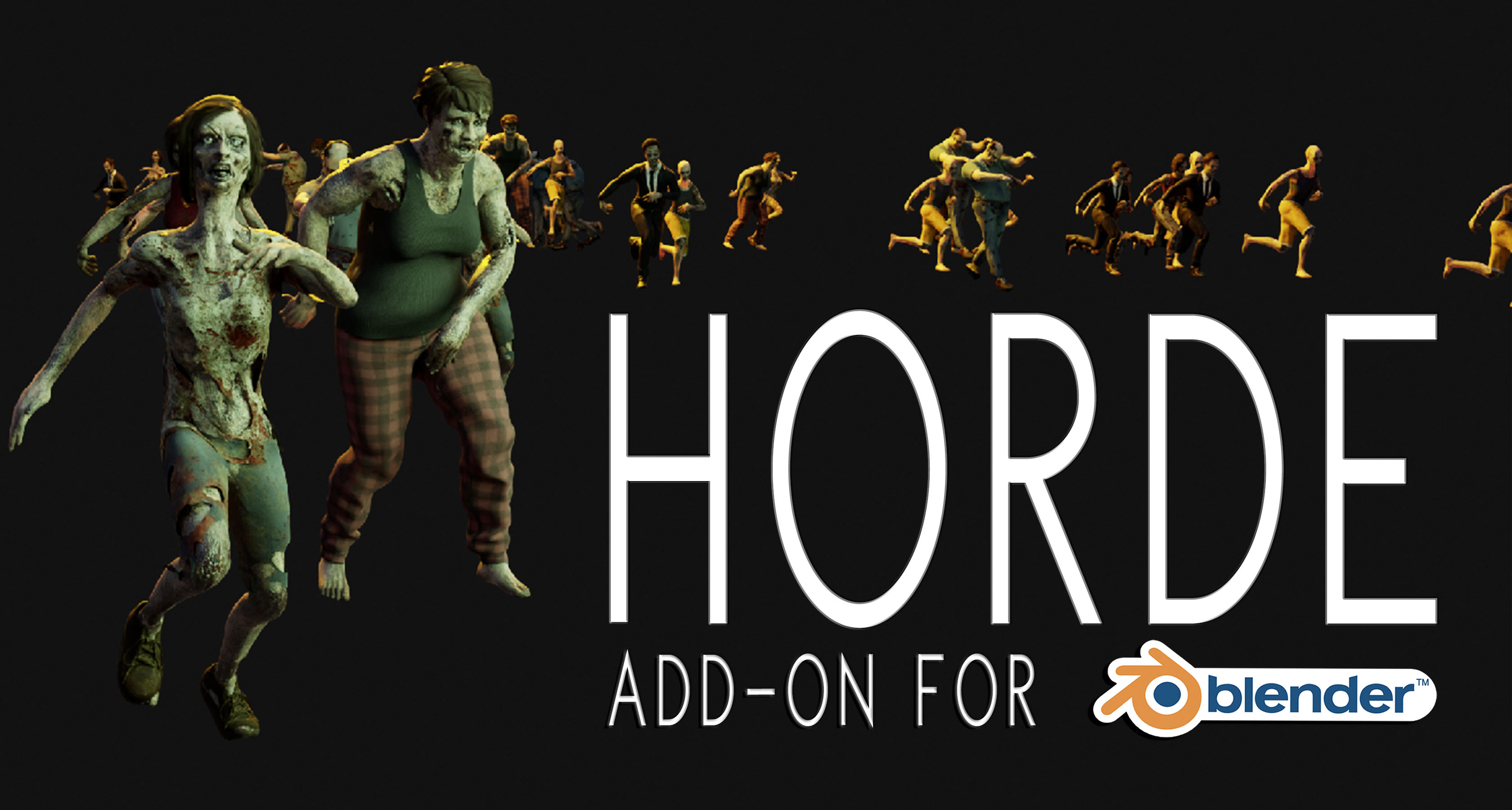
Horde Add-On: Procedural Crowd Tools is a Blender add-on for placing customizable crowds of animated 3D humans and zombies in a scene. It combines Geometry Nodes and boid particle systems, letting artists choose precision placement or organic, emergent crowd behavior. The product listing describes use in 3D renders and live-action VFX.
Choose a crowd system
Both options build on Blender's native systems and can be adjusted through Horde's panel or directly in Blender after setup.
Character sets and animation modes
Version 1.0 includes four sets created by artist Elliot Feys: Human Professional, Human Casual, Zombie Bare, and Zombie Clothed. Each set works with Walk, Run, and Static modes. The assets are listed as optimized for both Cycles and Eevee.
Set up a crowd in four steps
- Select a character genre.
- Choose Walk, Run, or Static.
- Pick Geometry Nodes or boids.
- Add or draw the crowd in the scene, then adjust settings in the panel.
Horde's listing says it can scale to hundreds of characters, but provides no scene details or performance benchmarks. The Superhive listing labels Blender 5.1.1 as verified in its lead section and lists Blender 5.0 under Details. The entries conflict. Use the current Superhive product listing to log in and message the seller before installing.