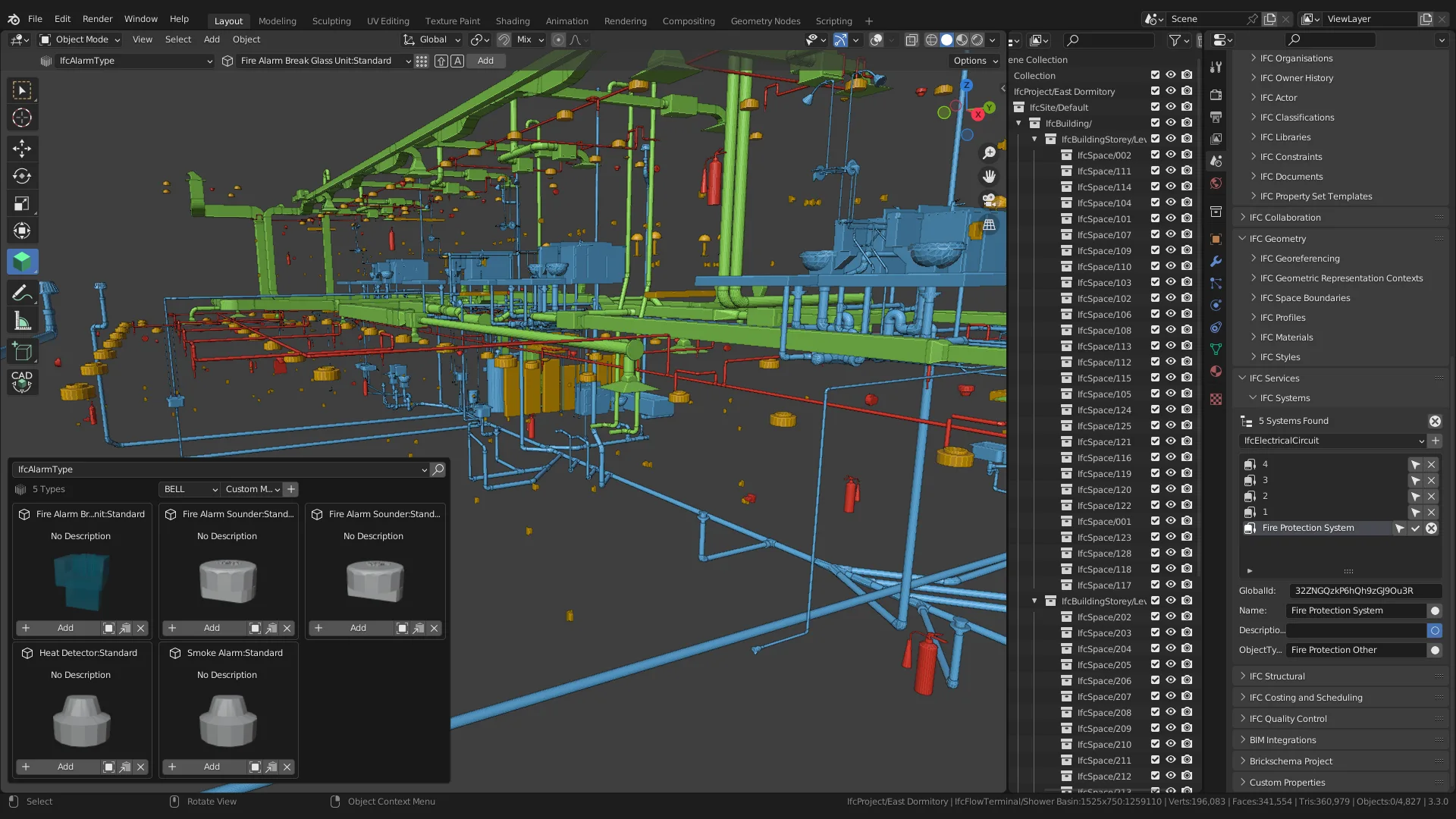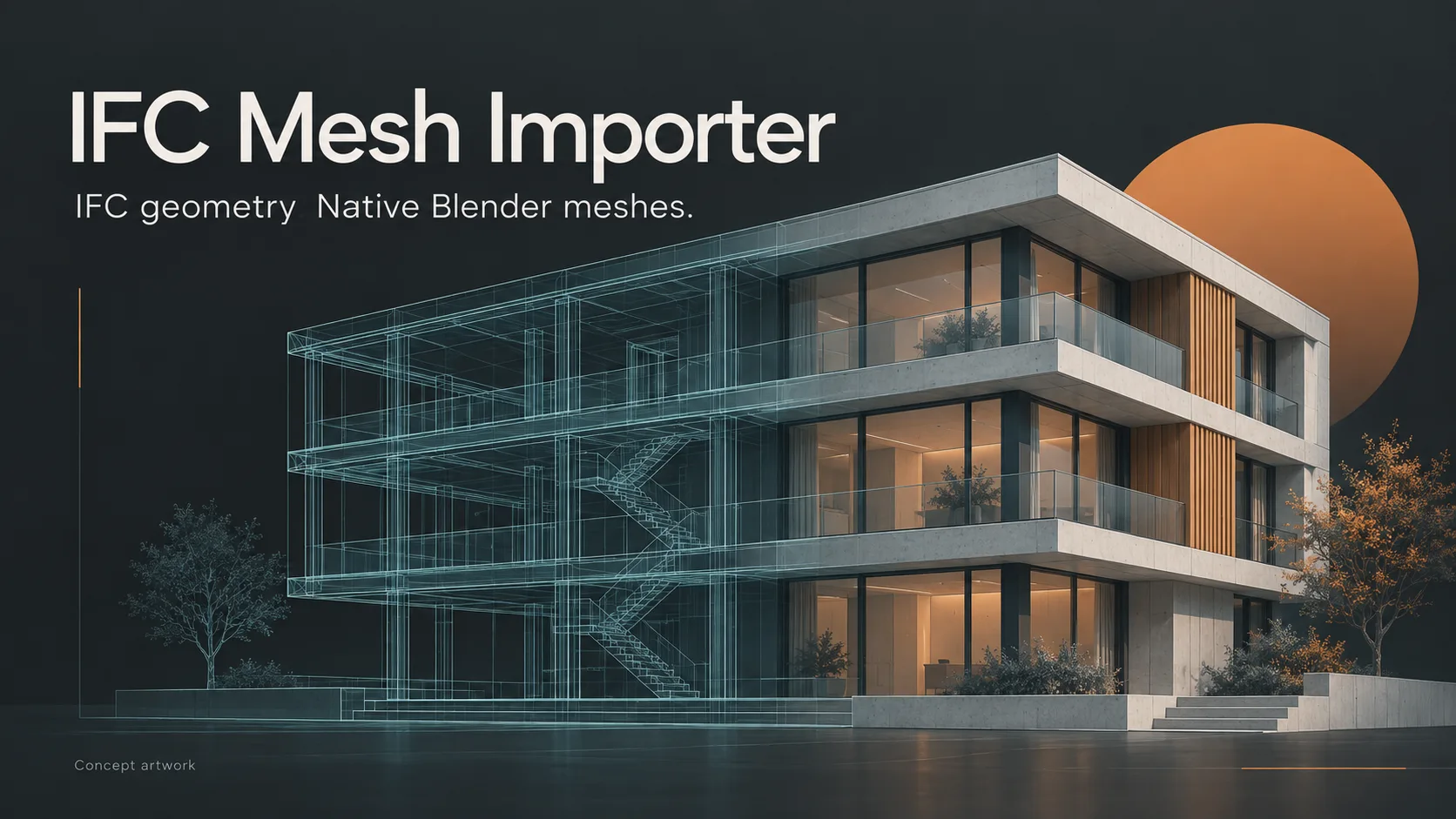
IFC Mesh Importer brings architectural and BIM models in Industry Foundation Classes (IFC) format into Blender as native, editable meshes. It imports supported geometry alongside materials, object placement, spatial hierarchy, and IFC metadata for visualization and mesh-based work. The Blender Extensions listing describes it as an independent importer, not a full BIM authoring environment.
What it imports
The add-on converts supported IFC solids and surfaces into triangulated Blender meshes, with curve edges supported where available. It imports per-face surface styles, diffuse colors, transparency, and source normals. Object placement transforms are retained, and the model is organized into project, site, building, storey, and space collections.
IFC identity, class, names, type data, property sets, and quantities are stored as object custom properties. Nested property-set data is stored as JSON. Where supported, identical mesh data is reused for repeated geometry.
Placement and import controls
For models with large coordinates, an option recenters the geometry for Blender's coordinate precision and retains the original offset on the import's root collection. Geometry settings can be configured before importing. Press Escape to cancel an active import; when an element fails, you can choose to keep valid elements or roll back the import. Fatal errors roll back data created by that import.
The bundled geometry engine runs locally, requires no runtime dependency downloads, and leaves the original IFC file unchanged.
Workflow and compatibility
After enabling the add-on, open an IFC model from Blender's File menu using Industry Foundation Classes (.ifc), drag an IFC file into the viewport, or use the IFC sidebar. Headless operator access is also documented. The resulting meshes, materials, and collections can then be used in a Blender scene.
The current listing identifies version 0.1.1, Blender 4.2 LTS or newer, and a Windows x64 package. The add-on requests permission to read IFC models selected by the user.
Check the release scope
The version history says the initial 0.1.0 release did not include IFC editing or export, texture-image extraction, or 2D annotation styling. The 0.1.1 listing has no changelog, so check the current release details if any of those functions are required.