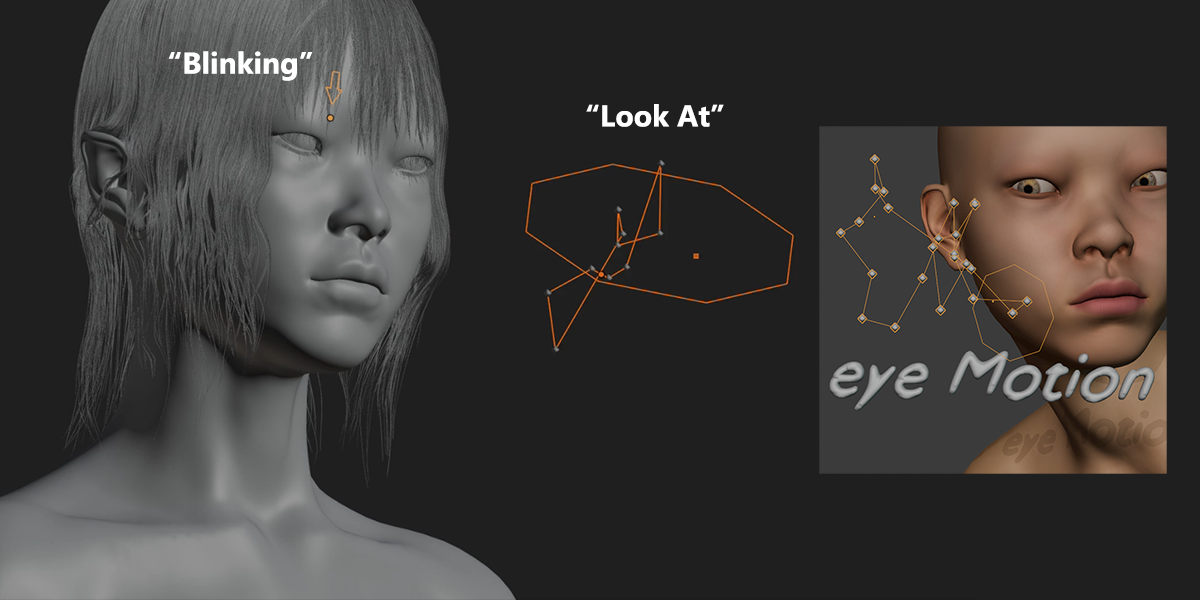
Ik Dynamic is a Blender add-on for procedural animation of rigid-body multi-legged characters and biped characters. It uses a Geometry Nodes node group and empty objects as controllers to guide movement. The specified ground object is used to calculate foot placement. Direct control attaches the character to an animated controller; indirect control makes the character try to follow one.
Set up an armature link
Use your own character with an IK rig and ground mesh. Before creating a link, apply transforms to the armature and ground object, check the ground mesh's face normals, and orient the character with +Z up and -Y forward. Select the ground object, then the armature. In Pose Mode, select the pose bones to animate and the owner pose bone last before running Create Armature Link. The developer's usage guide describes the setup in more detail. You can adjust IK Dynamic settings after creating the link.
Adjust and bake motion
Settings let you change how the character follows its controllers and samples the ground. Fine-tuning may be needed to get the motion you expect. The add-on is resource intensive, so real-time preview may require a fast computer. Its simulation cache provides another way to preview a scene, though playback will not be real time.
The simulation should fit the current scene frame range before baking. When the motion is ready, use Blender's bake animation operator or IK Dynamic's bake operator. Baking saves the simulation as animation on the pose bones. The usage guide says it may be necessary to bake before rendering. Changes to IK Dynamic may be ignored while the simulation is cached; clearing the cache updates them and resets the simulation to its defined start pose. After an IK Dynamic bake, further edits require removing the baked animation and baking the simulation again.
Fit and limitations
Ik Dynamic is suited to animators who want controller-guided leg motion for a biped or multi-legged rig and are prepared to tune the result. It does not include character models. The developer notes that Geometry Nodes is not designed for animating armature poses, so the workflow has some quirks.
Version and availability
The recorded release is version 1.0.1. Its compatibility notes list Blender 4.3 to 4.5 and say version 1.0.1 added Blender 5.0.0 compatibility. The current Superhive listing says the product is no longer available for purchase, although the catalog record lists it as free. Check with GreenJadeLeaf to confirm current access and compatibility for your Blender build.