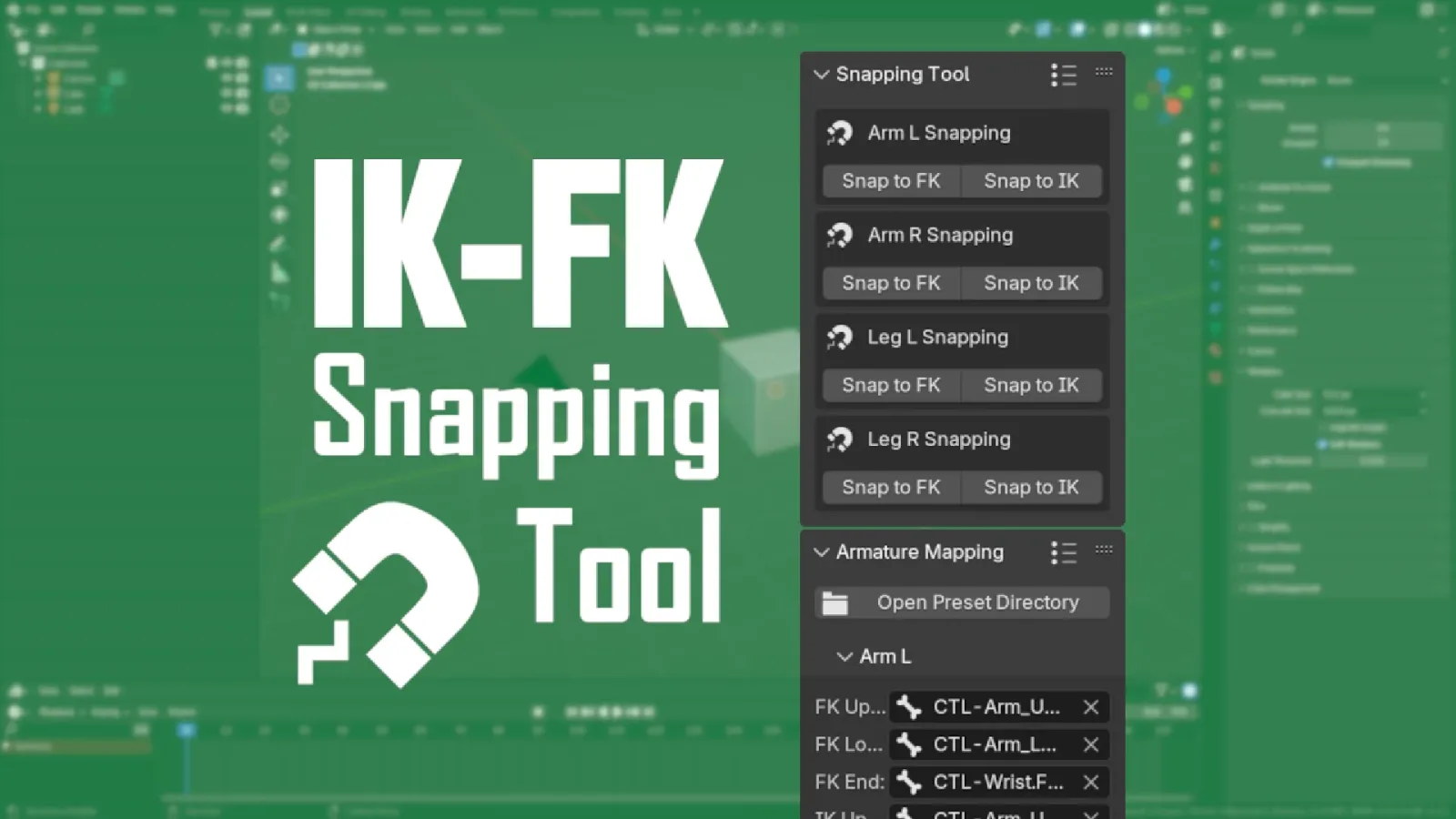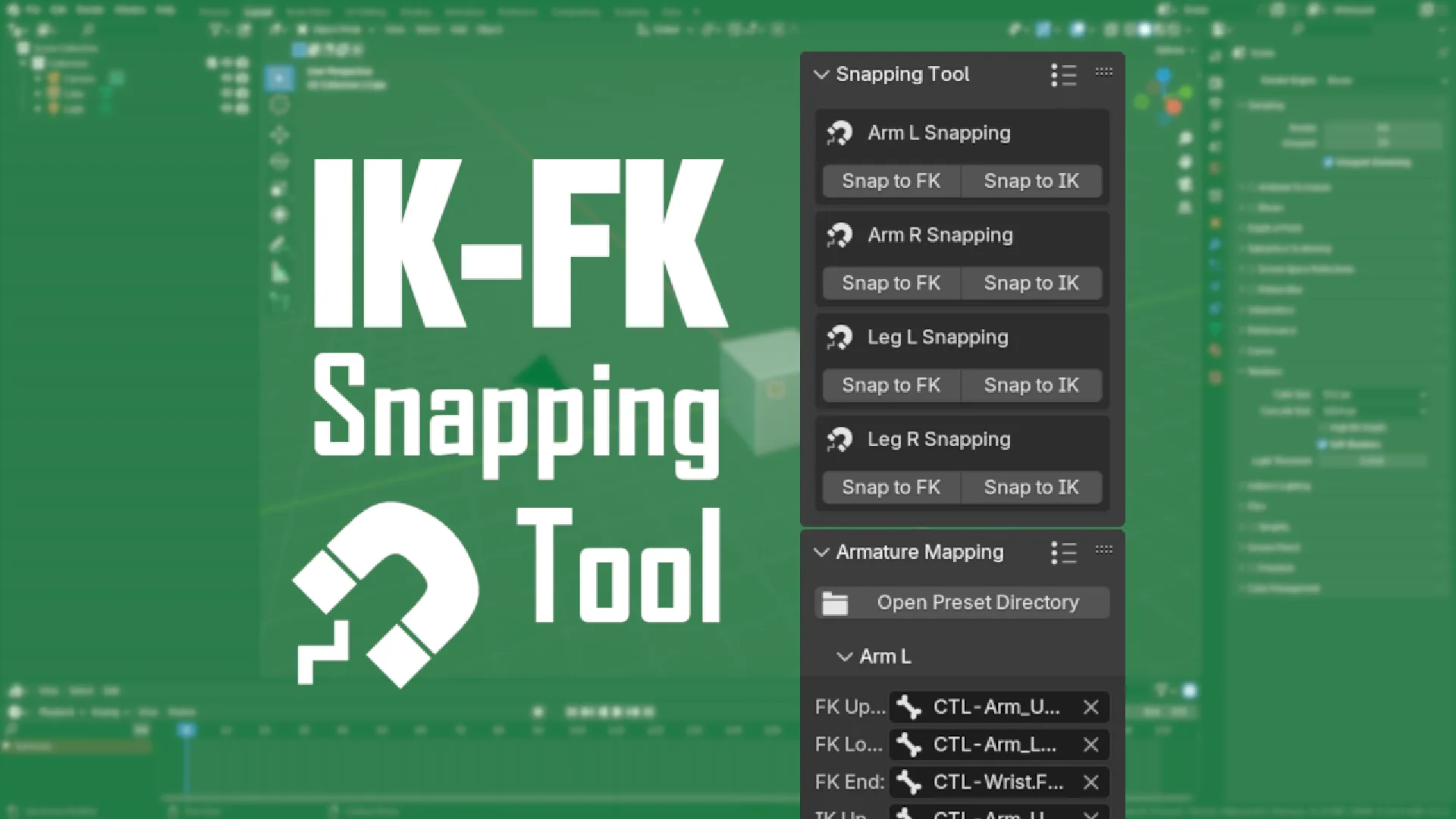
IK-FK Snapping Tool is a Blender add-on for matching a rig's pose as you switch between inverse kinematics (IK) and forward kinematics (FK). Select a rig, assign its matching bones, then use a button to snap from IK to FK or from FK to IK. It is aimed at animators and riggers who move between both control setups.
The add-on is a fork of Mystfit's original IK-FK Snapping add-on, with additional snapping options and a reworked interface.
Set up the rig controls
With your rig selected, map its bones to the FK Upper, FK Lower, FK End, IK Control, and IK Pole fields. If the rig lacks IK Target and IK Pole Target bones, the setup notes describe duplicating the IK Control and IK Pole bones, changing their shapes, and parenting the new bones to FK Lower. Check the project repository for setup details before changing a rig.
Save snapping presets
You can save named snapping presets and switch between them. Open the menu in the panel header, enter a preset name, and click the plus button to save it. Presets keep a rig's bone assignments available when you return to that setup.
Compatibility and license
Version 3.0.3 is listed as compatible with Blender 4.2 LTS and newer. The add-on is free and released under the GNU General Public License v3.0 or later. Version 3.0.3 changed the license from MIT. Check the Blender Extensions listing for current release and installation details.