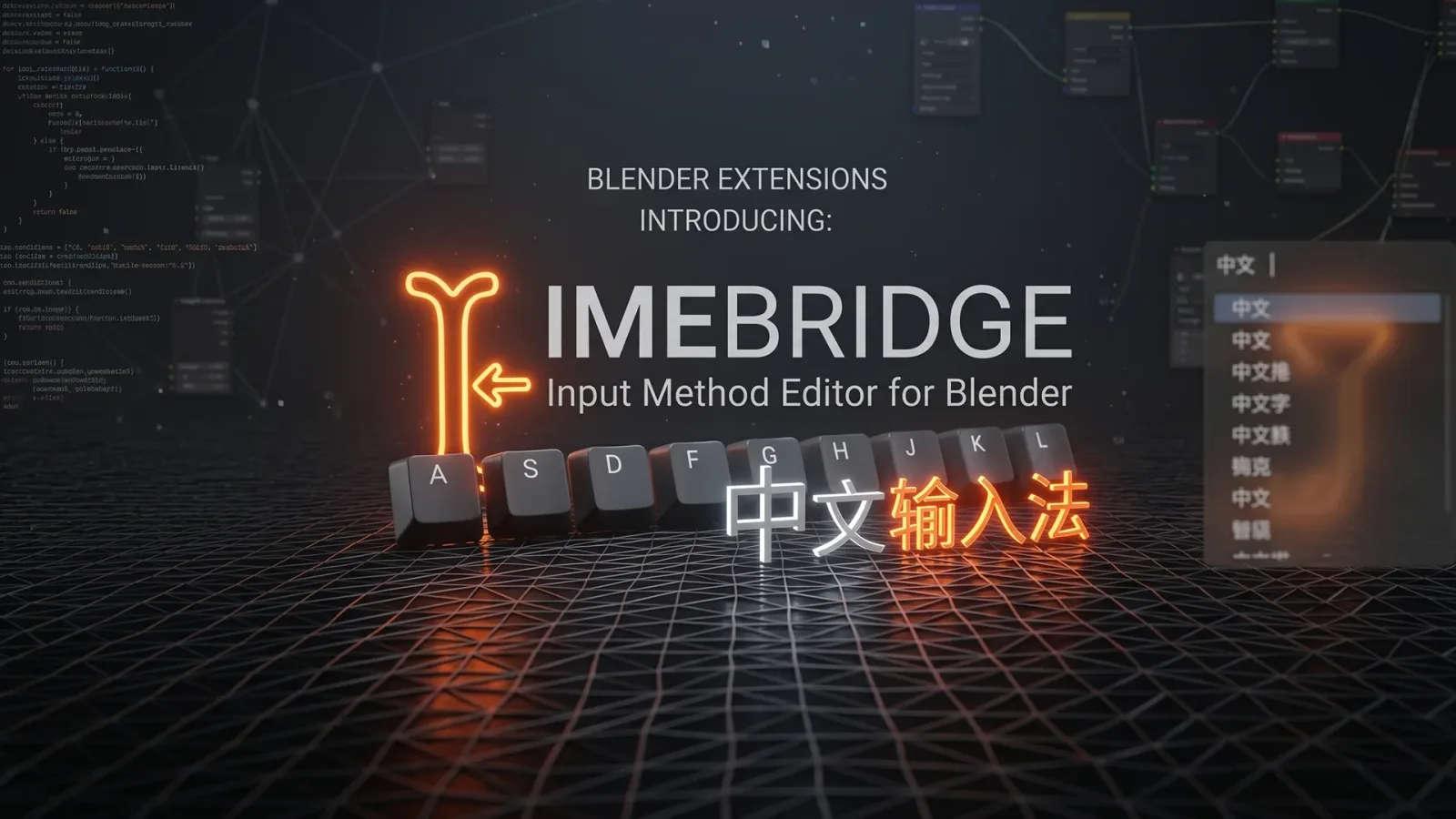
IMEBridge is a Blender add-on by Suenkanwei for entering Chinese with your system's Input Method Editor (IME). It is designed for two text editing tasks: writing comments, docstrings, or strings in Blender's Python Text Editor, and editing 3D Text objects in the 3D Viewport. In both contexts, the IME candidate window follows the active text cursor.
How IMEBridge handles text entry
Blender's text editing can make system IMEs difficult to use: the input method may not activate, and its candidate window may appear away from the cursor. IMEBridge connects the system input method to Blender's text editing so candidates appear beneath the active cursor in the Text Editor and 3D Text editing modes.
The extension listing describes automatic input-context changes as the pointer moves: it switches to English when the pointer leaves a text editing area for the 3D Viewport or another shortcut-heavy area, then restores the previous input status when it returns. The developer README labels shortcut avoidance experimental and off by default, and the v0.3.0 notes also say it is disabled by default; the listing describes what the feature does, not that it is enabled by default. The extension runs in the background and requires no manual toggle keys or buttons.
Compatibility and supported input methods
The Blender Extensions listing identifies version 0.3.0 as compatible with Blender 5.0.x, 5.1.x, and 5.2.x. It lists Windows x64 and macOS on Apple Silicon (arm64) as supported platforms. Blender 5.3 and later are outside the listed compatibility range.
Listed IME examples include Microsoft Pinyin, the macOS Native IME, Sogou, Baidu, and Rime. Check the IMEBridge extension listing for current compatibility and release details before installing.
What changed in version 0.3.0
Version 0.3.0 focuses on cross-platform Chinese input stability. Its notes describe an improved macOS Cocoa input pipeline, a fix for a Pinyin pre-edit state leak, and Windows hook management changes intended to reduce conflicts with other window procedures. They also say shortcut IME avoidance is disabled by default to reduce its impact on different IMEs, and list fixes for confirmation-space leaks, hidden pre-edit text, Baidu IME candidate-window residue, and unwanted content in 3D Text editing.
Installation and support
The extension page offers installation by dragging the extension into Blender or by downloading it and using Blender's Install from Disk option. The listing says IMEBridge requires no special permissions and is licensed under GNU GPL version 3.0 or later. For support, use the developer's IMEBridge issue tracker.