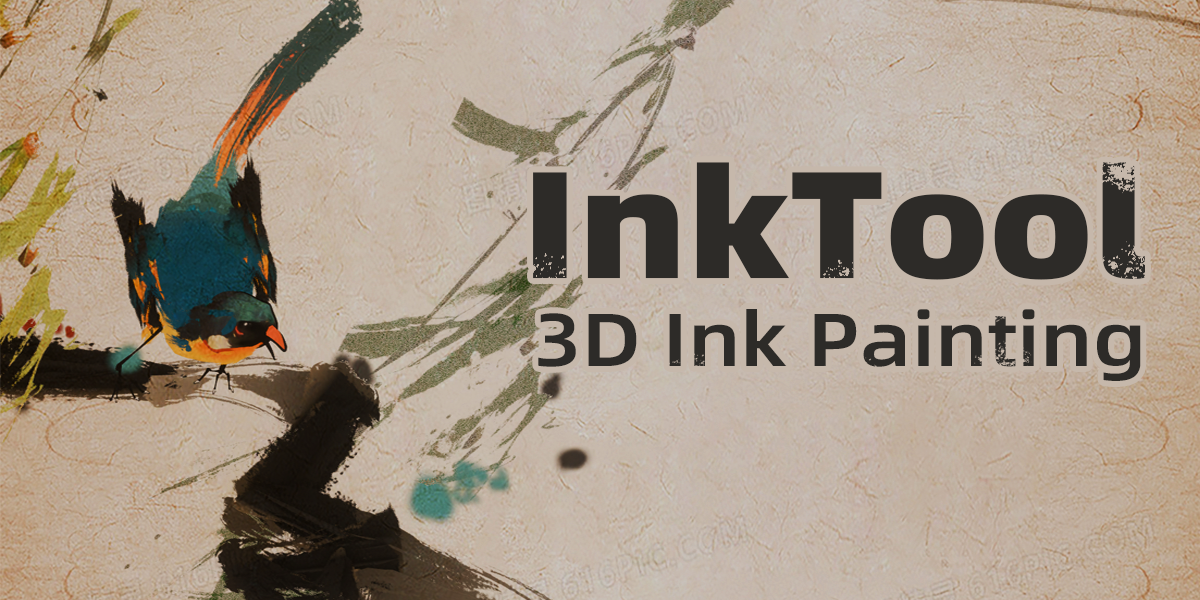
Inktool, by 五天晴, is a Blender toolkit for creating 3D ink paintings. Its four core functions handle brushstrokes, outlines, procedural ink textures, and ink shadows. One-click effects and an adjustable template generator provide additional ways to shape an ink-style scene.
Four tools for ink-style scenes
- Inkbrush applies 3D ink brushstrokes.
- Inkedge adds ink-stroke outlines to models.
- Inktexture converts existing textures into procedural ink textures.
- Inkshadow turns objects into ink shadow receivers.
Inkedge adds outlines to any model, while Inktexture converts existing textures into procedural ink textures.
Effects and templates
Inktool includes one-click effects for a rice-paper background and an old-fashioned look. Its templates include a continuously updated ink model library and a freely adjustable generator, giving artists starting points they can adapt to a scene.
Compatibility and learning resources
The Superhive product listing names Blender 4.0 and 3.6. It does not specify other Blender releases, so check the current listing before installing on a different version. The listing labels the license Creative Commons; consult its license information for the applicable terms.
Three tutorials cover addon installation and filters, InkBrush with texture, outline, and shadow tools, and templates with generators. The product page also links to Inktool documentation.
Who may find Inktool useful
Inktool may suit Blender artists working toward 3D ink painting, NPR, or Chinese watercolor looks. The separate brush, outline, texture, and shadow functions are relevant when a scene needs more than one of those treatments.