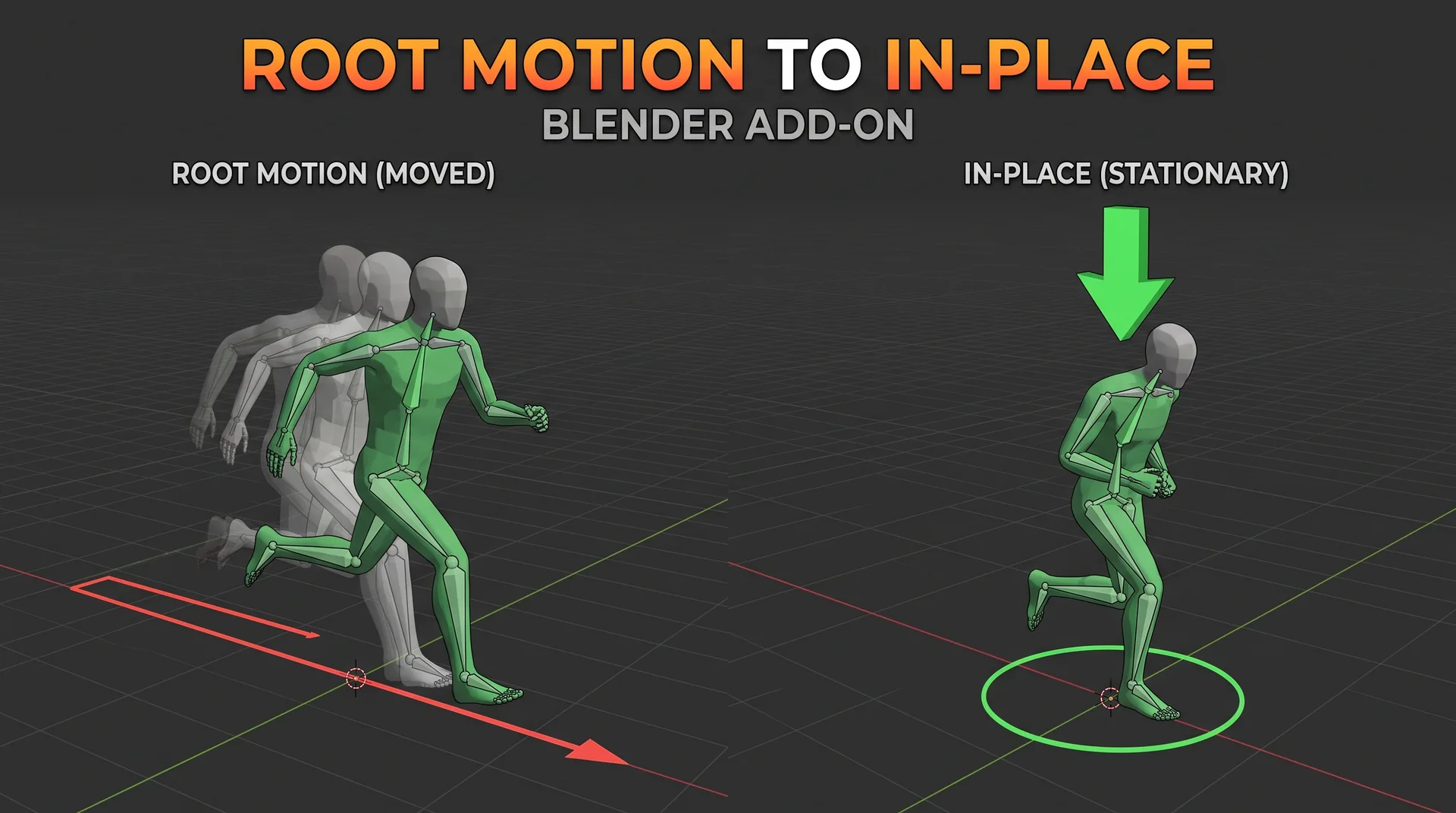
In-Place Animation Tool is a Blender add-on by TIJEY for converting root-motion clips into in-place animation. It is listed as compatible with Blender 4.2 LTS and newer, with Blender 4.2.0 as the minimum, and is intended for character animations from Cascadeur, Mixamo, motion capture, Rigify, and custom game rigs. The Blender Extensions listing describes its approach as working in 3D world space so horizontal travel can be controlled while vertical motion is retained.
How it handles root motion
Zeroing local hip or spine curves can cause a tilted bone to turn forward travel into a vertical change, which may make feet sink or float. The add-on uses a full 3D world-matrix calculation to address that cross-coupling. You can align translation to the world origin or to the character's first-frame position.
Freeze mode locks selected coordinates to an anchor. Remove Drift cancels linear directional travel while preserving subtle hip sway and weight shifts. The X and Y controls handle lateral and forward or backward movement. Freeze Yaw keeps the character facing a constant forward direction. Freeze Z controls height; leave it disabled when the clip needs to retain jumps, crouches, landings, or sitting motion.
Settings to choose for a clip
- Target Scope selects Auto, Target Bone, Armature Object, or Both as the motion source to neutralize.
- Freeze X controls side-to-side travel, while Freeze Y controls forward and backward travel.
- Freeze Z controls vertical movement, and Freeze Yaw controls rotation around the Z axis.
- Mode selects Freeze or Remove Drift. Anchor selects the world origin or the first frame.
The viewport panel also displays detected displacement values for ΔX, ΔY, and ΔZ. Reviewing those measurements before applying a change helps you choose which axes to freeze for the clip.
Use it in Blender
- In the 3D Viewport, press N to open the sidebar and select the In-Place tab.
- Select the animated armature in Object Mode or Pose Mode.
- Review the detected displacement, then choose the target scope, axes, mode, and anchor.
- Click Make In-Place to apply the change. The add-on creates a duplicate of the action with the suffix _Original_Backup before modifying it.
Extract a root bone for a game engine
For a pipeline that needs horizontal travel on a separate ground-level root, use Extract Motion to Root Bone in the Game Engine Tools panel. The add-on creates a root bone and transfers forward movement to it, leaving the pelvis or hips in-place horizontally while retaining vertical motion and rotation. The listing names Unreal Engine, Unity, Godot, and Roblox as target engines. For FBX export, it specifies enabling Armature and Mesh.
Installation and support
You can get the add-on through Blender's native Extensions preferences, drag and drop it into Blender, or download it and use Install from Disk. The listing's version 1.0.1 notes say updates are managed through Blender's native Extensions preferences. The add-on is licensed under GPL-3.0-or-later. For problems, use the In-Place Animation Tool issue tracker.