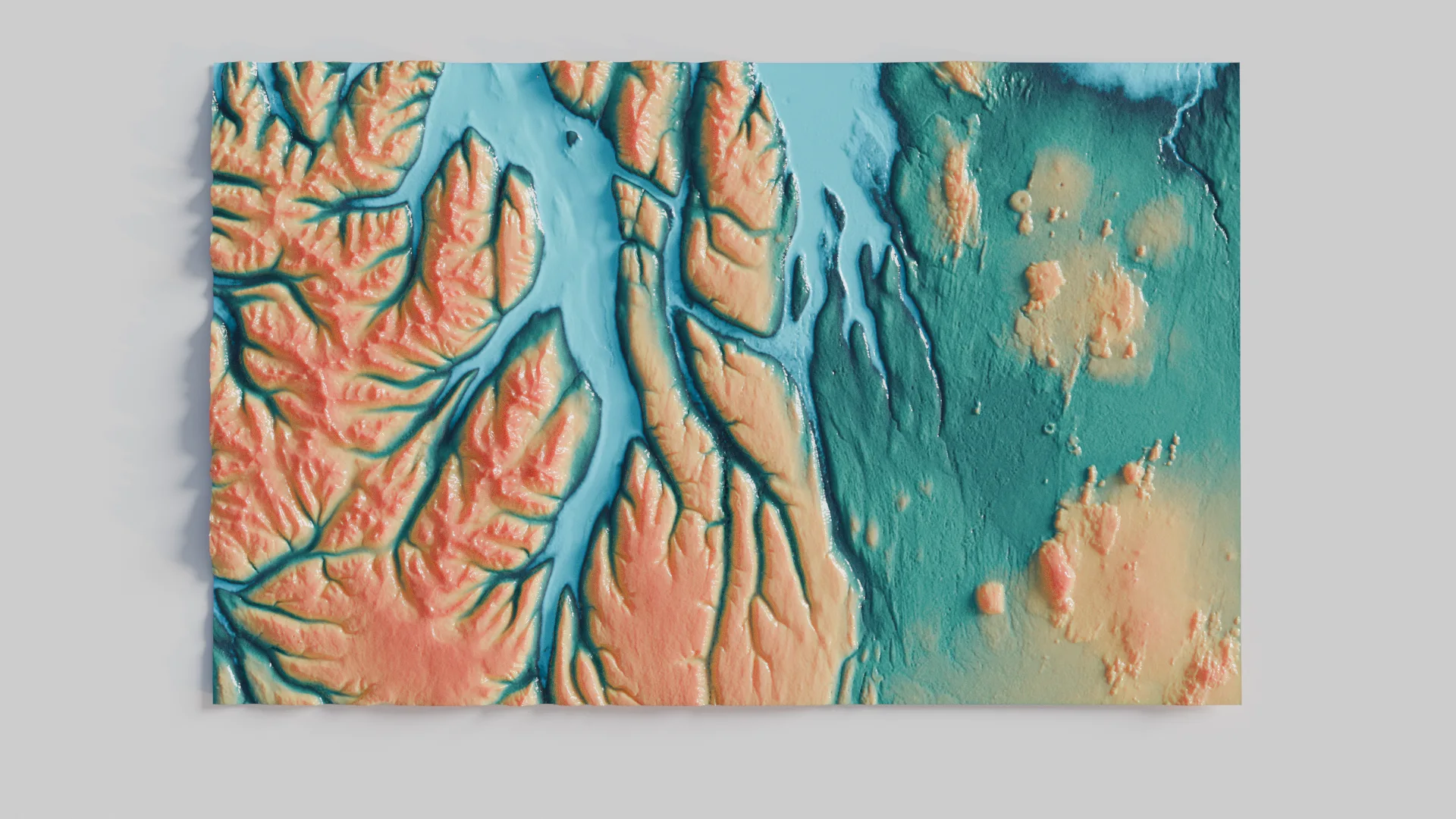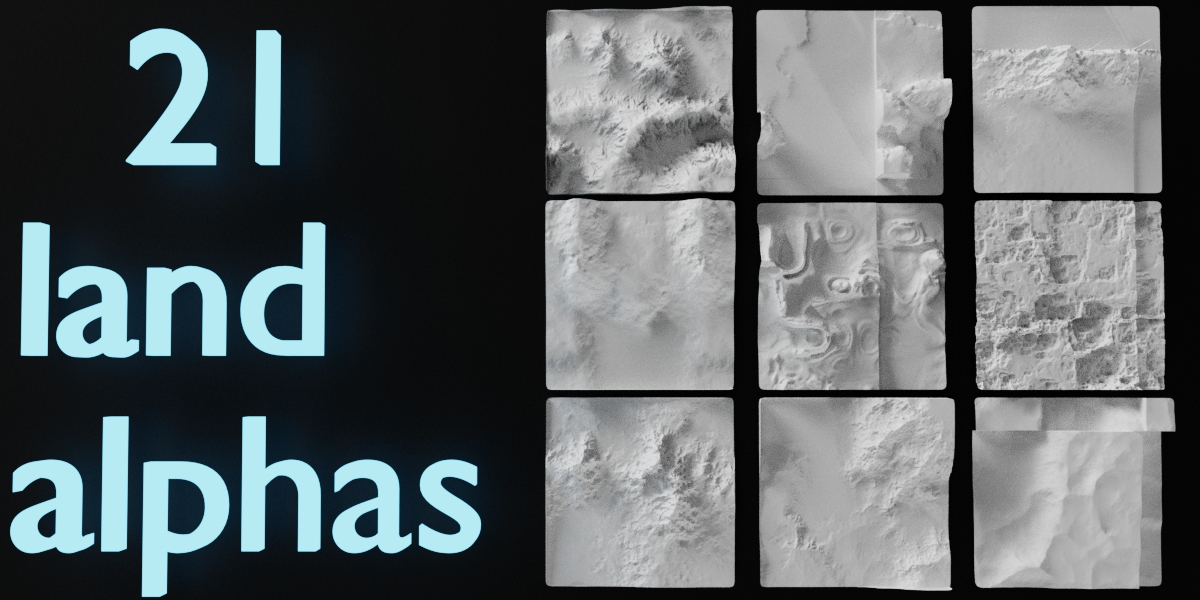
Instant Terrain Importer is a Blender add-on from Voyde Procedural for bringing Gaea terrain into a Blender scene with the mesh setup and shader prepared automatically. Choose a preset and click Import Terrain; the add-on sets up subdivision and displacement, then applies its procedural material without manual node linking. It includes 20 terrains across snow, rock, desert and volcano types.
Terrain presets and materials
The library includes presets such as Glacial Peak, Canyon Walls, Dune Sea and Caldera. Its automatic PBR shader system works with Cycles and Eevee, and volcano terrains include an emissive lava system. The included 4K PBR maps cover diffuse, normal, roughness and displacement.
For custom PBR textures, use Texture Override. Put texture maps in the Terrains/textures/ folder; the add-on detects sets by suffix, including _diff, _nor_gl, _rough and _disp. Use OpenGL (GL) normal maps; DirectX (DX) maps can look inverted in Blender. Select a set and choose Apply Textures. Reset to Procedural restores the built-in shader.
Displacement controls
Displacement runs through a Subdivision modifier, so you can adjust it after import. The controls include grid size, resolution, subdivision, displacement strength and mid level. The base grid is 32 by 32 quads, with a default size of 100 m that can be changed.
In Modifier Controls, default displacement strength is 50 and default subdivision is 3. If an imported terrain looks flat, increase strength. For a blocky surface, try subdivision levels 4 or 5; higher values use more RAM.
Installation and compatibility
- In Blender, open Edit > Preferences > Add-ons.
- Choose Install and select the downloaded ZIP, then enable the add-on.
- Open the Terrain Importer tab in the 3D Viewport sidebar with the N key.
- Choose a terrain, adjust grid size, resolution or subdivision if needed, and click Import Terrain.
The marketplace listing specifies Blender 3.6 through 5.1 and Cycles and Eevee support. It also lists no external dependencies and a GPL license. See the vendor documentation for setup details and the product FAQ for custom terrain files and troubleshooting.