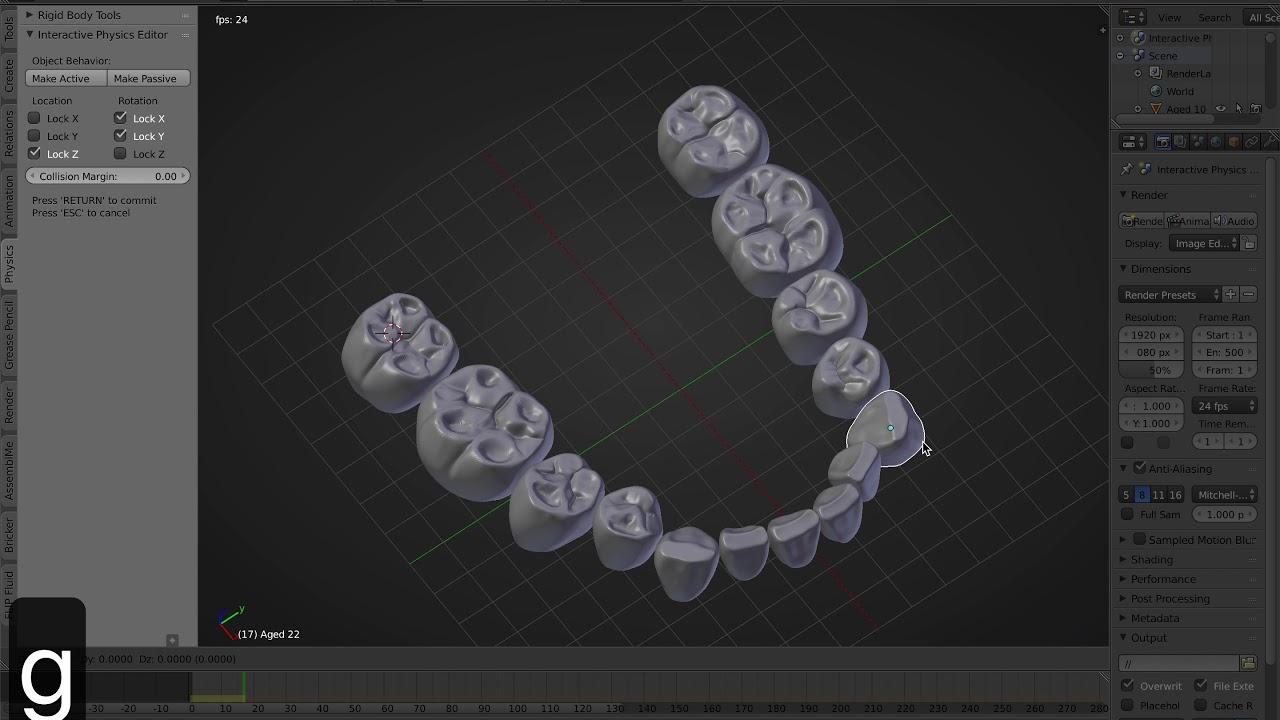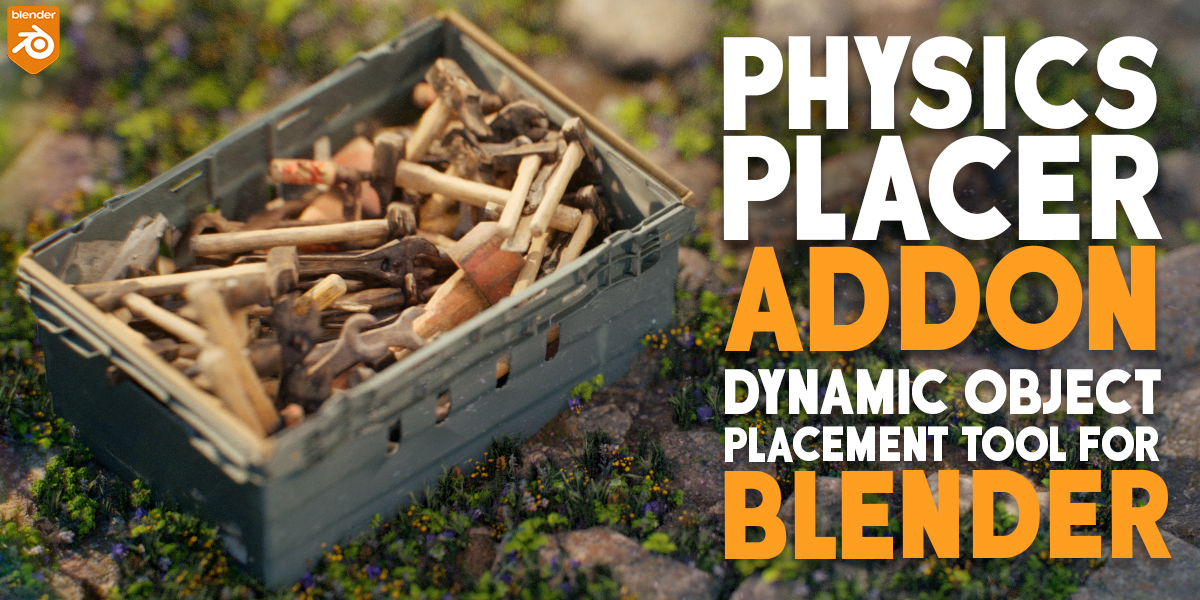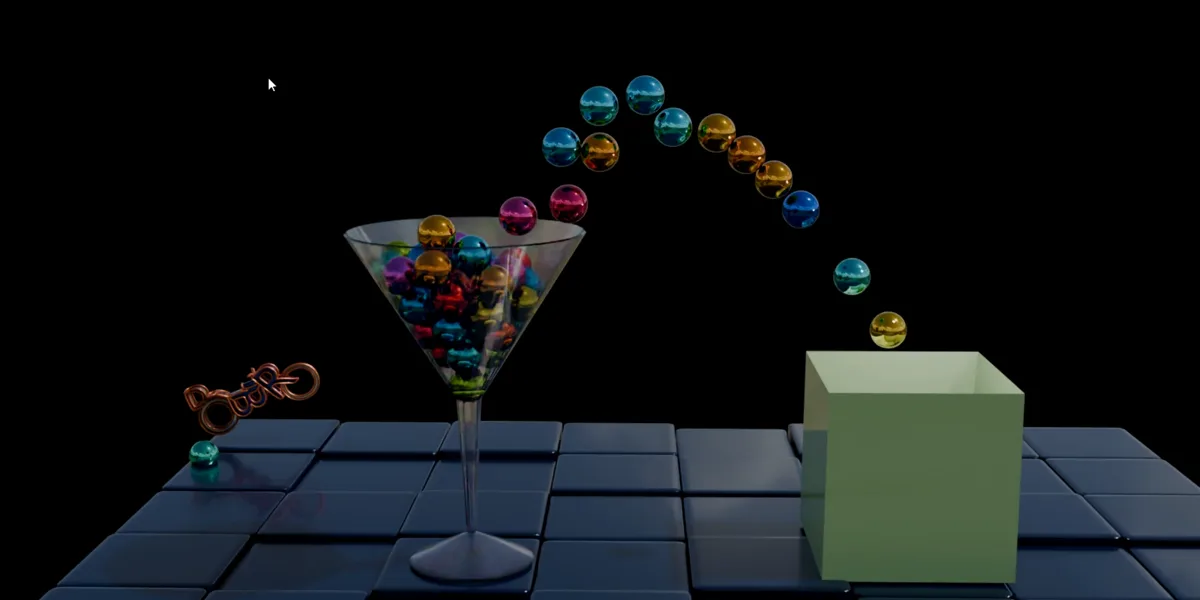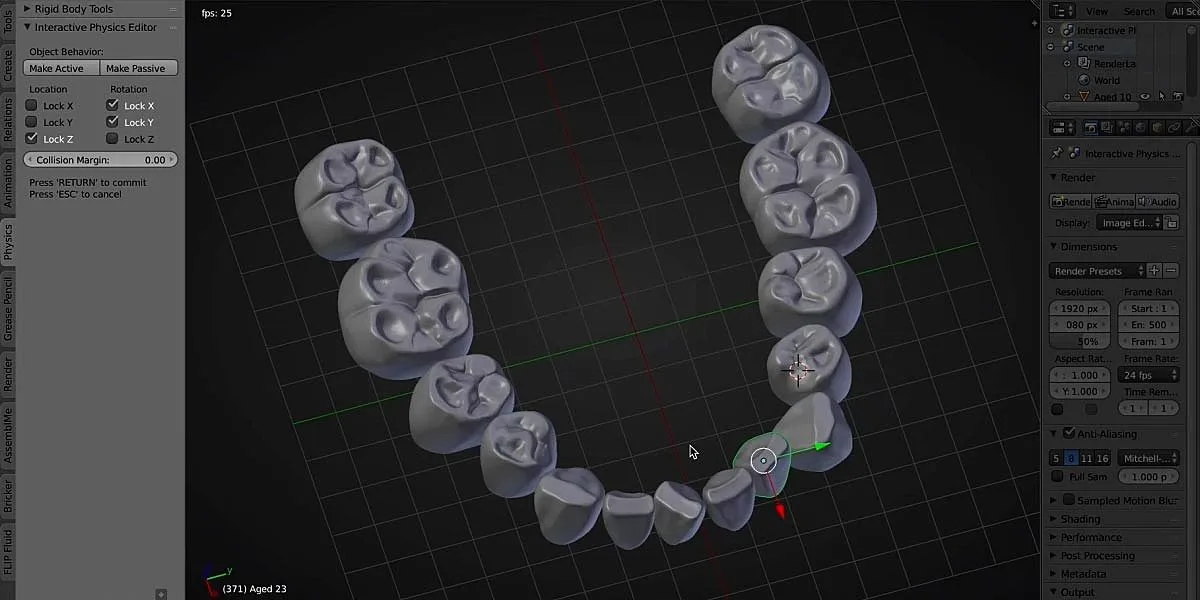
Interactive Physics Editor - Real-World Object Arrangement is a Blender add-on for arranging 3D models that represent real-world objects. During an Interactive Physics Session, objects move out of the way as you transform other objects, helping reduce manual adjustments when models should not intersect. The session can stay open until you commit or cancel it, according to the developer's product listing.
Arrange objects in an interactive session
The product documentation describes a workflow that starts with selecting the objects to arrange and opening a new session from the Physics menu in the 3D View toolbar. You can mark objects that should stay still as Passive, then transform other objects and watch the surrounding models respond. A right-click drops an individual transformation. The session can be committed when the layout is ready or cancelled to return objects to their original locations.
Control how objects respond
You can lock any or all of the three location and rotation axes, and adjust the collision margin while the session is running. The feature list also includes per-object friction, controls for gravity direction and intensity, and a choice of concave or convex collision shapes. These settings let you constrain movement and tune collision behavior while arranging a scene.
There is a limitation around Passive objects: they remain stationary and can cause collisions, but the object being transformed can pass through them. The documentation explains that collisions cannot be detected against Passive objects during that transformation.
Compatibility and support
The product listing identifies version 1.1.5 and Blender compatibility from 2.79 to 2.83. It does not confirm compatibility with later Blender versions, so check the developer's listing before installing into a newer release. The listing names Christopher Gearhart as the developer, gives the add-on a GPL license, and says support is available by email and through the marketplace inbox.