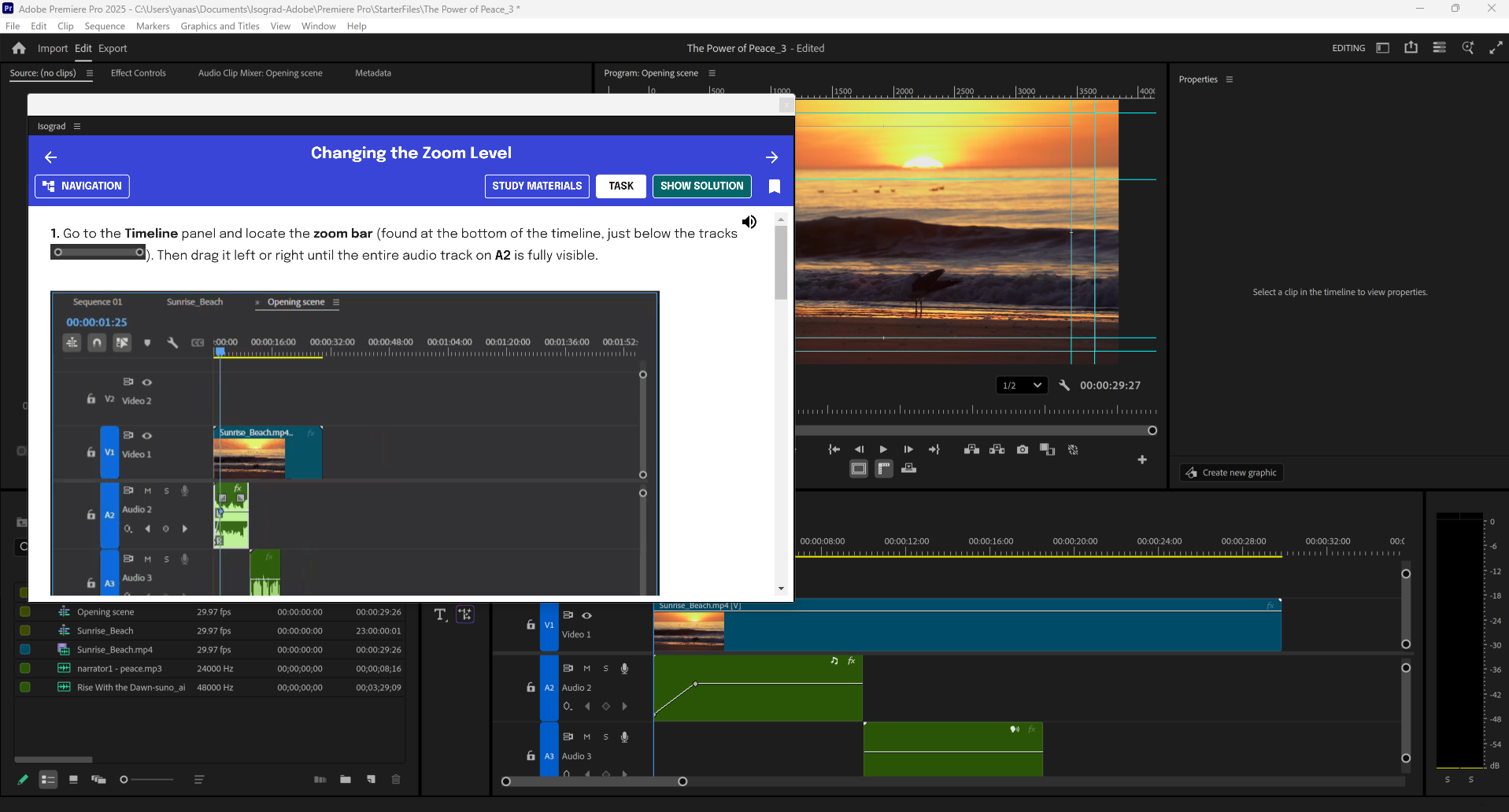
Isograd Learning Lab is Tosa's digital-skills courseware. Its Adobe plugin places guided lessons and practice tasks inside Adobe desktop applications. The Premiere Pro course combines in-app activities with scenario-based exercises, video, reading and review materials. It is intended for learners preparing for Tosa certification while building editing skills. See the Premiere Pro course outline and the Adobe Exchange listing.
What the Premiere Pro course covers
Tosa's course page organizes the material around certification objectives and describes five levels and four skill domains. Learners work through interface and workspace basics, project files and media, timeline editing, and delivery. Tosa estimates the course takes 25 to 40 hours.
- Project setup, media import and organization
- Timeline editing, trimming, transitions, effects and motion controls
- Audio, titles and graphics, color correction and grading, and export settings
The activities are designed to be completed inside Premiere Pro. Learners follow guided steps, work through practical scenarios and can retry activities. Video, reading and challenges provide additional ways to review the material.
For instructors
Tosa lists lesson plans, assignable activities, projects, assessments, answer keys and progress data among the course resources. Courses can run self-paced or instructor-led. In instructor-led mode, teachers can choose which levels, lessons and assessments students see, and adjust grading rules such as task weighting, passing scores and attempts.
Installation and course access
Adobe courses require the Isograd plugin on the learner's device and an Adobe desktop application. Tosa says its Adobe web apps do not support third-party plugins and Adobe courses do not run on Chrome OS. Tosa's current technical requirements list Adobe applications from 2022 through 2026, Windows 10 or later, and macOS 11 (Big Sur) or later. Apple silicon Macs with M1 or later require Rosetta installed and enabled in the Adobe application. Check those requirements before installing or deploying the plugin.
Installing the plugin and getting course access are separate steps. Tosa documents access through its testing environment with Single Sign-On. Individual certification packs may include Learning Lab courseware as an optional add-on. The course supports exam preparation; Tosa certification is a separate assessment. Check the Tosa FAQ for current access and pricing details.