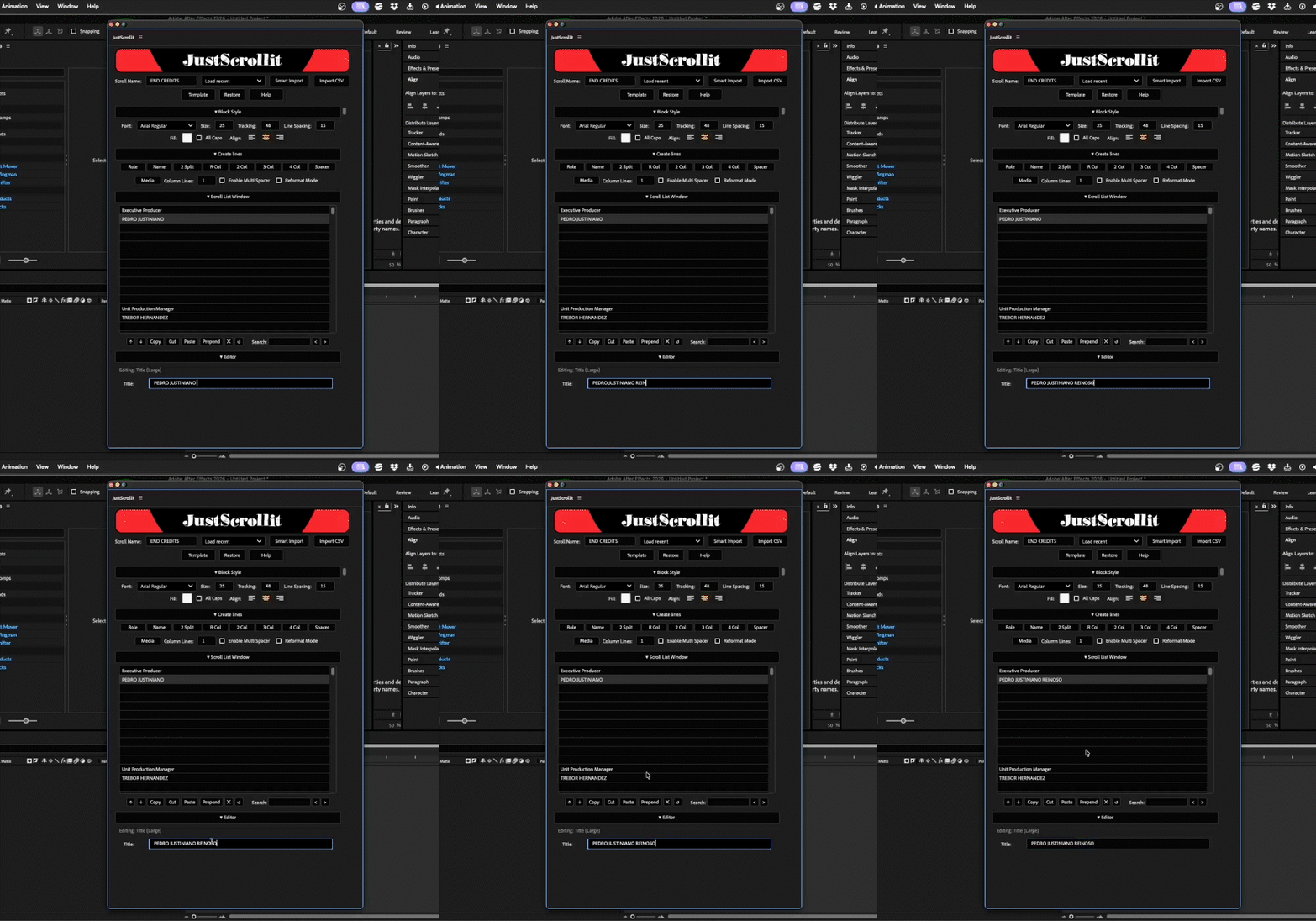
JustScrollit creates animated film credit rolls in After Effects. Start with a raw text file, a preset template, or a blank list. After it arranges imported credits into a formatted list, click “Scroll it!” to generate a composition that you can continue editing.
From list to editable composition
The Smart Import workflow brings in a plain text credit list and formats it for the roll. You can also build the list from scratch or use a preset. You can also reformat a roll, add images, export the credit list to edit outside After Effects, and reduce flicker.
Before generating the composition, set the output options. In version 1.1, a Sync Comp button and an option to sync when the panel reloads bring changes made directly in the composition back into the panel. A slider on the Global Control null adjusts spacing between columns, and Select by lets you choose blocks by type for group edits. Text and color labels make the layer contents and block types easier to identify in the timeline.
Compatibility and licensing
The product listing names Adobe After Effects 2020 through 2026 as compatible hosts. The product EULA grants one copy; installing or using it on more than one computer at a time, or allowing multiple users, requires an appropriate license for each user and copy.
The product listing states that JustScrollit requires a Floating License Server. aescripts' Nov 5, 2026 license guide says a floating license can be installed on as many computers as needed on one network, with one user per license at a time; remote use requires VPN access to that network. Check the license option and server requirement before purchase, especially if you work remotely or need access for a team. The listing also offers a free trial.