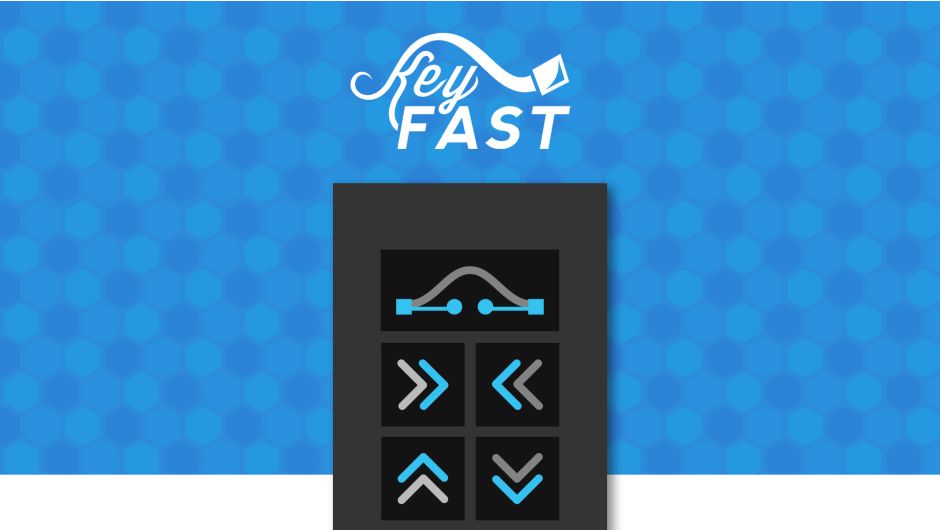
KeyFast is an After Effects script for applying common animation actions and handling repetitive keyframe work. It provides one-click slide, rotation, fade, and scale actions for layers with automatic easing, plus controls to turn Trim Paths on or off. These actions can be applied without the Graph Editor.
Apply and organize animation across layers
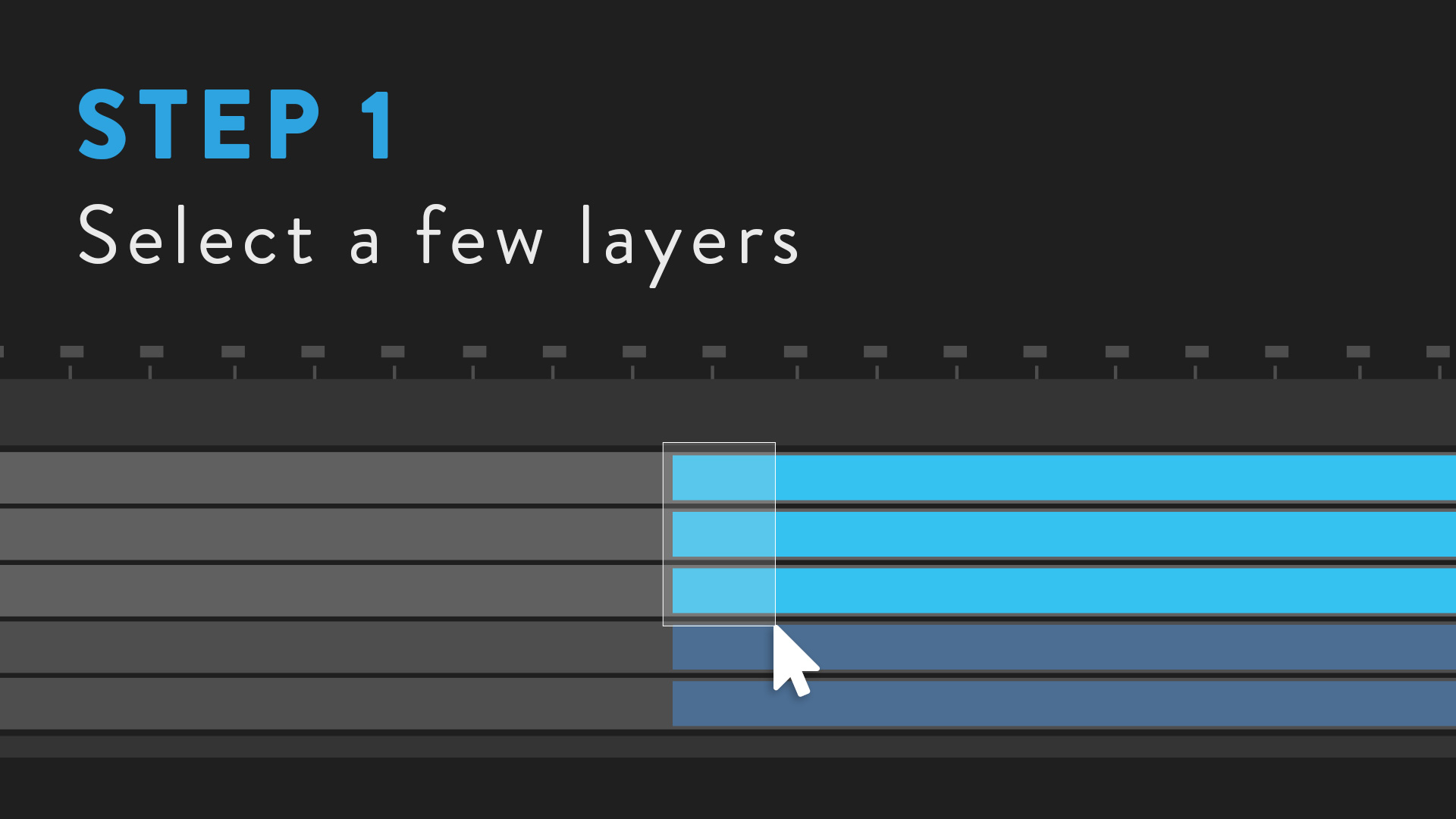
Select multiple layers to apply actions in one pass. KeyFast can stagger layers or keyframes up and down, align selected keyframes across layers to the playhead, and copy and paste keyframes across layers. You can ease specific keyframes or all keyframes on selected layers.
For common motion tasks, the controls slide layers in any direction, rotate them left or right, fade them in or out, and turn Trim Paths on or off across multiple layers. Overshoot can be added to KeyFast buttons, including position, scale, and rotation actions.
Adjust the controls to your workflow
Settings include easing, overshoot, and sliding values, with quick pop-up panels for adjustments. Command and Shift hotkeys provide additional control. The panel can use a horizontal or vertical button layout and has a compact option for tighter workspaces.
Other controls reverse keyframes in time, change Trim Paths direction, and center anchor points before rotation or scaling. Linear keyframe easing is available for path-handle cleanup.
Who it suits
KeyFast is aimed at After Effects users who often repeat layer and keyframe operations, including the creator’s explainer-video workflow. It can reduce the number of manual steps for applying motion, easing, staggering, and alignment. Timing and visual design remain the animator’s choices.
Compatibility, trial, and licensing
The product listing identifies compatibility with After Effects CC 2017, CC 2018, CC 2019, and versions 2020 through 2026. It offers a one-week free trial. The EULA grants one copy and restricts use to one user and one computer at a time. Teams or additional computers require an appropriate license for each copy and user.