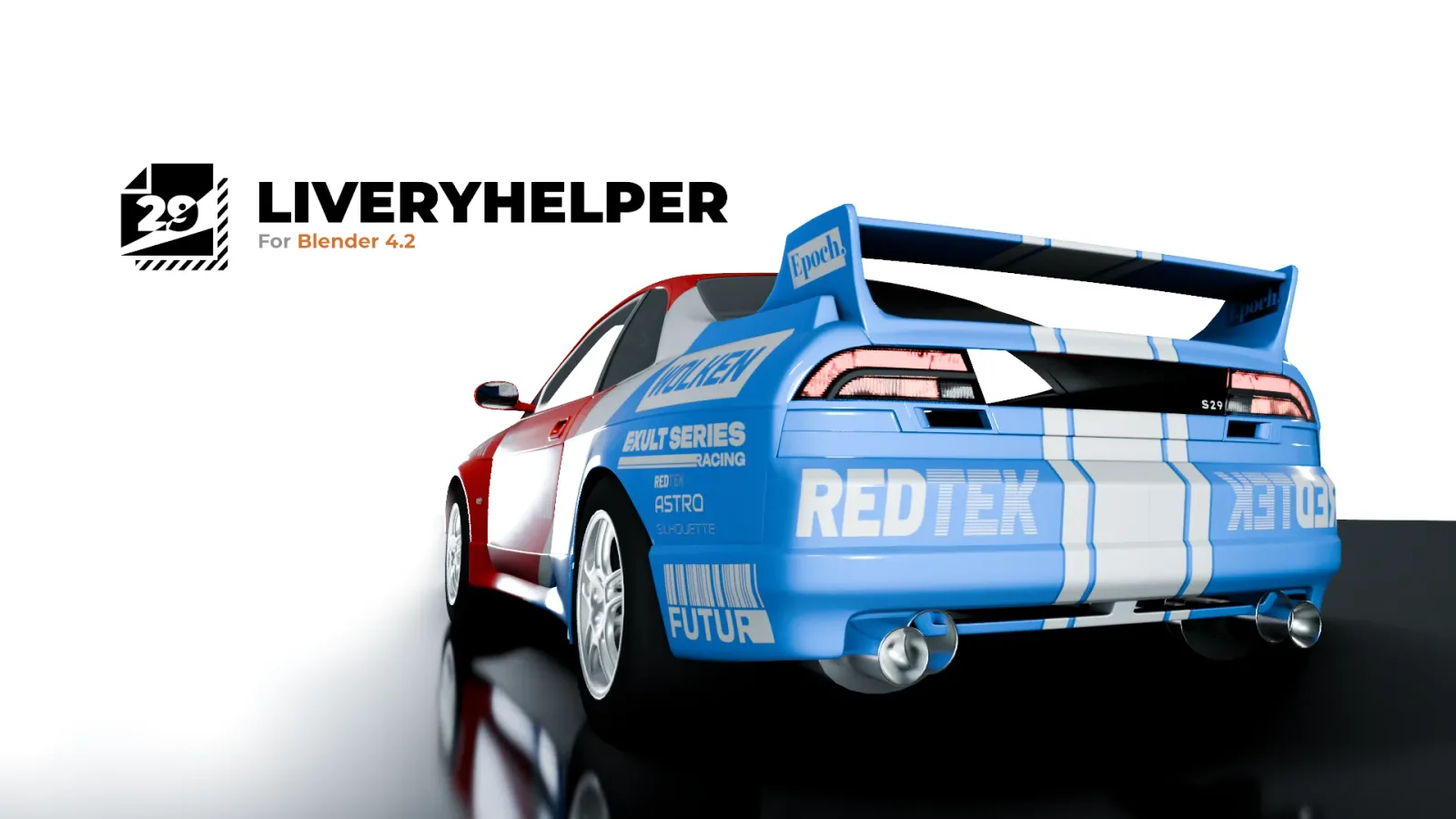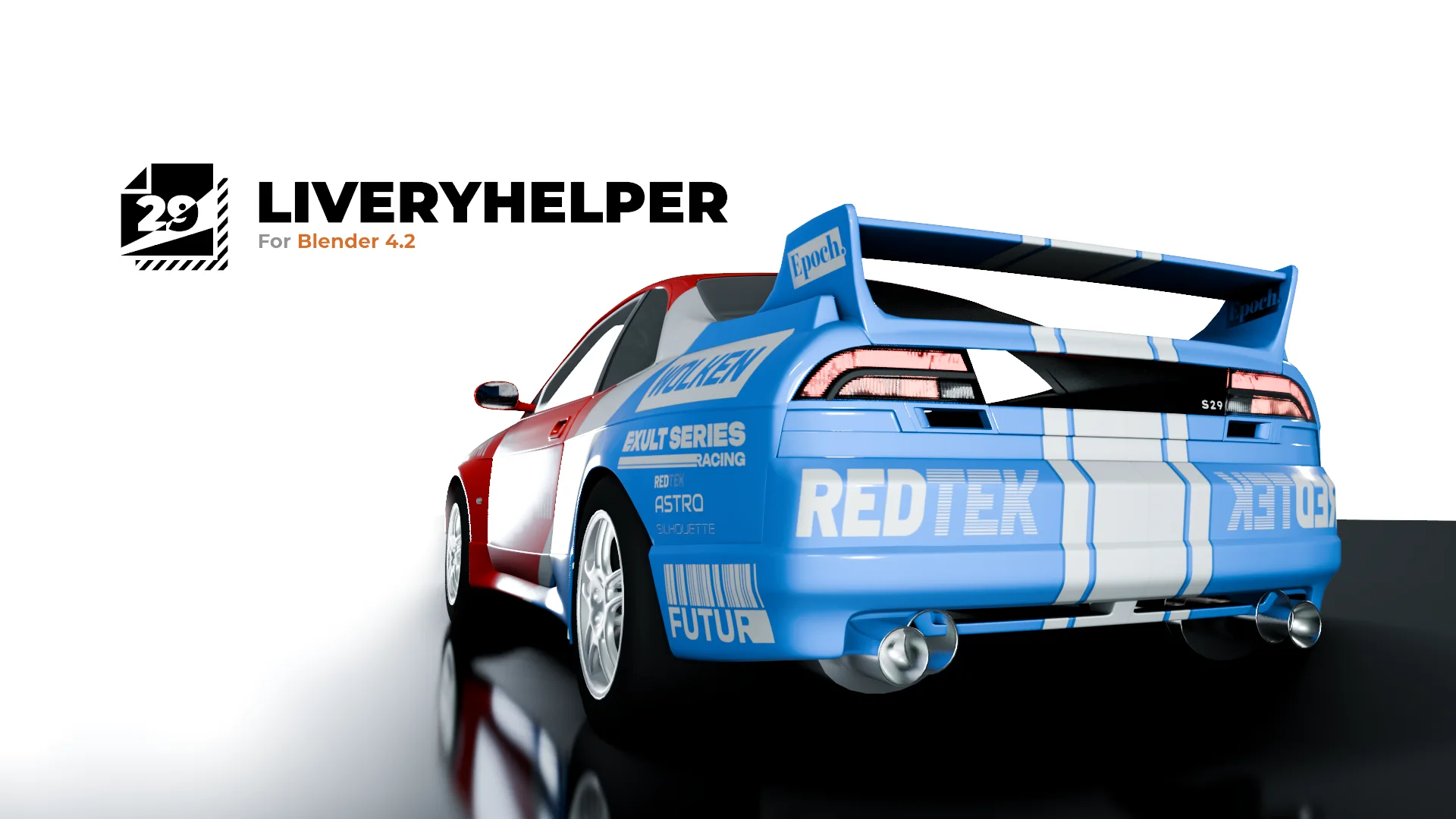
LiveryHelper by Mast26 is a Blender add-on for projecting image-based car liveries onto mesh surfaces. Choose a source image, add metallic or roughness maps if needed, set a base color tint and select an Add, Multiply or Mix blend mode. The add-on builds a material and projection setup from Blender nodes and an Empty. See the Blender Extensions listing for release details.
Choose a projection and place the artwork
Planar projection places an image like a sticker, while Box (Triplanar) projection suits larger tiling textures. An Empty controls the projection's position, rotation and scale. You can move, rotate or scale each livery, then mirror it to the other side of the vehicle.
The image projection can also be used for decals on meshes beyond cars. The same placement controls apply when fitting artwork to another object. The Empty's projection transforms can also be exported to Unity, Unreal or Godot as decal projectors.
Work with the material
LiveryHelper generates a Node Group whose albedo, metallic and roughness outputs connect to a Principled BSDF shader. The material can be baked to a texture when you need a texture-based result. The setup is UV-map agnostic, so you can apply the material to another vehicle, then move that vehicle into the original vehicle's position and reposition the projection Empty to fit its bodywork.
Compatibility and project fit
The Blender Extensions record lists version 1.0.3, Blender 4.2.0 as the minimum version, and the MIT license. It declares file access for loading source livery images. LiveryHelper is suited to Blender artists who want to place image-based liveries or decals with adjustable projection and material controls.