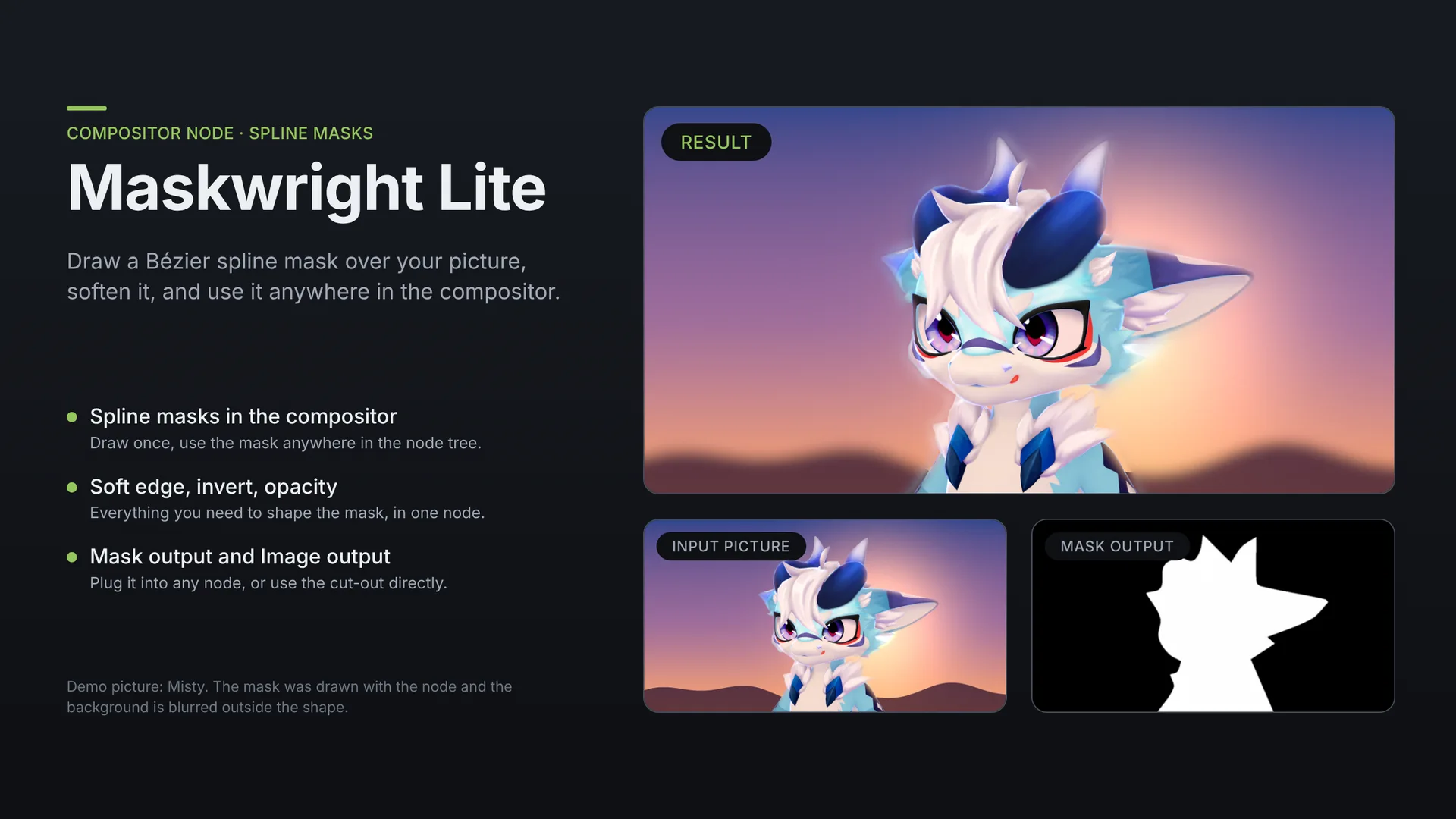
Maskwright Lite adds a node for drawing Bézier spline masks in Blender’s compositor. It opens Blender’s Mask editor for drawing and editing curves, then provides a mask output and an image cut-out output for use in a node tree.
Mask node and controls
The node takes one Image input. Its Mask output is 1 inside the drawn shape and 0 outside; its Image output is the input image cut out by that mask. Several closed curves can share one mask. Soft Edge blurs the contour from 0 to 500 pixels, Invert Mask swaps the inside and outside, and Opacity scales the mask from 0 to 1.
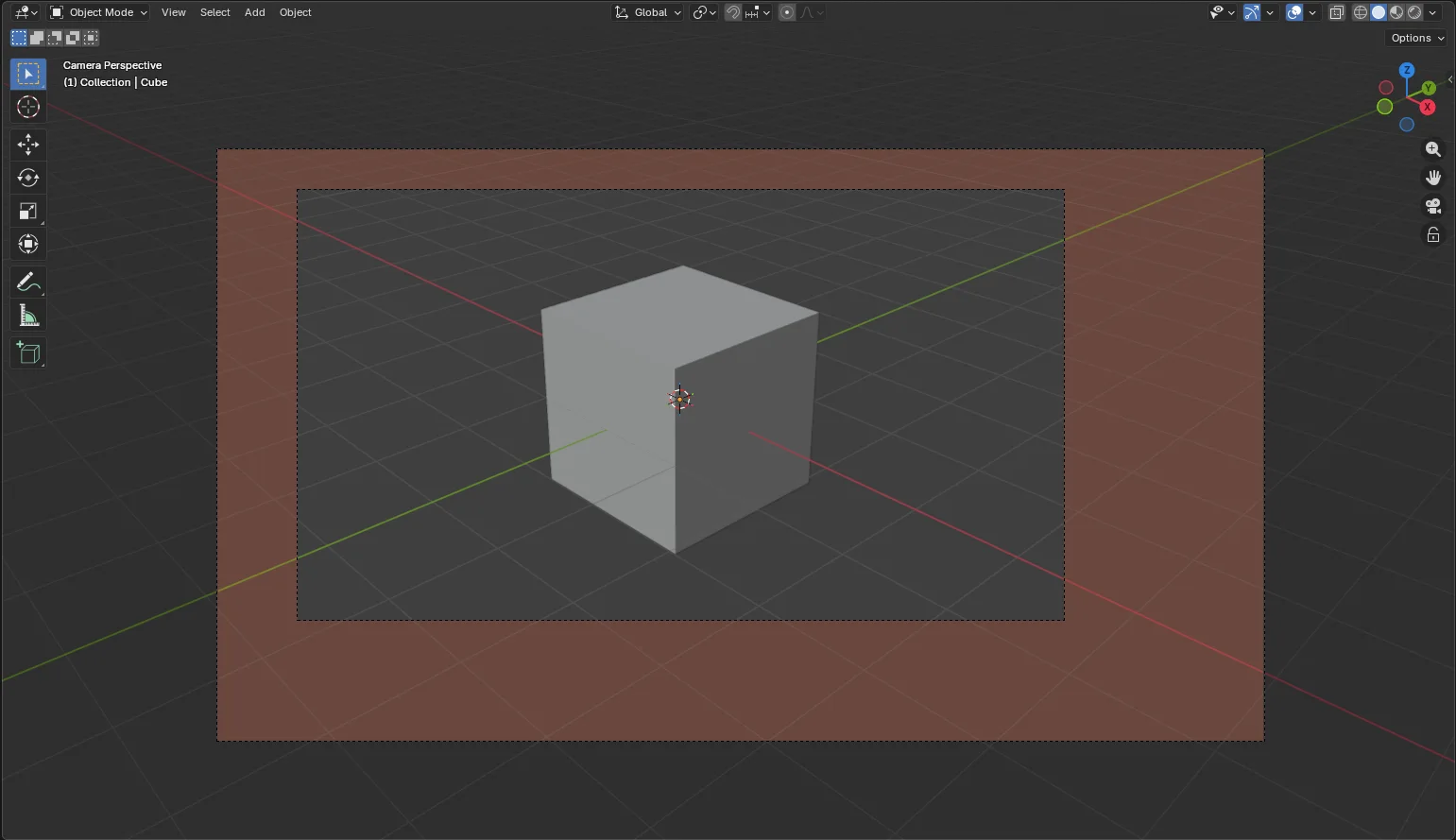
Viewer Output lets you inspect Ref, Mask, Cutout, or Overlay while working. Overlay shows the mask in translucent red over the reference image. The selected view connects to the compositor’s Viewer node; Maskwright Lite adds one if the node tree does not already have one. The mask canvas follows the input image, or the scene’s render size when no image is connected. It reads that render size without changing it.
Example compositor workflows
For selective color grading, send the image through Maskwright Lite and a Hue/Saturation/Value node. In a Mix node, connect the original and graded images to the color inputs, then connect Mask to Factor. Enable Invert Mask to apply the grade outside the drawn shape.
To blur a background, connect the image to Maskwright Lite and a Blur node. Put the blurred image in the Mix node’s first color input, the original in its second, and Mask into Factor. The masked subject stays sharp while the area outside it uses the blurred image.
For a cut-out with a soft border, raise Soft Edge and use the Image output. You can also connect Mask to Alpha Over, Set Alpha, or another Mix node.
Drawing and setup
- In the Compositor, add Maskwright Lite from Add → Mask → Maskwright Lite, or use Shift+A → Mask. If the Compositor is empty, enable Use Nodes in Blender 4.2 through 4.5 or create a compositing node group with New in Blender 5.0 and newer.
- Connect an Image, Movie Clip, or Render Layers source to the Image input.
- Press Draw / Edit Spline. In the Image Editor that opens, Ctrl-click adds a point and Alt+C closes the curve. Move points and handles to trace the subject.
- Adjust Soft Edge and check the result with Viewer Output, then connect Mask or Image to the nodes for the effect you need. Close the split Image Editor area when you finish drawing.
Compatibility and limits
Maskwright Lite requires Blender 4.2 or newer. Its listing reports checks on Blender 4.2.23, 4.3.2, 4.4.3, 4.5.15, 5.0.1, 5.1.2, 5.2.3, and 5.3.0. In Blender 5.0 and newer, it also works in the Compositor modifier for video strips.
The add-on has no custom canvas size, edge grow or shrink control, second-mask input, ready-made shapes, or animation tools of its own. Blender’s Mask editor can keyframe mask points. A .blend file containing a Maskwright Lite node needs the add-on installed on each computer that opens or renders it. In Blender 4.2 and 4.3, switching the add-on off while one of its nodes remains in a file can close Blender; remove the nodes, or save and restart before disabling it.
The extension requires no special permissions, network access, or other software, and it writes nothing outside the .blend file. Its Blender Extensions listing identifies version 1.0.0 and the GPL-3.0-or-later license.