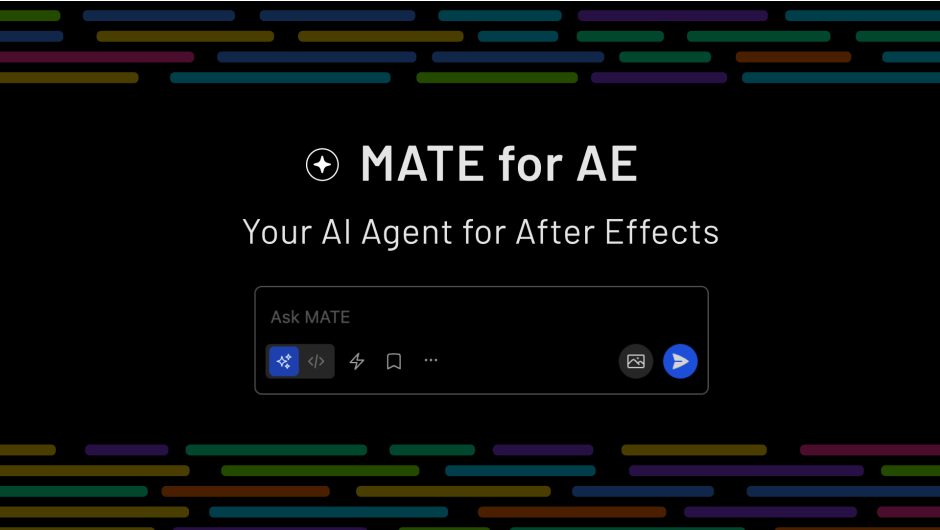
MATE brings natural-language automation and AI-assisted scripting to After Effects. It suits artists who repeat edits across layers or compositions, prepare language versions, or want to create reusable scripts and expressions from a description.
Automate layer and render tasks
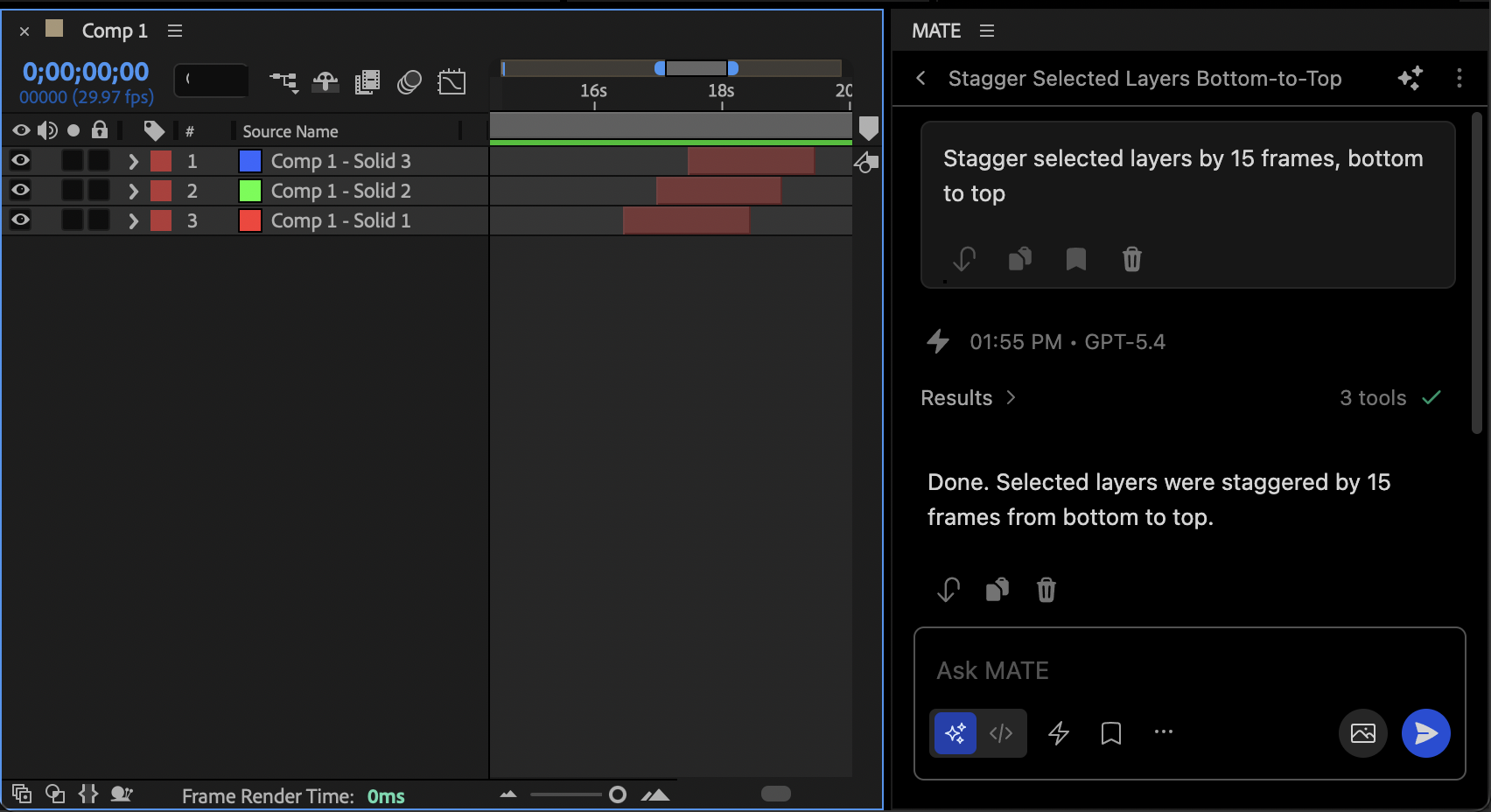
In Agent Mode, you can ask MATE to stagger selected layers by frames or seconds, replace text, change fonts, or apply edits across layers, compositions, or a project. It can also chain steps, such as showing text layers for a selected language, adding the relevant compositions to the render queue, and starting the queue.
Generate scripts and expressions
Script Mode generates ExtendScript and custom expressions from prompts. You can import an existing script and ask MATE to fix or extend it, then save scripts and expressions in a library for reuse. Saved items can run offline without an AI request, and the library supports exporting and sharing them with a team.
Use data from connected services
MATE supports MCP connections to bring information from services such as Notion, CI HUB, and Linear into an After Effects workflow. For example, you can retrieve copy from a Notion document and use it to populate text layers without copying it between applications.
Models, license, and compatibility
AI use with MATE's included base models does not require an API key. Version 2.5.0 lists Claude Haiku 5.5 and GPT-6 Luna for eligible MATE plans; higher-tier models require your own provider API key. The EULA grants use of one copy; additional copies or users require the appropriate license for each.
The listed compatible versions are After Effects 2026, 2025, 2024, 2023, and CS3.