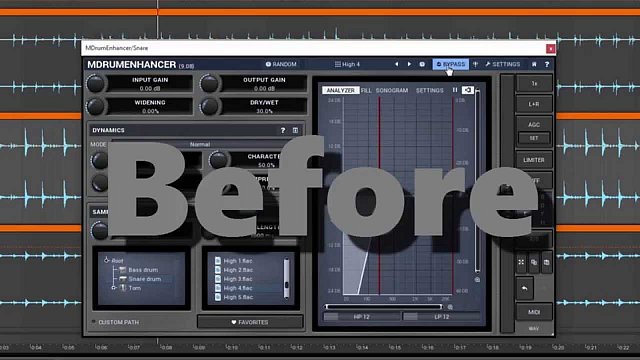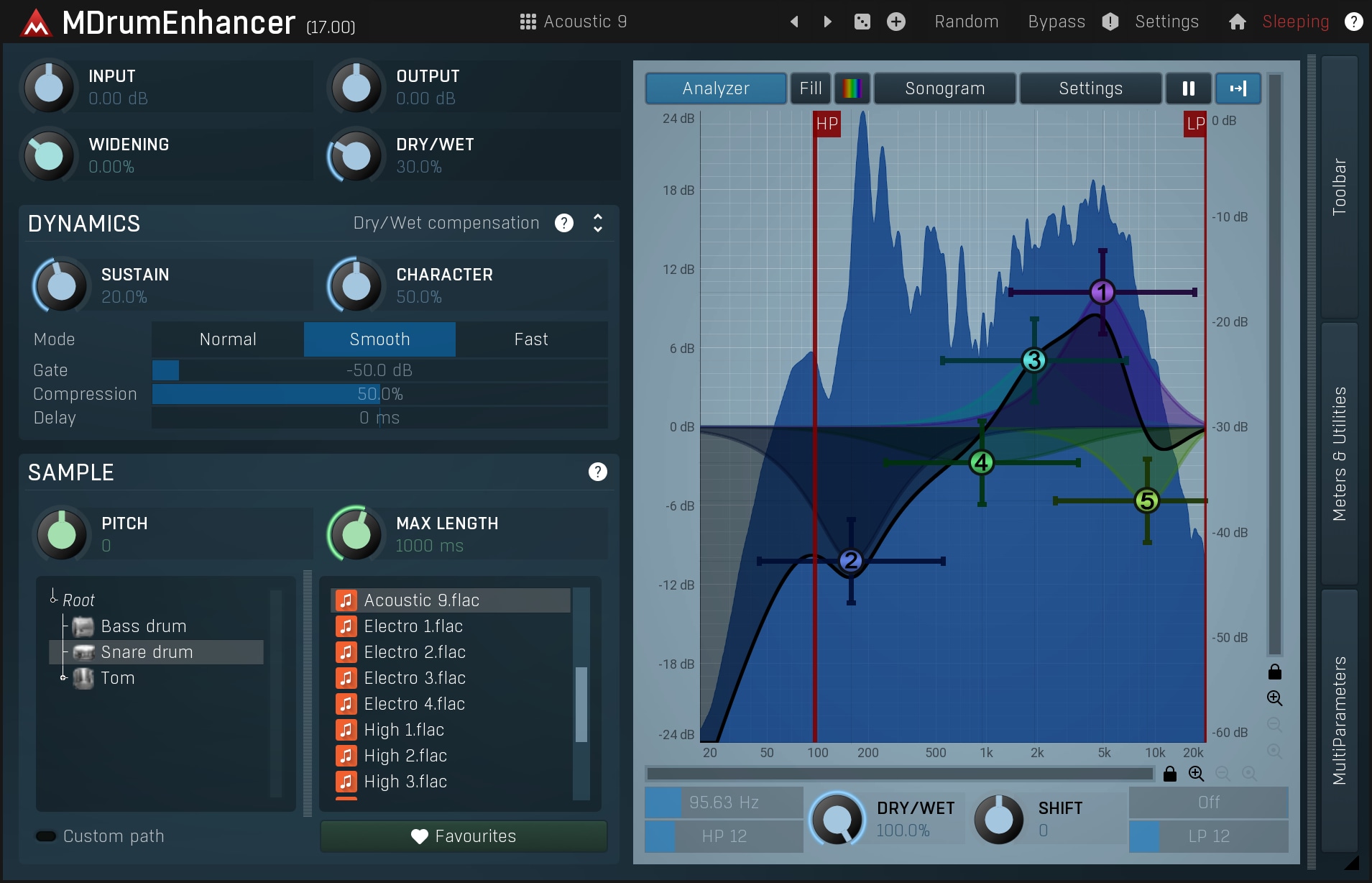
MDrumEnhancer adds a synthesized signal to a recorded drum track, using a selected sample to guide the sound. It can help when a kick lacks weight or snap, or a snare recording needs more body or snare noise. MeldaProduction describes it as an alternative to replacing drum hits: the sample guides a new signal rather than being inserted directly into the output. It also supports mono and stereo, mid/side, up to 8-channel surround and up to 64-channel ambisonics for music, movies, games and VR.
How the enhancement follows the performance
The plugin uses the incoming audio to shape the added signal and follow the track’s dynamics. That makes it useful when you want to reinforce a live or studio drum recording while keeping its performance dynamics. Because the sample guides a synthesized layer, the result may sound different from the sample itself.
Start with a preset, then choose a sample and adjust the enhancement to the recording. The MDrumEnhancer quick start guide describes these approaches:
- Kick: Try a preset and adjust Sustain and Dry/Wet to control the enhancement’s tail and blend.
- Snare: Use a low-pass filter on the enhancement to focus on drum body, or a high-pass filter to emphasize snare noise. Tune the sample’s pitch so it blends with the recorded snare.
- Toms: Choose a sample with a similar pitch, then tune it to the tom. A poor pitch match can make the added sound seem like a separate drum.
Controls for fitting the added layer
Pitch adjusts the sample that guides the enhancement. Sustain controls how quickly that signal fades: lower settings keep it close to the original hit, while higher settings extend the tail and can create a short reverberant effect. The dynamic equalizer shapes the enhancement’s frequency response, and Gate sets a minimum input level to help avoid triggering on quieter leakage from other drums.
MeldaProduction says the plugin can be used for live mixing because its resynthesis method avoids common drum-replacement timing problems. The manual also documents an optional Delay control that can shift the input or enhancement in time and report latency to the host for compensation. The Delay default is 0 ms; positive values delay the enhancement after the input, while negative values delay the input after the enhancement.
Compatibility, trial and licensing
For Windows, MeldaProduction lists 64-bit Windows 10 or 11, a 64-bit VST, VST3 or AAX host, and an Intel/AMD processor with SSE2. For macOS, it lists version 10.14 Mojave or newer (64-bit), a 64-bit VST, VST3, AU or AAX host, and Intel, AMD or Apple Silicon processors. Linux is not directly supported; MeldaProduction notes that running the plugins through Wine may be possible. See the MDrumEnhancer support page for installation details; consult the system requirements for host compatibility.
MeldaProduction says activation uses license files and does not require a dongle or internet access. The license is assigned to a person and can be used on that person’s computers. The product page links to the download page for a free trial; the product page does not state the trial terms.