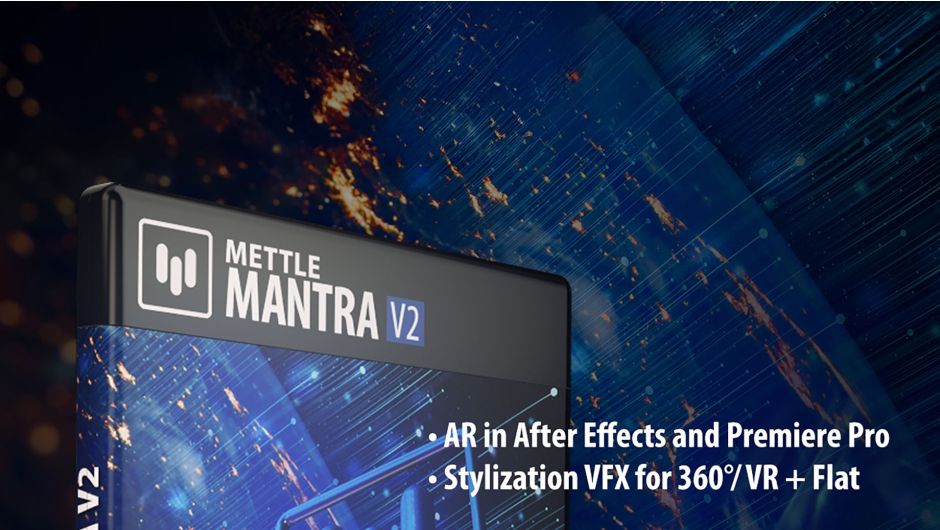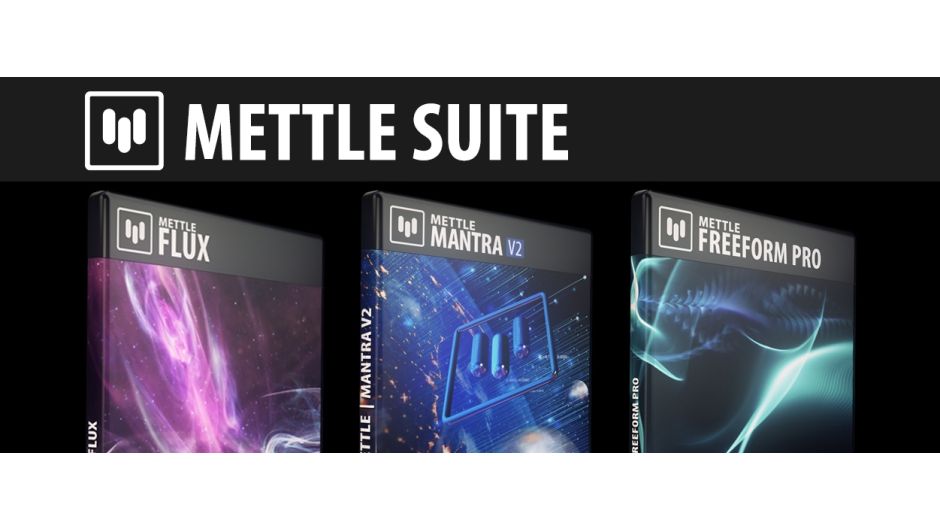
Mettle Mantra brings 360 and flat-footage effects, spherical previews, and AR asset tools into Adobe After Effects and Premiere Pro. It fits editors and motion designers who want to stylize immersive footage or prepare 3D assets for use in AR players within an Adobe workflow.
Apply effects to flat and 360 footage
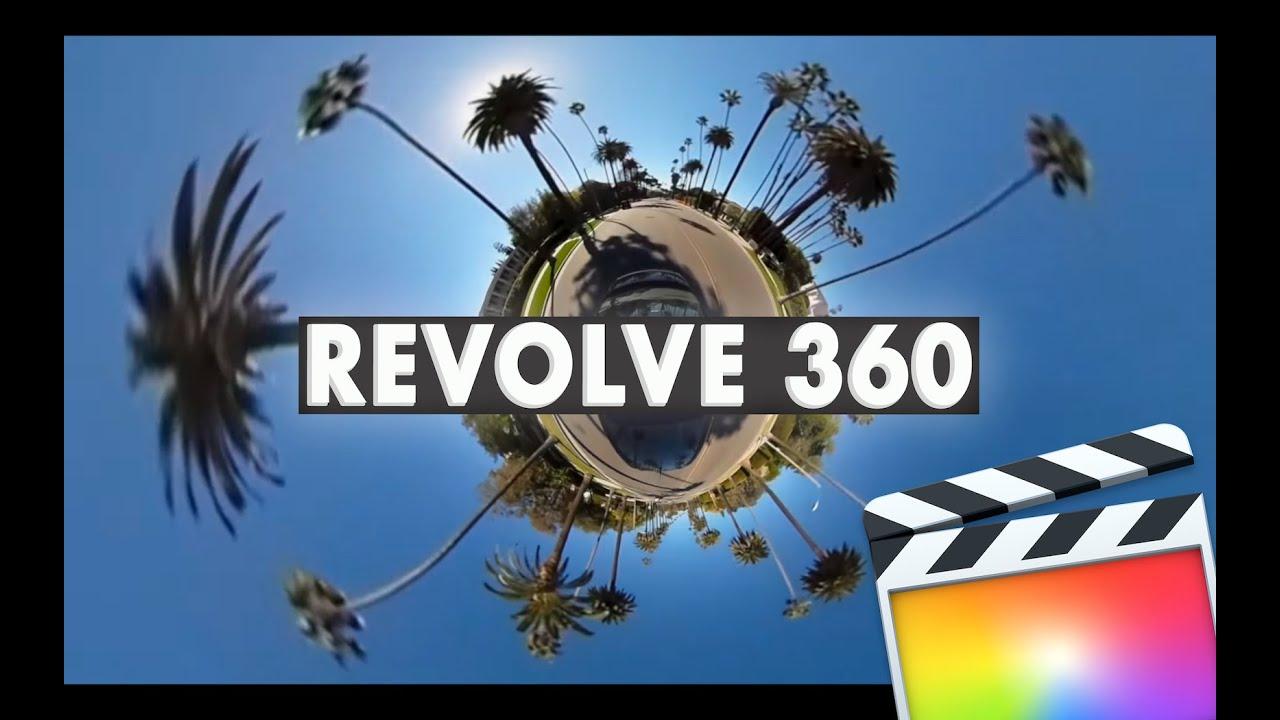
Mantra combines practical effects and stylization effects such as Hyperbolix tiling, Escher and Droste patterns, curved Chrome Spheres, and Mobius transformations for little-planet or virtual-dolly looks. Its effects also work with flat footage. Mettle documents Rectilinear, 360 monoscopic, and stereoscopic over/under and side-by-side formats for its spherical effects.
The Turbulence effect creates a painterly, turbulent-flow look on 2D or spherical images. It requires a still image and cannot process moving video.
Connect effects and preview the sphere
The node panel lets you add effects, use presets, and link an effect to a controller. Its Master Controller can interpolate between the processed result and the original 360 footage, including compositions with stacked effects. Audio-reactive controls can link effects to the composition's soundtrack.
Globe Preview shows the composition on a sphere, with a view from inside the sphere available by double-clicking it. The dockable panel updates as the composition changes, which helps check how an effect reads around the full 360 view.
Create and export AR assets
Mantra ObjX imports Alembic, FBX, OBJ, glTF, and USDZ models, lets you modify their materials, and exports USDZ or glTF. Spherify turns 360 stills or footage into 3D spheres for AR portals. It supports separate front and back imagery, RGBA, and export to those same AR formats. Graphix extrudes 2D graphics, logos, and text into 3D geometry and can export it as USDZ or glTF. Mettle identifies Adobe Aero and Apple Reality Composer as supported AR players for these formats.
Mantra V2 uses Mettle's 3DNA rendering engine for volumetric workflows.
Compatibility and demo conditions
Mettle lists Mantra V2 for After Effects and Premiere Pro, with compatibility described as CC and higher according to Adobe's supported Creative Cloud versions. Its download page lists Mac and Windows installers. Mettle's download page lists a 2GB VRAM minimum for AMD or NVIDIA cards. Its demo page recommends 2GB or more for 360/VR plugins and says that amount is needed for 4K work.
Mettle describes its demo as fully functioning with a watermark. The watermark is removed after purchase and license registration.