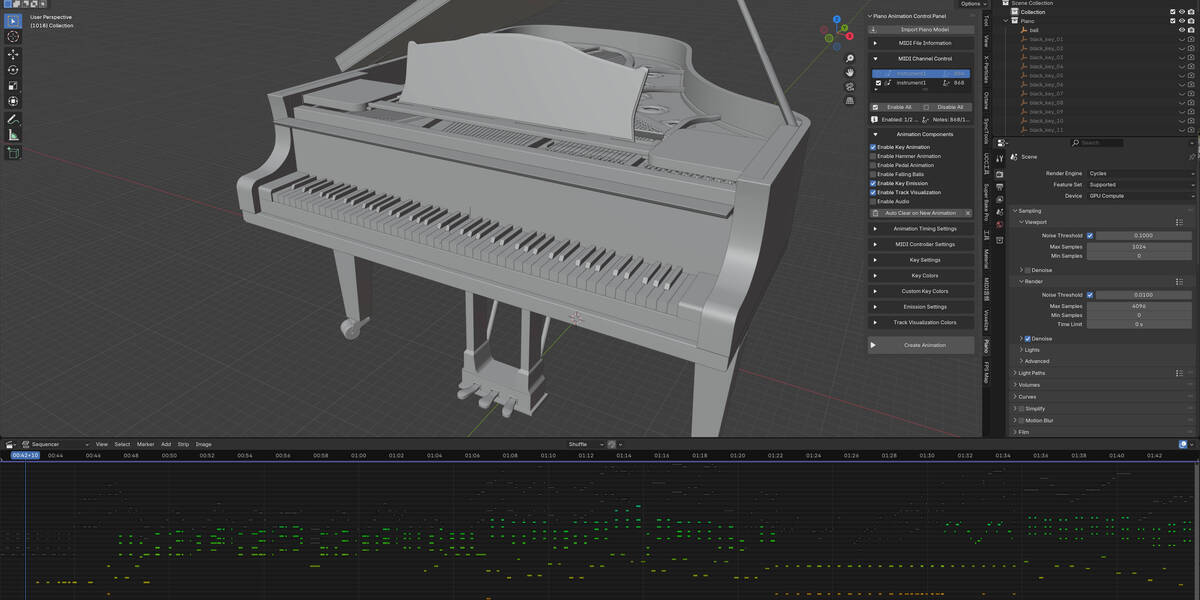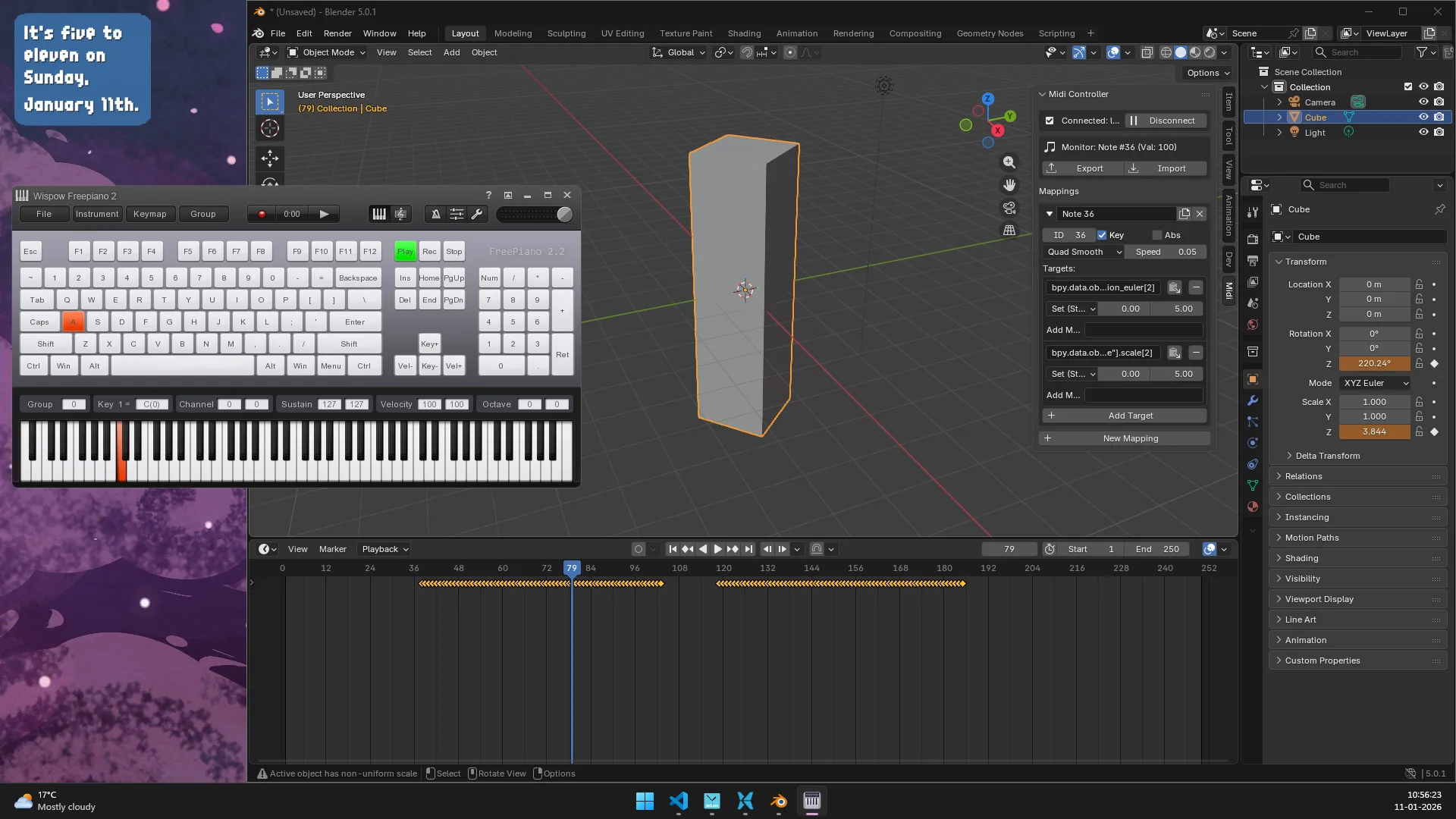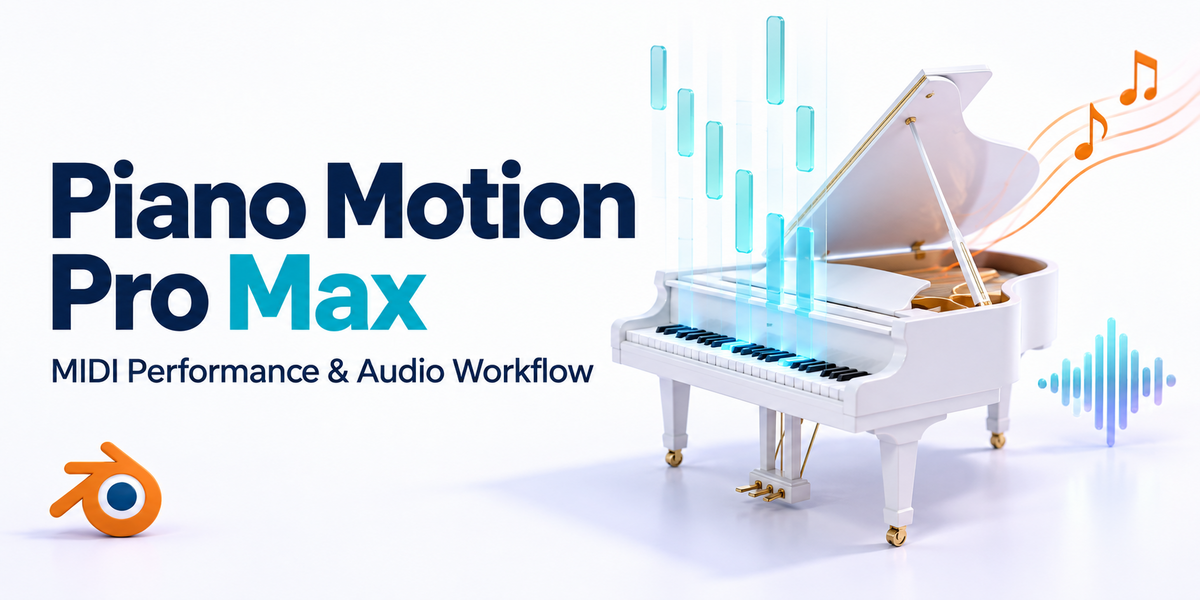
Midi Piano Motion Tools Pro Max is a Blender add-on that turns standard MIDI files into piano animation. It includes a piano model and an SF2 audio workflow for music videos, educational visuals and other Blender scenes built around a musical performance.
Animate keys, hammers and pedals
The add-on generates motion across the 88-key range, MIDI notes 21 to 108, with key and hammer animation plus pedal motion. Before generating a full performance with a custom piano, map its objects and check that the keys, hammers and pedals are set up as expected.
Shape the performance
Controls cover 16 MIDI channels, with options to enable or mute channels and adjust channel or key colours. You can add key emission, colour gradients and a falling-ball visualisation. Timing options include linear, constant and Bezier interpolation, along with velocity-related duration and MIDI controller handling. The documentation also lists pitch bend and modulation support.
Use the sequence and animation controls to inspect MIDI information and manage different performances. Play through the animation while adjusting its visual treatment, then check the result across the passage you plan to render.
Use the bundled piano and audio resources
Pro Max includes a piano model and a default SF2 sound library. It supports custom tone libraries and audio export by MIDI channel. The product documentation also lists FluidSynth integration and bundled components including mido, numpy, scipy and fluidsynth. Check your operating system’s audio components and output settings before preparing the final render.
Typical workflow
- Load the included piano or prepare and map a compatible custom model.
- Load a MIDI file, then choose channels and timing settings.
- Set up key, hammer and pedal motion, colours and visual effects.
- Generate and play the animation to check its timing.
- Configure any SF2 audio output, check sync and render.
Check Blender compatibility
Published compatibility information conflicts. The product requirements and documentation say Blender 4.2 or newer. Marketplace details list Blender 3.6 to 5.2, while the product FAQ says 3.6 to 5.1. Check with the creator for support for the Blender release you use.