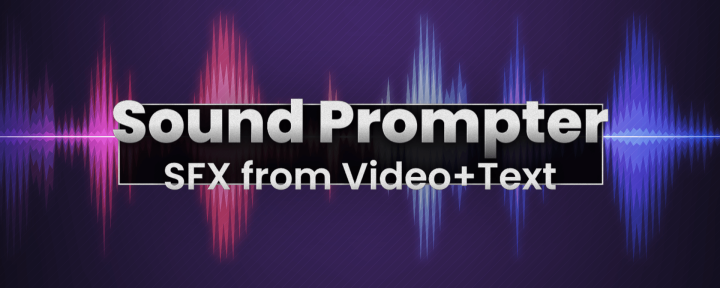
Mirelo AI is a panel for Adobe Premiere Pro that generates audio using video as context. Select footage to create sound effects timed to visible action, or describe the sound you want in plain language. The panel can also generate ambience and background music, then place audio on the Premiere timeline for review against the edit.
Sound generation for your timeline
Mirelo AI covers several common sound design tasks:
- Sound effects: Analyze a clip and generate effects in sync with the action. A text description can guide the result when you have a particular sound in mind.
- Ambience and music: Create environmental audio for nature, urban, or interior scenes, or add background music to a video.
- Audio edits: Extend a sound or replace part of an existing clip. Mirelo also describes a workflow for removing unwanted music while keeping dialogue.
- Long edits: Generate audio for up to 10 minutes of the timeline at a time; for longer edits, work through one range at a time, then preview the results in Premiere.
These tools can help with reels, social videos, product demos, and other edits that need more than one sound cue.
Install and use Mirelo AI
- Download the plugin from Adobe Exchange and install it through Creative Cloud's Manage Plugins.
- In Premiere Pro, open Window > UXP Plugins > Mirelo AI. Sign in to a Mirelo account or create one from the panel.
- Select a timeline range, generate audio, and preview it before adding it to the timeline; keep Timeline Sync on to place the result at the right point in the edit. The developer's Premiere plugin guide covers installation and panel setup.
Listen to each result alongside the picture and dialogue before export. Generated cues may need timing, level, or style adjustments to fit the cut.
Compatibility and usage terms
Mirelo's October 15, 2026 changelog identifies the Premiere plugin as version 1.4.0; its plugin guide lists Premiere Pro 25.6.1 or later as compatible. Check the Adobe Exchange listing for the current version and supported Premiere release. Adobe Exchange marks the plugin Free*, while audio generation uses a Mirelo account and follows the provider's credit and plan terms. Review Mirelo's current pricing before using it for client or commercial work.