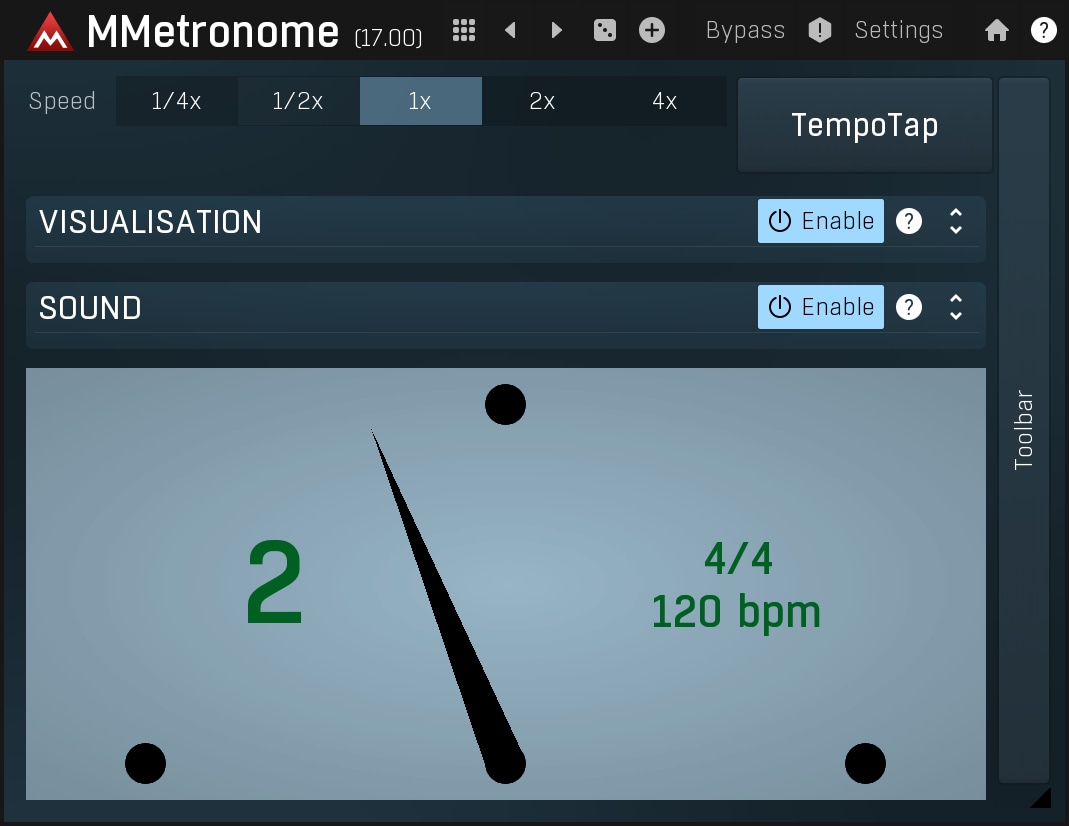
MMetronome is MeldaProduction's metronome effect plugin for a music session. It pairs a click with a resizable on-screen beat indicator, so you can use an audible cue, a visual reference, or both in a compatible plugin host. MeldaProduction lists it as a free effect available through the MFreeFXBundle.
Sound and visual timing
The sound and visual panels can be disabled independently. Keep the visual indicator on for a silent visual cue, or turn it off when you only need the click. The Speed control can increase the click rate, with the quick-start guide giving quarter-note to eighth-note clicks as an example.
Shape the click
MMetronome provides synthesized and sampled tones. You can adjust the beep length and volume, and choose which beat in a group of one to eight is treated as the first beat. The first beat can be distinguished by gain or pitch. Frequency controls apply to synthesized tones; pitch controls apply to samples. Stereo width is adjustable as well.
Compatibility and access
The MMetronome support page lists these Windows requirements: Windows 10 or 11 (64-bit), a 64-bit compatible VST, VST3 or AAX host, and an Intel or AMD processor with SSE2 support. MeldaProduction's v17.10 change list separately records Windows on ARM support for its plugins through Microsoft Prism. For macOS, the support page lists version 10.14 or newer (64-bit), a 64-bit compatible VST, VST3, AU or AAX host, and an Intel, AMD or Apple Silicon processor. Linux is not directly supported. MeldaProduction says running its plugins through Wine may be possible if the .wine/drive_c/windows/Fonts/ directory contains Microsoft True Type Fonts. MeldaProduction notes that its plugins may still work on computers below the listed minimum requirements. Check the MMetronome support page for platform details and the quick-start guide for the documented controls.