Modifier controls, timing, and list mode
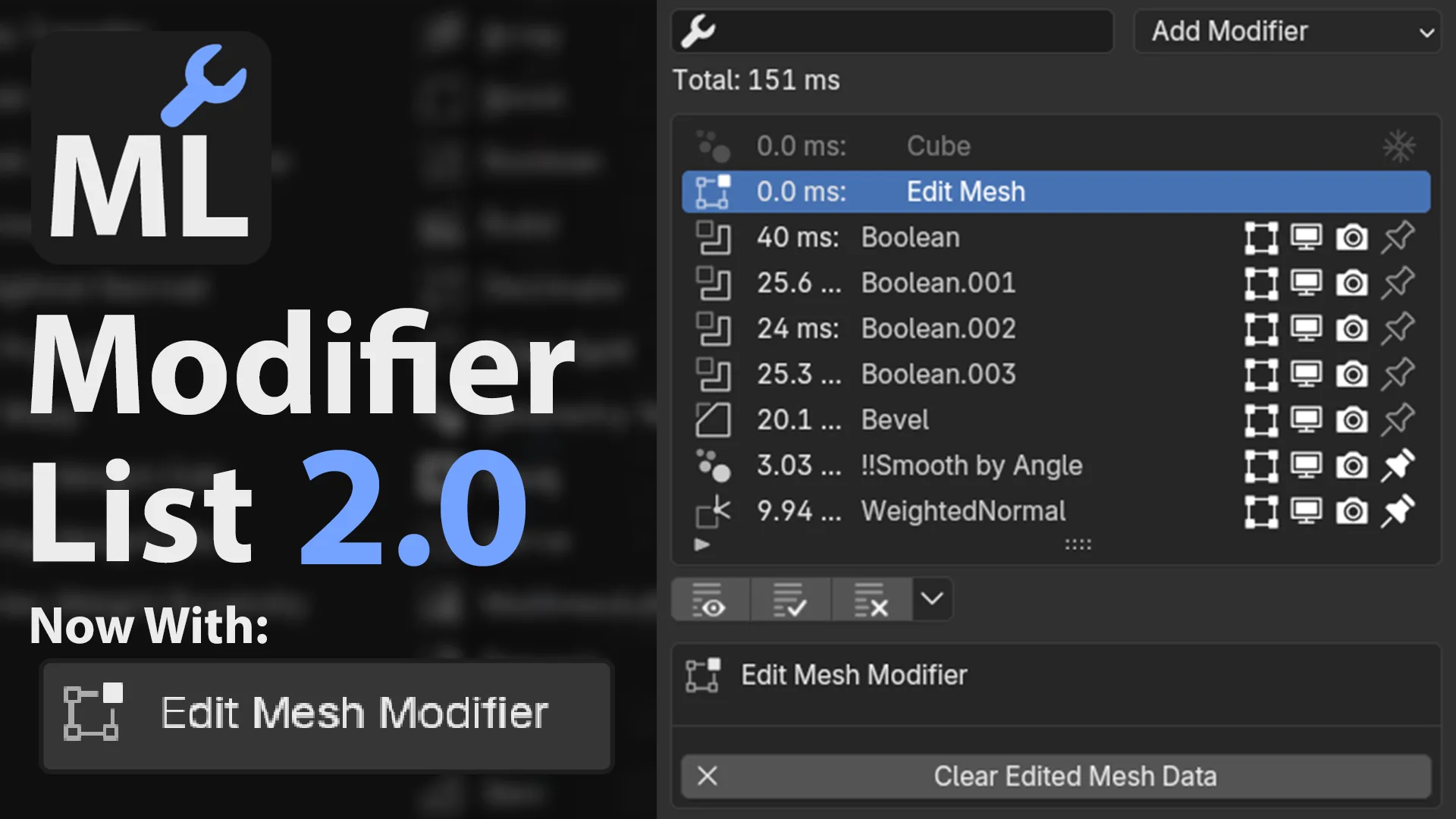
Modifier List is a Blender add-on that adds an enhanced modifier interface and an Edit Mesh Modifier. The Blender Extensions listing describes it as a fork of Symstract's Modifier List and compares the Edit Mesh Modifier to Edit Poly in 3ds Max.
- Show how long each modifier takes to execute.
- Use the attribute helper in the sidebar or popup to work with attributes through controls modeled on vertex and face groups.
- In List Mode, hover over a modifier and press Ctrl+A to apply it or Ctrl+X to remove it.
- Hide the search and add-modifier buttons for a simpler interface.
- Use Geometry Node modifiers; full support requires Blender 5.2 or later because earlier versions lack sufficient API support.
Compatibility and limitations
Modifier List requires Blender 4.2.0 or later. In Blender 4.3, List Mode does not work with Grease Pencil objects, and object constraints are unsupported in List Mode before Blender 5.2. Check your Blender version if your project depends on any of these features.
The add-on requests file access to save its preferences.
Who may find it useful
Modifier List is aimed at Blender modelers who want additional ways to reach modifier controls, inspect execution time, and use the Edit Mesh Modifier in their modeling workflow. Its sidebar and popup options can help keep those controls close while working in the 3D scene.