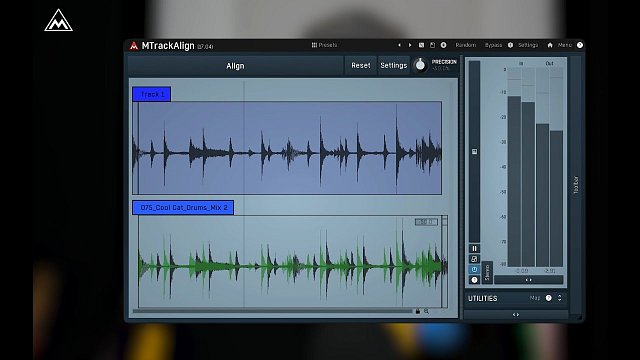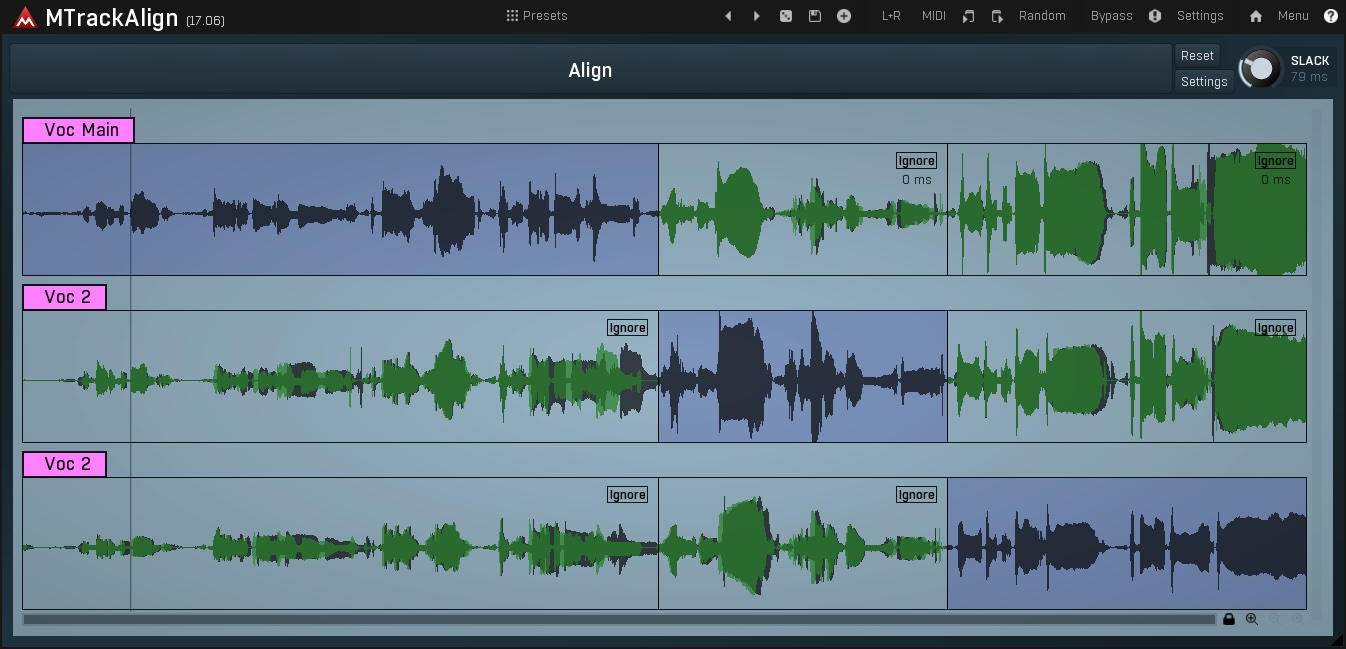
MTrackAlign is an ARA plug-in for timing multiple audio clips against a guide track. It suits vocal producers aligning backing takes to a lead, engineers tightening doubled guitars or rhythm parts, and post-production teams matching replacement dialogue to production audio. It works through a DAW's ARA integration, so the host must support ARA for the workflow you need.
Guide-track alignment workflows
Select the clips to align and choose a guide where needed. ARA lets the plug-in access audio on the timeline without waiting for a full real-time pass. In Logic Pro, start playback briefly once so Logic provides audio to the ARA plug-in before processing the clips in MTrackAlign.
- Vocal layers: Align backing harmonies or choir takes to a lead, including the timing of consonants, syllables, and breaths. MeldaProduction describes this as an alternative to manually chopping and crossfading vocal clips.
- Guitars and rhythm parts: Use the tightest guitar or bass take as the guide and align other takes to it. The product page also names layered synth basses and full rhythm sections as use cases.
- ADR: Use the original production dialogue as the guide when matching a studio replacement take to the on-set performance.
ARA and host requirements
MTrackAlign's ARA integration is available as VST3 for Windows and macOS, and as AU for macOS. VST2 cannot provide the ARA workflow. The DAW-specific steps also matter because hosts expose ARA plug-ins differently:
- Cubase 13 or later: Select the guide and follower clips, then add MTrackAlign through the Audio/Extensions menu or another Extensions entry point. It is not loaded in the usual effect chain.
- Logic Pro: Insert MTrackAlign on each track with relevant audio and place it first in the effect chain. On Apple silicon, Logic supports ARA in Rosetta mode.
- Reaper: Enable ARA for plug-ins in Options/Preferences/Plugins/ARA and restart Reaper. On macOS, use the VST3 version for ARA processing.
- Studio One: Add it as an Event FX to audio regions. The instructions say ARA plug-ins cannot be placed in the track effect chain; on macOS, use VST3.
- Cakewalk/Sonar: The instructions describe adding it as a Region FX on PC.
Check MeldaProduction's DAW-specific instructions for your host and version. Its product overview lists Nuendo and marks Pro Tools as beta, while the linked instructions say Pro Tools currently does not work. Those instructions also give Samplitude/Sequoia setup steps but include Samplitude in a separate list of DAWs without ARA. Treat both cases as unresolved and confirm with the vendor before buying. The same guide lists FL Studio, Ableton Live, Bitwig, Reason, and LUNA as lacking ARA, and says MTrackAlign is not compatible with Digital Performer 11.
Trial and licensing
MeldaProduction lists a fully functional 15-day trial. After the trial, the commercial plug-in switches to demo mode with limitations until you purchase and activate a licence. Its pricing page lists a single purchase for Windows and Mac. The vendor's licence information says a personal licence can be activated on any number of computers you own, using a licence file without an internet connection or hardware dongle. Check the MTrackAlign pricing page for the current checkout price and trial details.