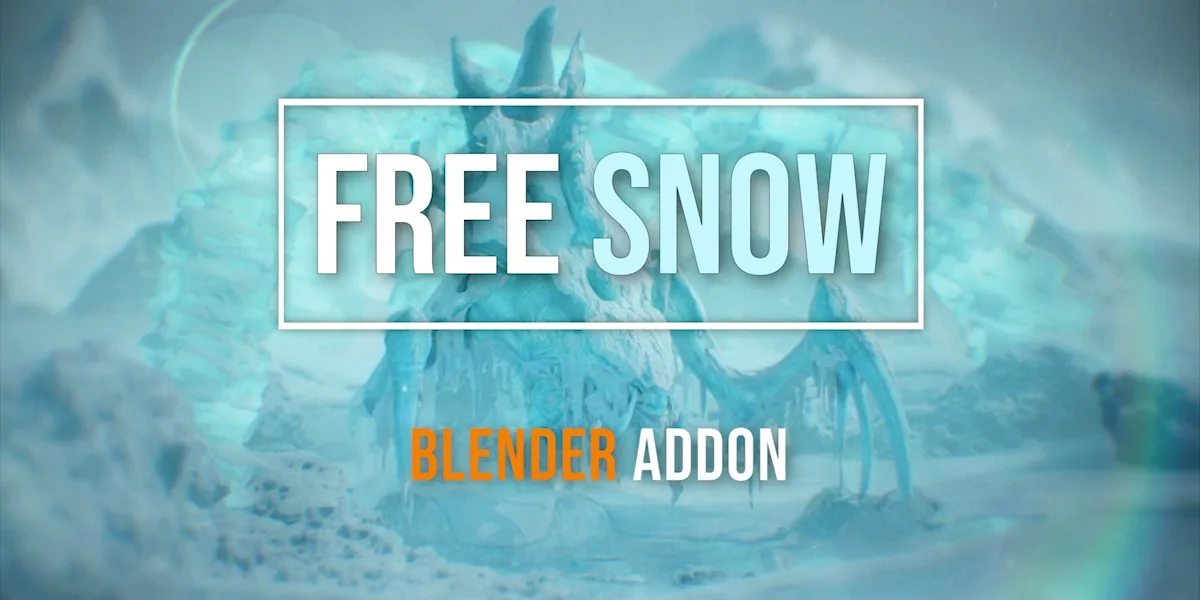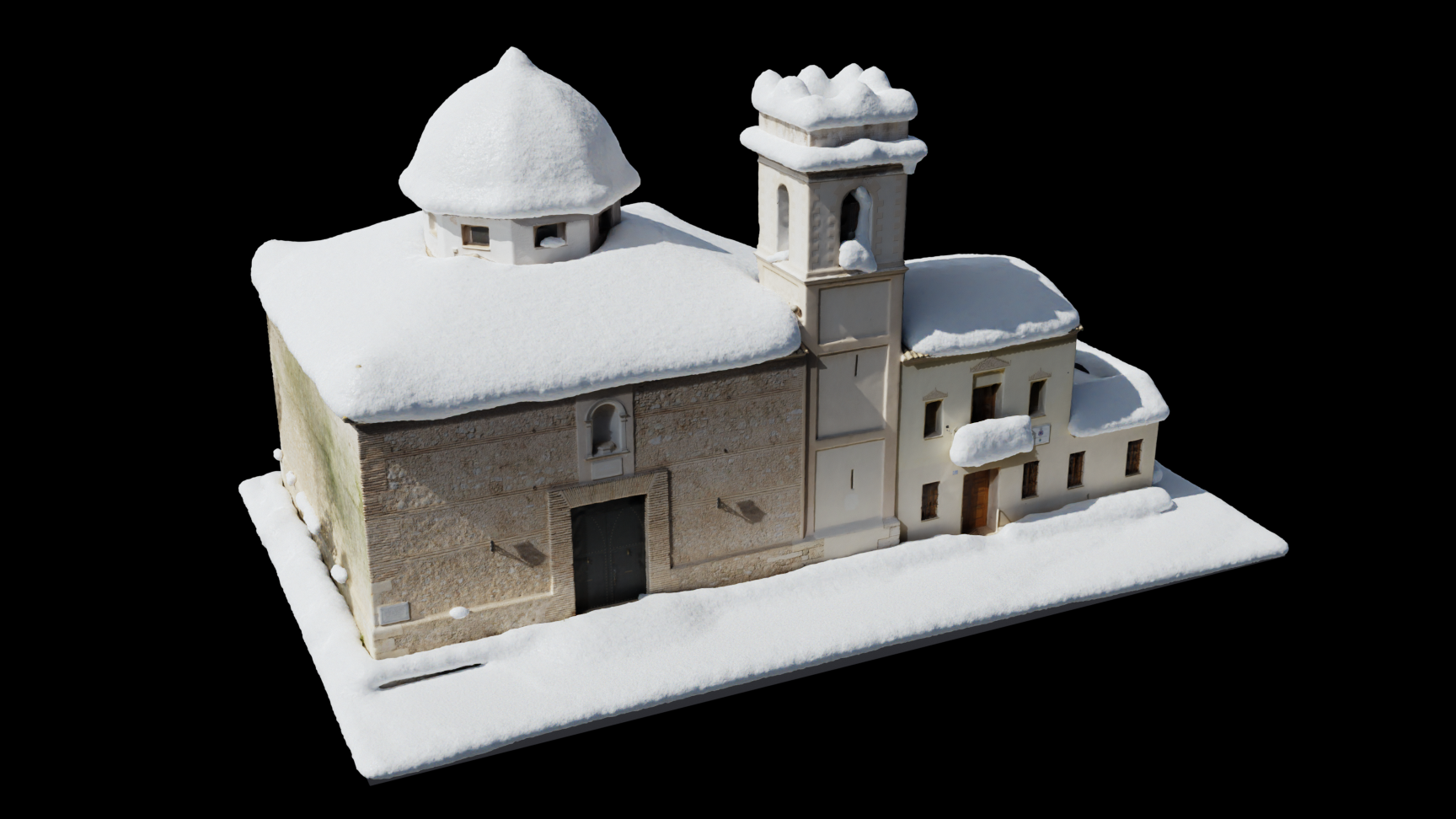
Nodee: Ice&Snow adds procedural snow, ice, icicles, and frost effects to Blender objects through Geometry Nodes. It has four starting setups, with adjustable parameters for shaping the result. You can use the add-on controls or drag an effect from the Asset Browser. The product listing and documentation describe the available effects and controls.
Four setups for winter effects
- Ice & Snow creates snow layers and extra icicles. Its controls include snow thickness, melting, icicle size and density, and snowdrift settings.
- Snow creates snow layers, with settings for thickness, melting, resolution, and seed.
- Icicles creates ice layers and icicles. Its options include ice distortion, shattered ice, and inclusions. The documentation warns that a high shattered-ice count can take a long time to calculate and may cause crashes.
- Frost creates frost layers and crystals. For more control over where the effect appears, the documentation recommends using an Empty object as the Effector and scaling it.
Apply an effect and edit its controls
In the add-on version, select an object in the 3D Viewport, then use the customizable shortcut to open the pie menu or choose an effect from the N panel. In the Asset Browser version, drag an effect onto the object. The Geometry Nodes are organized with named groups and frames, so you can inspect and edit the node tree as well as adjust its exposed parameters.
Settings let you change snow thickness, how melting affects sloped or flat areas, icicle radius, length and density, and random seed values. Some effects also have controls for geometry resolution and point distribution. The debug mode generates simplified geometry for better performance while you work.
Adjust results on larger or uneven objects
If snow or ice looks sparse on a large object, the documentation suggests increasing thickness, resolution, or Point Distribution Number. If snowdrifts do not appear, check that a Ground Object is assigned in the Geometry Nodes modifier. A uniform frost result may need an Effector. For snow or ice pointing in the wrong direction, apply the object's rotation; the documentation also recommends checking its scale and normals.
Check the version instructions before installing
The product-details block lists Blender 4.3–5.2. The installation documentation separately names files for Blender 3.6.x and 4.x, and the product listing's changelog says version 1.0.7 added Blender 4.0 support and fixed a problem that caused different results in Blender 3.6.x and 4.0.x. These version notes do not fully match, so check the product listing and its current files for the instructions that apply to your Blender release.