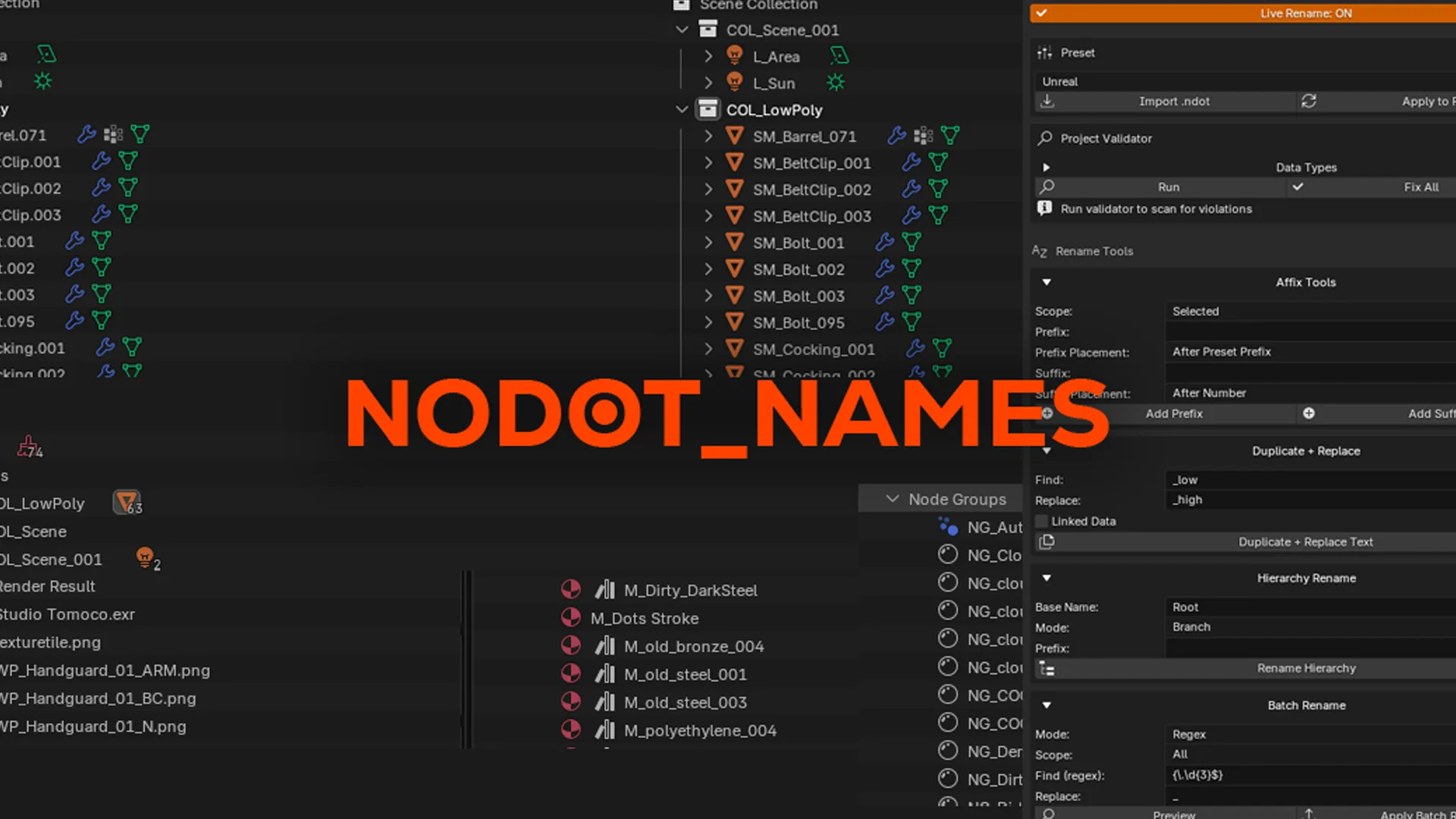
NoDot Names is a Blender add-on for applying studio naming conventions to a project. It can change new duplicate names such as Cube.001 to Cube_001, and includes presets, a project validator and tools for renaming existing datablocks. The Blender Extensions catalog lists version 2.0.2, Blender 4.5.0 as the minimum version, and a GPL-3.0-or-later license. See the Blender Extensions listing for catalog details and the maintainer’s version 2.0.0 README for feature and usage information.
Choose a naming convention
The included presets cover common conventions used in asset pipelines:
- Unreal examples include
SM_,M_andT_. - Unity examples include
Mesh_,Mat_andTex_. - The Studio Pipeline preset includes examples such as
Geo_,Prop_andRig_. - For other rules, the Naming Convention Editor lets you set prefixes by datablock type, along with separators, number padding and letter case.
Live Rename can normalize new datablock names as they are created. You can enable or disable it in Preferences or from the add-on’s N-panel controls in the 3D View sidebar.
Validate names in a Blender file
The Project Validator scans datablocks for naming issues, including prefix, case and separator mismatches, as well as object and data name mismatches. Choose which datablock types to check, then use Fix All or Fix Selected to address violations. The validator can also export a report as a text file.
The maintainer’s version 2.0.0 README documents Apply to File as applying a selected preset across the file and converting names between presets rather than stacking a second prefix onto the first.
Rename groups, hierarchies and duplicates
Batch Rename supports regular expressions and templates, with a preview before changes are applied. The add-on also includes Affix Tools for adding prefixes or suffixes, Duplicate + Replace for duplicating objects while changing part of their names, and Hierarchy Rename for rig or hierarchy naming.
Hierarchy Rename has two modes: Chain assigns sequential indices, while Branch uses names that reflect each item’s path in the hierarchy. For simpler cleanup, Batch Rename can match a regular expression when it is enclosed in braces; a pattern without braces is treated as literal text.
Save and share naming profiles
Import or export .ndot profile files to share naming rules or load a saved convention. An Ignore List can skip add-on-generated datablocks, and custom prefixes can be added in Preferences.
Check the Blender Extensions listing for the current release and compatibility details before installing NoDot Names.