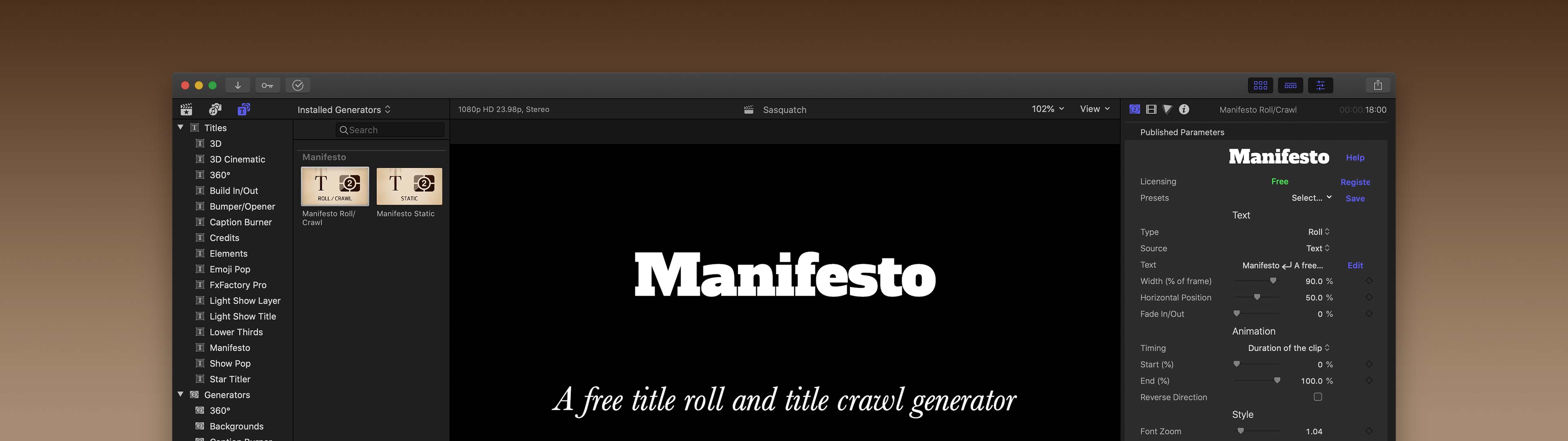
Noise Industries Manifesto (Free) is a macOS titling plug-in for Final Cut Pro, Motion, Premiere Pro, After Effects and DaVinci Resolve. It creates static titles, animated title rolls and crawls. Noise Industries distributes it through FxFactory and lists the plug-in as free.
Manifesto is suited to editors adding titles or scrolling credits to a video timeline. Its roll and crawl generators use the length of the generator track to set the animation timing, so you can adjust the track to change the scroll duration without placing keyframes. The animation can also be matched to the duration of another clip.
Static titles and text entry
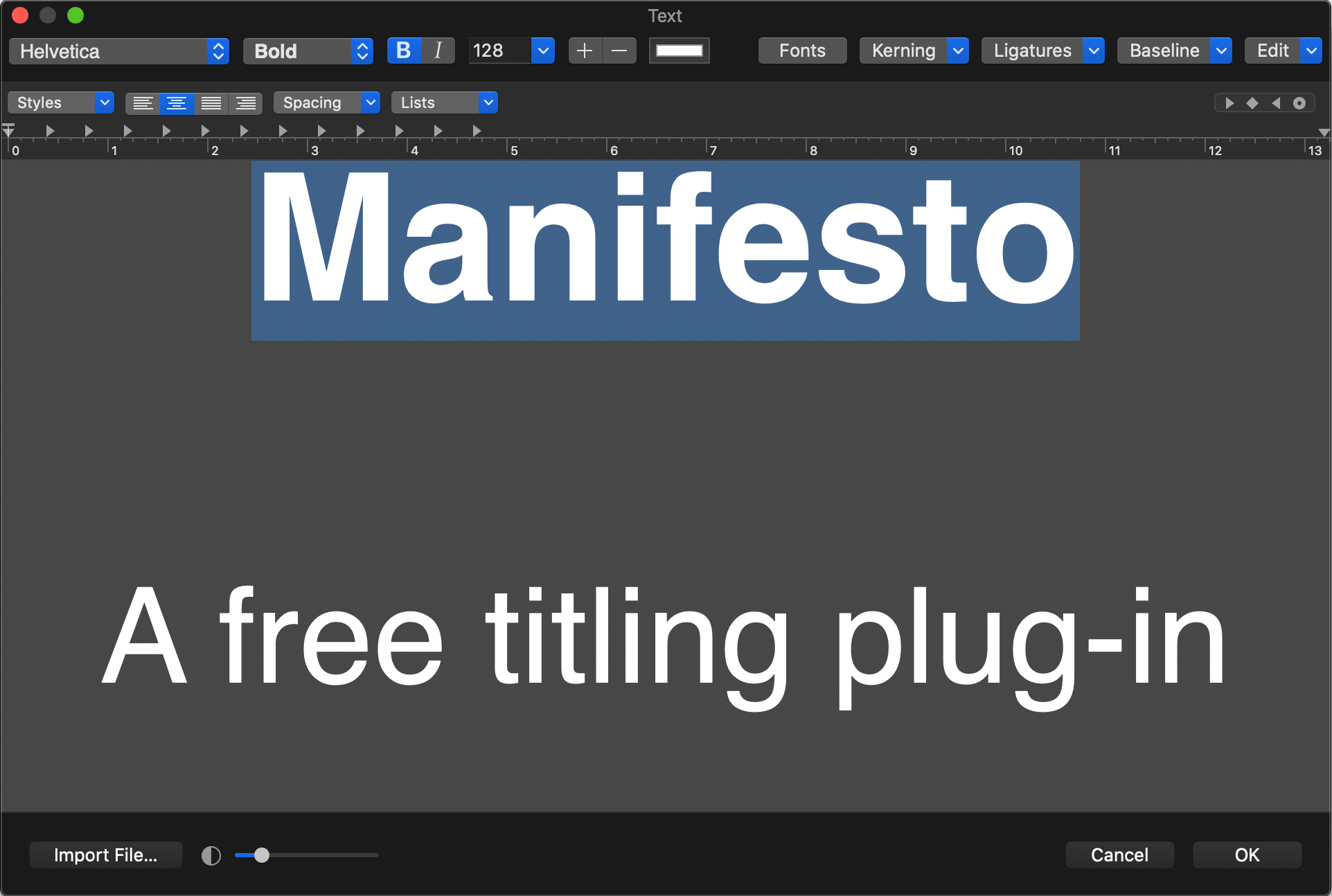
Use the static title generator for a simple title in the host application. For more involved text and styles, Manifesto has a separate editing window. It can also reference an existing RTF file on disk, so you can prepare the copy and layout in another application. The plug-in includes multiple templates for static titles and animated rolls and crawls.
Motion and masking controls
Built-in motion blur and de-flickering controls support title animation at different frame rates and can reduce interlacing artifacts. Manifesto also uses external media for masking: the media can determine which parts of the title remain visible, or the title can determine which parts of the media show through.
Supported hosts and installation
In Final Cut Pro, the same effects are available as titles or generators. In Premiere Pro, the vendor’s setup uses a Transparent Video clip with a Manifesto generator applied to it.
Manifesto requires FxFactory. Install FxFactory first, then download and install Manifesto through it. FxFactory is available as a free download, while FxFactory Pro is a separately paid product. Noise Industries lists support for Apple and Intel processors. Check the current FxFactory system requirements before installing, and see the Manifesto product page for its installation instructions and supported hosts.