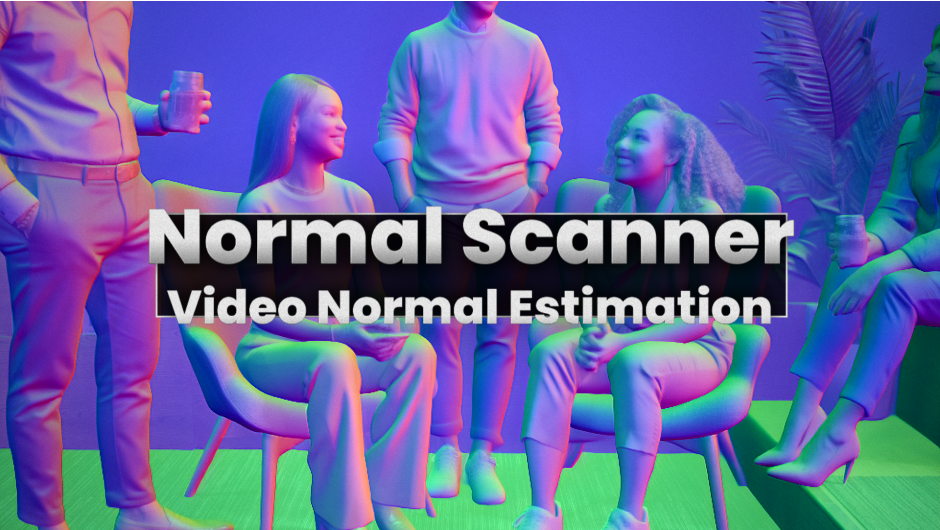
Normal Scanner is a Blace Plugins effect for After Effects and Premiere Pro. It estimates normal maps from regular footage or human characters, giving artists a pass for visual effects work. The developer describes the processing as video-focused and says it runs locally on the computer.
Create and inspect normal maps
Use Normal Scanner to generate a normal pass from a clip, including footage of people. Its built-in visualization helps you inspect the direction of the estimated surface normals. The result can be exported for use in other software.
Use the pass for relighting
Normal Scanner can pair with Normality for interactive relighting in a composition. Normality uses a normal pass and can also use a depth pass to relight layers according to composition lights. You can also import the normal pass into a 3D tool for geometry-aware lighting. The product page notes that Normality does not support Apple Silicon Macs.
Adjust the render workflow
The developer recommends setting Window Size to the highest value your GPU allows to improve temporal stability. For better responsiveness while working, disable Composition > Preview > Cache Frames When Idle. Processing happens in chunks, so some frames may take several seconds; subsequent frames render much faster.
Check compatibility and hardware
The aescripts product page lists After Effects 2026, 2025 and 2024, and identifies Premiere Pro as another host application. Its system requirements list Windows GPU thresholds of 16 GB for NVIDIA and 8 GB for non-NVIDIA GPUs. For Apple Silicon, it specifies macOS Sequoia or newer and at least 32 GB of RAM. The 1.2.72 compatibility update on November 13, 2026 fixed a Premiere loading error. Version 1.2.66, dated October 8, 2026, deprecated the Intel macOS version and Windows support for NVIDIA 1xxx GPUs. Check the current listing for compatibility and trial details.