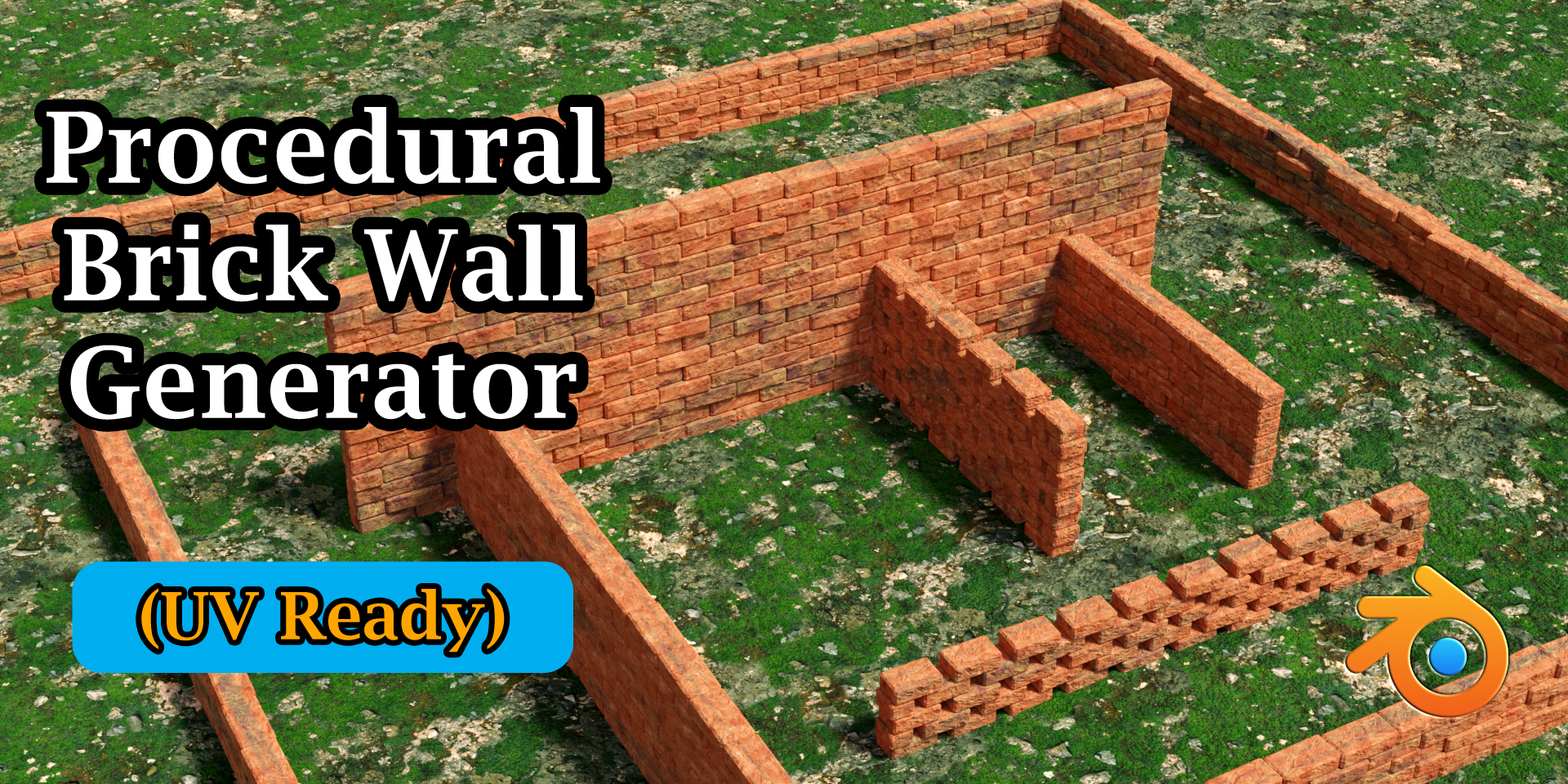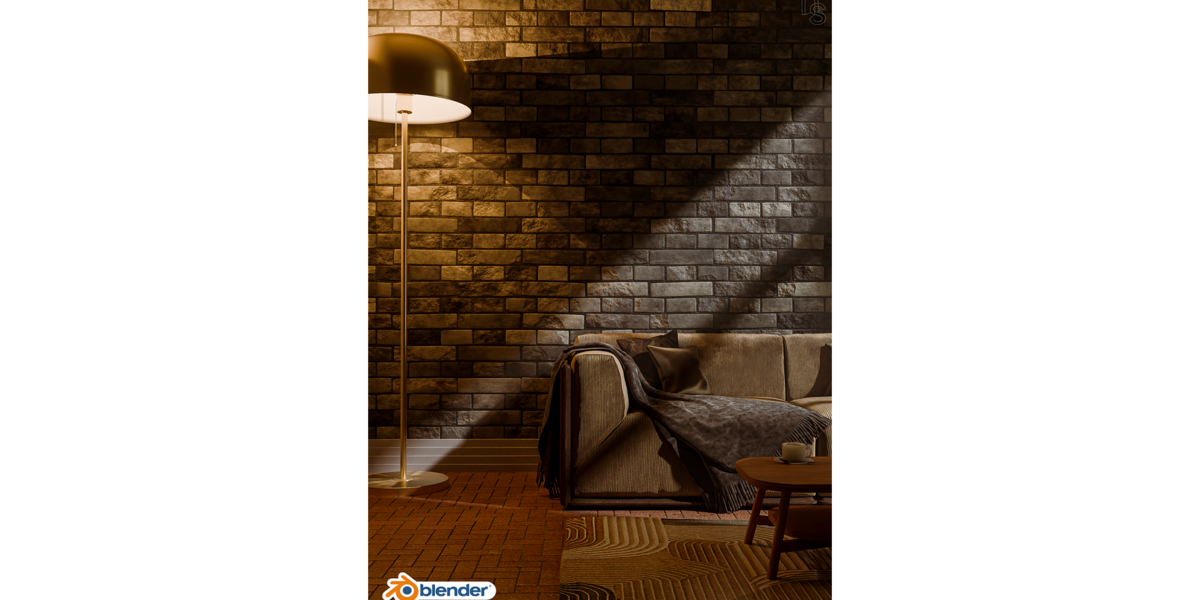
Ns Brick Wall Builder is a Blender add-on from Nick Sayce Designs that creates walls from physical brick geometry. Start with a preset or build along a straight, corner or curved path, then adjust the result in Blender’s 3D View sidebar. The product listing identifies version 4.0 and compatibility with Blender 4.0 through 5.1.
Brick patterns and presets
The add-on includes patterns such as standard, basketweave, irregular, English bond, course rubble, quoin, Herringbone, Flemish bond, Dry Rubble, Common Bond and Pinwheel. Version 4.0 lists 22 presets across straight and curved walls. A preset can provide a ready-made starting point, with further adjustments available in the add-on’s controls.
Straight, corner and curved walls
Build on straight or corner paths for architectural layouts, or use smooth curves with automatic deformation. The add-on lets you switch between straight and curved modes.
Adjust brick dimensions and appearance
Controls include brick size, gap, depth, rotation variance and scale variance. Materials and textures can also be adjusted. Version 4.0 added brightness and contrast controls for brick color, along with other material and displacement controls.
Each brick occupies its own texture space, so the same texture pattern does not repeat from one brick to the next. Materials are made unique across wall instances, which helps keep changes to one wall from affecting another.
Work with the generated geometry
Ns Brick Wall Builder creates modeled brick geometry instead of relying on RGB textures and maps for the wall itself. The product listing says finished walls can be exported for use in other software. Use the “Make Single” feature to disconnect a wall from the add-on for further customization or repositioning without affecting newly generated walls.
Who may find it useful
The add-on is aimed at architects and designers making visualizations, as well as 3D artists building brick structures in Blender. It may suit scenes where brick courses need to follow a path or where the wall needs to exist as geometry for further editing or export.
For current price, version, compatibility and license details, check Nick Sayce Designs’ Superhive listing.