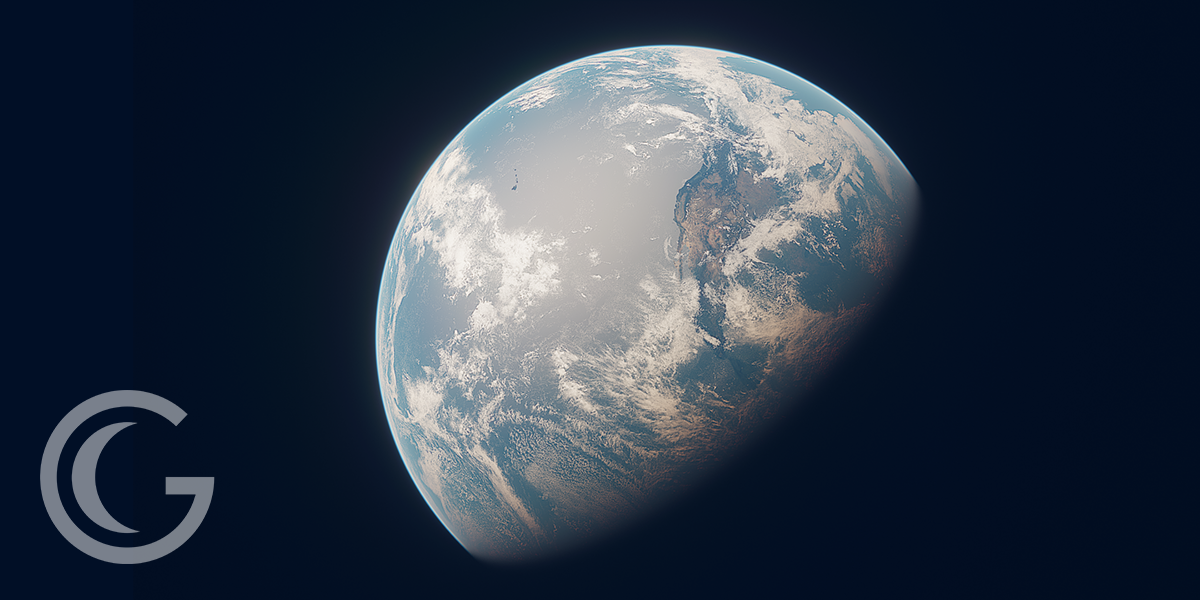
ᑕ O S M O is a collection of Blender files for building space scenes. It includes a prepared scene with a planet, atmosphere, sun, and clouds, plus separate files for making procedural planets and space environments. The files can be appended into an existing project, so you can bring in the objects or materials you need.
What the collection includes
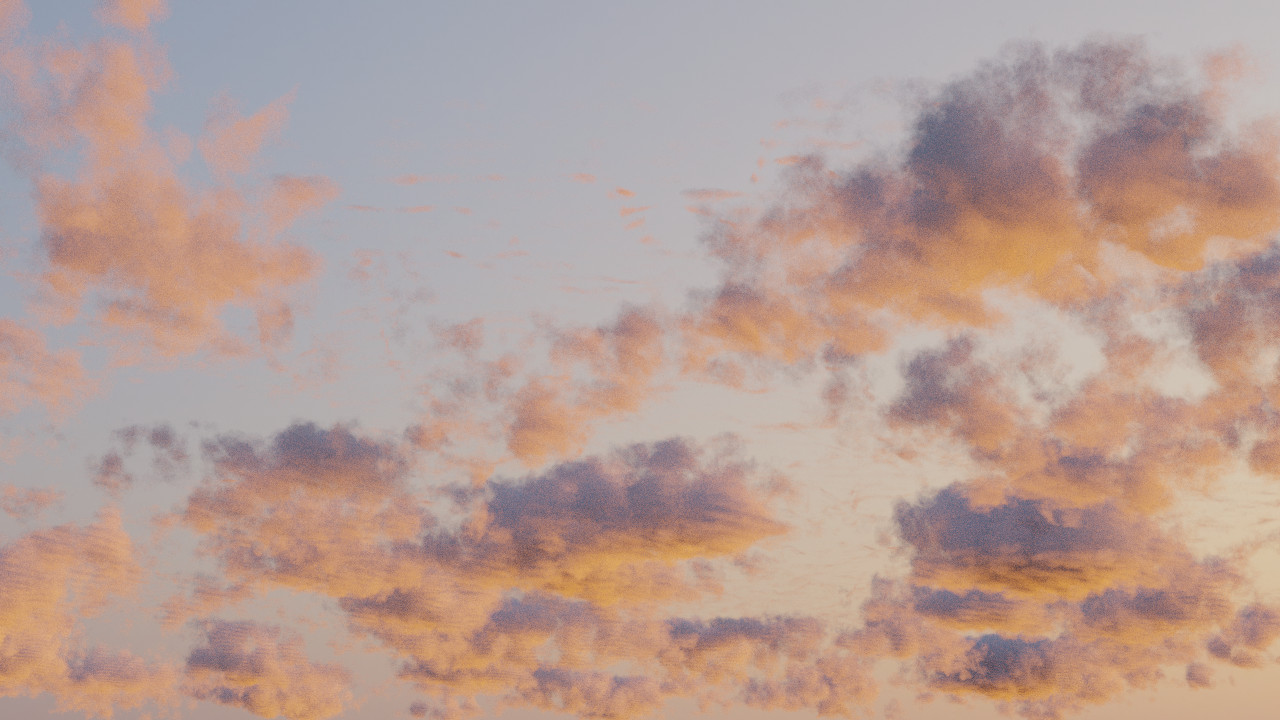
The main C O S M O file contains a customized space scene. Its atmosphere shader uses volumetric clouds that cast shadows into the atmosphere, while its surface shader uses micro-displacement, generates city lights from continent information, and lets you adjust ocean color, depth, and roughness.
The separate procedural planet file uses noise textures to create customizable terrain, including coastlines, rivers, mountain ranges, and underwater reefs. The space environment generator creates backgrounds with stars and nebulae; the product listing says it was made using NASA photos.
Atmosphere shader and rendering speed
The product listing says the atmosphere shader's volume processing can render up to 568 times faster than a standard volume shader and produce almost no noise. The listing does not provide a benchmark setup, so treat that figure as the creator's claim rather than a guaranteed render-time result.
Append files to a Blender project
After downloading the files, use Blender's File > Append command. Open the C O S M O file, select the objects or materials you need, and append them to your project. Read the product documentation for the listed steps.
Compatibility details
The Superhive listing names Blender versions 2.8 through 3.3 and lists Cycles and Eevee as the render engines used. The supplied listing does not establish compatibility with later Blender releases. Check the current Superhive listing for availability, license, and compatibility details before downloading.
ᑕ O S M O's files support space-scene rendering, and the listing also describes exporting textures from its generated planets for game development.