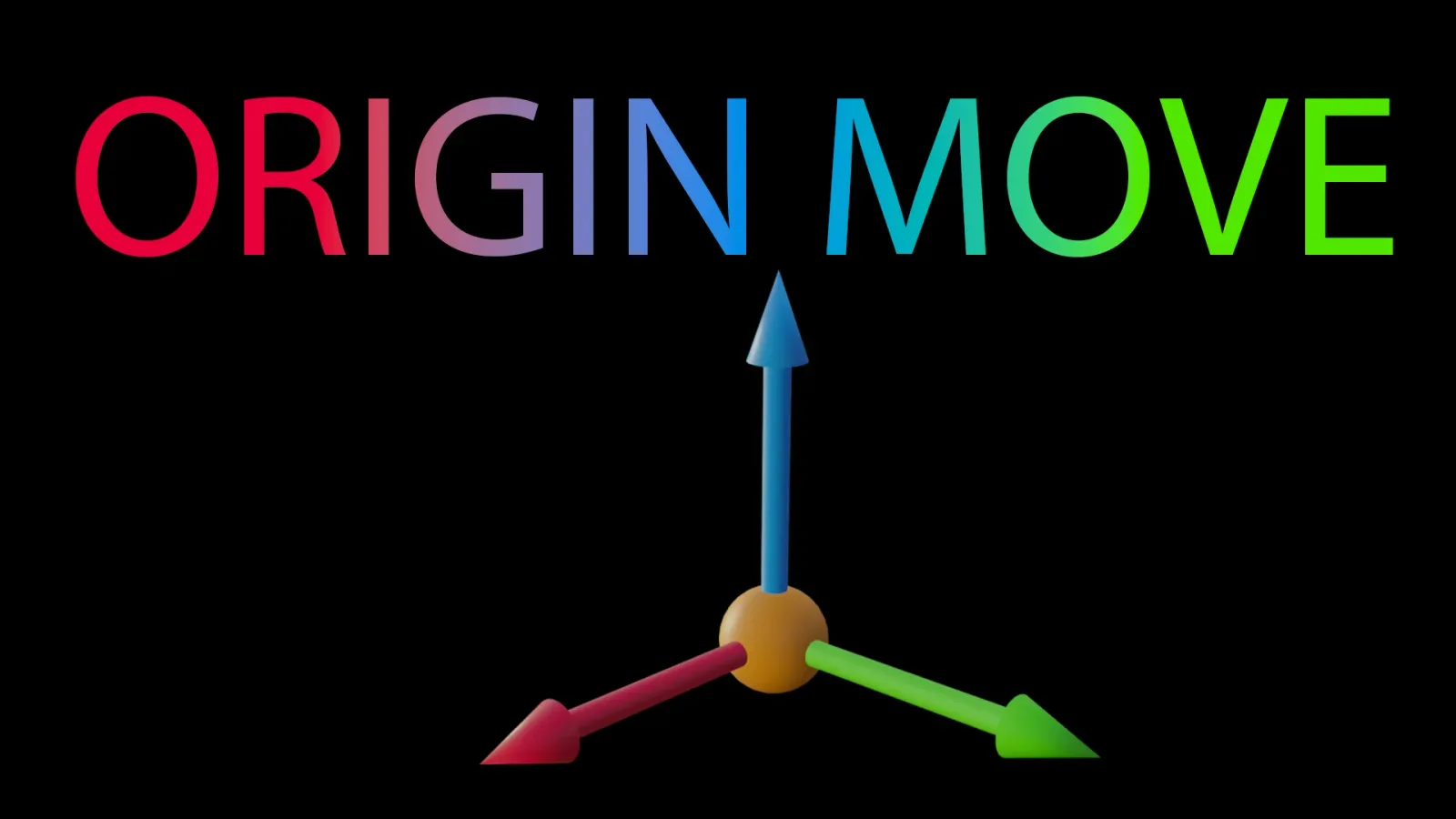
Origin_move_like_maya (Press D) is a Blender add-on for moving an object's origin independently with a gizmo. Its published workflow uses a D-key toggle for pivot mode and an S-key toggle for snapping, giving Maya users a familiar way to adjust an object pivot in Blender.
Use the pivot controls
Select an object in Object mode, then follow the controls described in the published product guide:
- Press D to enter pivot mode.
- Move the origin with the gizmo. Press S to turn snapping on or off while positioning it.
- Press D again to leave pivot mode.
The guide says the add-on works in Object mode, not Edit mode. It changes the object's origin or pivot; it is not for moving individual mesh vertices or faces.
Compatibility and installation
The Blender Extensions listing identifies version 1.4.0, Blender 4.2.0 as the minimum version, maintainer deepak756, and the GNU GPL version 3.0 or later license. The listing links to the downloadable archive. For a downloaded package, Blender's Install from Disk instructions explain the installation process. Check the listing for current compatibility details before installing.
Reported interface behavior
One reviewer on the Blender Extensions listing reports lag and says the rest of Blender's interface is disabled while pivot mode is active. This is an individual report, so it does not show how often the issue occurs. Try the add-on in your own Blender setup if interface responsiveness matters to your work.
The developer's GitHub repository is linked from the extension listing for source and issue reporting.