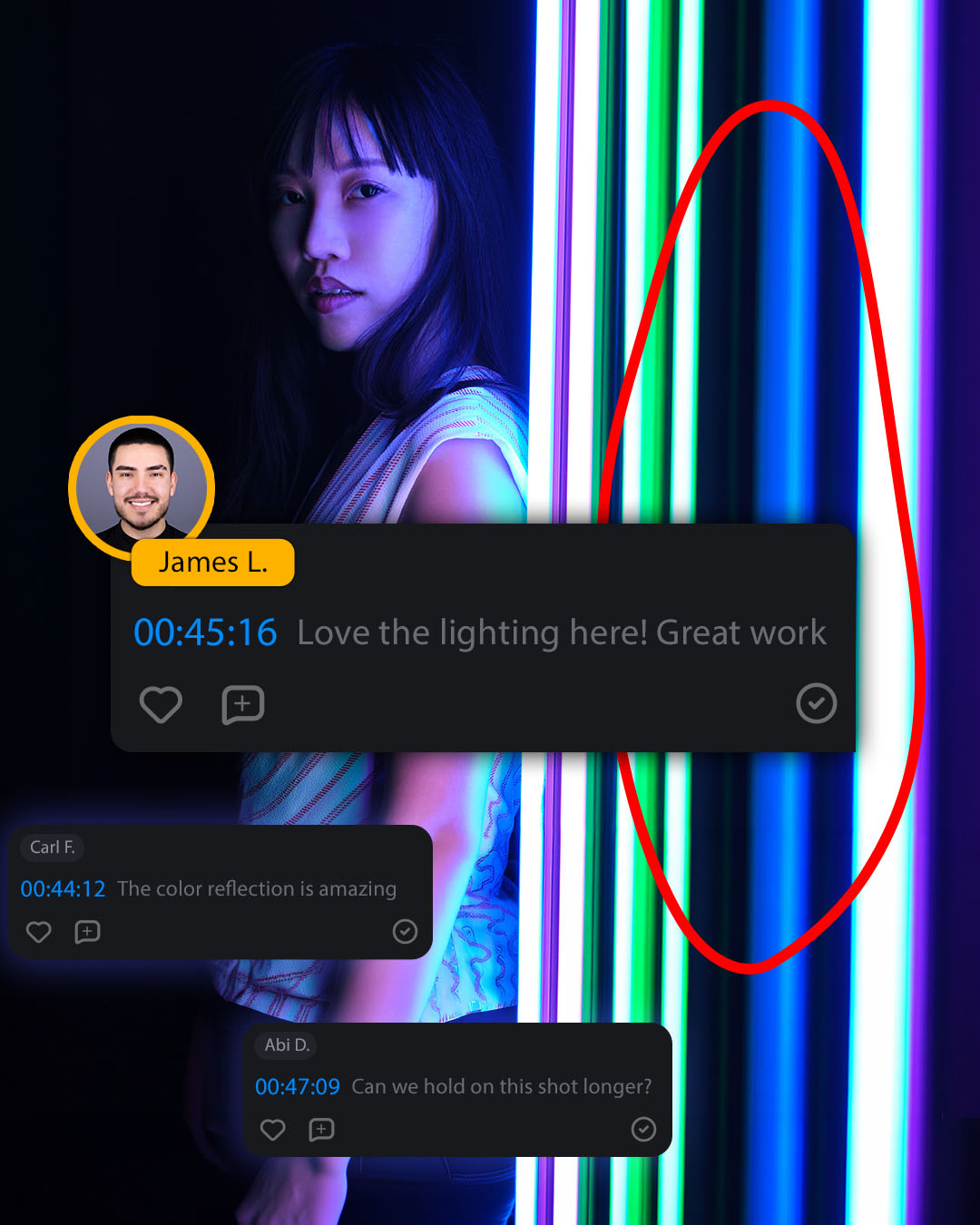
Overcast HQ Video Review and Collaboration connects Overcast’s cloud video platform with Adobe Premiere Pro. The panel lets editors browse media managed in Overcast from the editing environment. Adobe lists it as free and compatible with Premiere Pro 23.0 or later. An Overcast account is required to use the panel.
Work with Overcast media in Premiere Pro
Overcast stores original files or proxies in your cloud account, where you can share them with colleagues and clients. The Adobe Exchange listing also describes automated workflows for transcoding, subtitle generation, and image recognition. This setup may suit editors whose teams already manage video assets in Overcast and need to work with them alongside Premiere projects.
In the developer’s Premiere Pro panel workflow demo, editors search and filter the Overcast library, import original or proxy media, and work with Overcast assets alongside local media. The tutorial also shows syncing Premiere projects to Overcast, uploading missing media during sync, and managing project versions.
Install and open the panel
Get the extension from Adobe Exchange and complete the installation in the Creative Cloud app. In Premiere Pro, open Window, choose Extensions, then select Overcast HQ Platform. The panel asks you to sign in with your Overcast account. See the developer’s installation guide for the listed steps.
Version and account details
Adobe Exchange lists version 1.5.8, updated November 4, 2026, with asset import and asset detail improvements. The listing labels the extension Free. Because panel access requires an Overcast account, check Overcast’s pricing page for current account terms before signing up.